1. Εισαγωγή
The Brother DCP-L2640DW is a compact, high-performance monochrome laser all-in-one printer designed for home offices and small workgroups. This manual provides essential information for setting up, operating, maintaining, and troubleshooting your printer to ensure optimal performance.
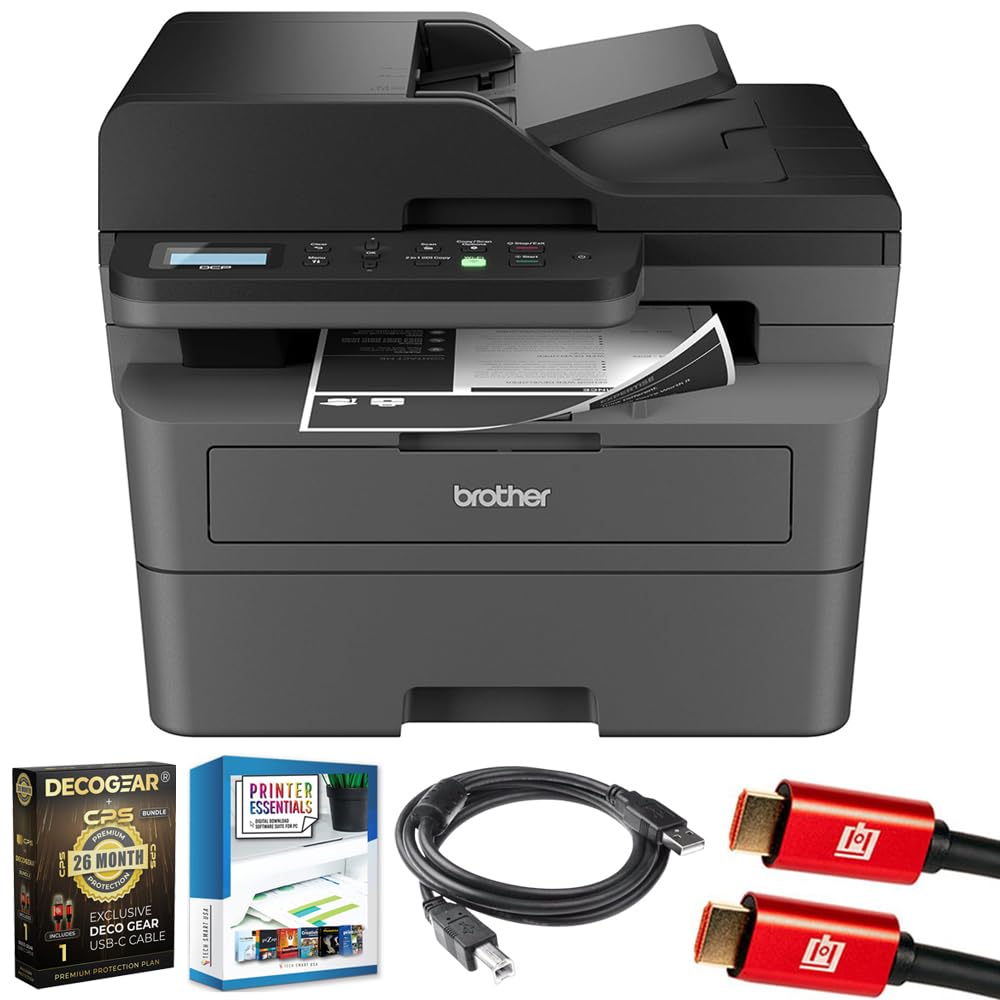
Image 1.1: Brother DCP-L2640DW Compact Monochrome Laser Printer
2. Βασικά Χαρακτηριστικά
- Λειτουργικότητα 3 σε 1: Print, copy, and scan capabilities in a compact design.
- Γρήγορες ταχύτητες εκτύπωσης: Delivers up to 36 pages per minute for efficient task completion.
- Αυτόματη εκτύπωση διπλής όψης: Built-in two-sided printing to save time and paper.
- Αυτόματος τροφοδότης εγγράφων (ADF) 50 φύλλων: Για αποτελεσματική σάρωση και αντιγραφή πολλαπλών σελίδων.
- High-Capacity Paper Handling: 250-sheet paper tray plus a manual feed slot for diverse media types.
- Ευέλικτες επιλογές συνδεσιμότητας: Dual-band Wi-Fi, Ethernet, USB, and mobile printing via Brother Mobile Connect, AirPrint, Mopria, and Wi-Fi Direct.
- Προηγμένη ασφάλεια δικτύου: Features like TLS/SSL, SNMP v3, and IP filtering for secure operation.

Εικόνα 2.1: Πάνωview of the Brother DCP-L2640DW's key features including print speed, connectivity, and compact design.
3. Τι υπάρχει στο κουτί
- Brother DCP-L2640DW Monochrome Laser Printer
- Starter Black Toner Cartridge (approx. 700 pages)
- Brother DR830 Drum Unit (approx. 15,000 pages)
- Καλώδιο τροφοδοσίας AC
- Documentation (Quick Setup Guide, Product Safety and Protection Information)
4. Ρύθμιση
4.1. Αποσυσκευασία
- Αφαιρέστε προσεκτικά τον εκτυπωτή από τη συσκευασία του.
- Αφαιρέστε όλες τις προστατευτικές ταινίες και τα υλικά συσκευασίας από το εξωτερικό και το εσωτερικό του εκτυπωτή.
4.2. Εγκατάσταση κασέτας γραφίτη και μονάδας τυμπάνου
- Ανοίξτε το μπροστινό κάλυμμα του εκτυπωτή.
- Remove the toner cartridge and drum unit assembly from the printer.
- Unpack the new toner cartridge and drum unit.
- Τοποθετήστε σταθερά την κασέτα γραφίτη στη μονάδα τυμπάνου μέχρι να ασφαλίσει στη θέση της.
- Slide the green tab on the drum unit from left to right several times to clean the corona wire. Return the tab to the home position.
- Reinstall the toner cartridge and drum unit assembly into the printer.
- Κλείστε το μπροστινό κάλυμμα.
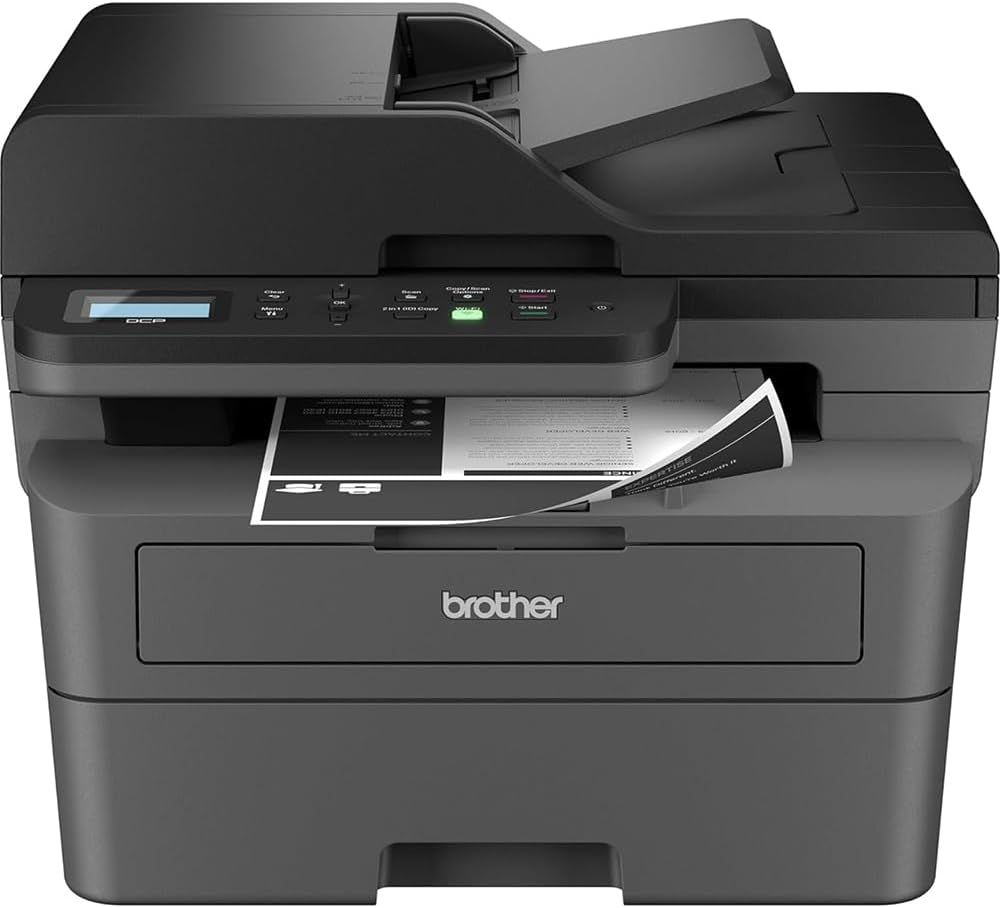
Image 4.1: The Brother DCP-L2640DW printer with the front cover open, showing the toner cartridge and drum unit assembly.
4.3. Σύνδεση ρεύματος
- Connect the AC power cord to the printer's power input.
- Συνδέστε το άλλο άκρο του καλωδίου ρεύματος σε μια γειωμένη πρίζα.
- Πατήστε το κουμπί λειτουργίας για να ενεργοποιήσετε τον εκτυπωτή.
4.4. Initial Setup & Connectivity
Follow the on-screen instructions on the printer's LCD display to complete the initial setup, including language selection and date/time settings.
- Ρύθμιση ασύρματης σύνδεσης: Navigate to the network settings on the printer's control panel, select your Wi-Fi network, and enter the password.
- Σύνδεση Ethernet: Connect an Ethernet cable from your router or network hub to the printer's Ethernet port.
- Σύνδεση USB: Συνδέστε ένα καλώδιο USB από τον υπολογιστή σας στη θύρα USB του εκτυπωτή.
- Εγκατάσταση προγράμματος οδήγησης: Install the printer drivers from the included CD-ROM or download them from the official Brother support webτοποθεσία.
Βίντεο 4.1: Ένα προϊόν πάνω απόview video demonstrating the Brother DCP-L2640DW printer's features and ease of use.
5. Οδηγίες λειτουργίας
5.1. Εκτύπωση Εγγράφων
- Load paper into the 250-sheet paper tray or the manual feed slot.
- From your computer or mobile device, open the document you wish to print.
- Επιλέξτε «Εκτύπωση» από το μενού της εφαρμογής.
- Choose your Brother DCP-L2640DW printer.
- Προσαρμόστε τις ρυθμίσεις εκτύπωσης (π.χ., αριθμό αντιγράφων, εκτύπωση διπλής όψης) όπως απαιτείται.
- Κάντε κλικ στην επιλογή «Εκτύπωση».
5.2. Αντιγραφή εγγράφων
- Place your document face down on the scanner glass or face up in the Automatic Document Feeder (ADF).
- Στον πίνακα ελέγχου του εκτυπωτή, πατήστε το κουμπί «Αντιγραφή».
- Use the arrow keys to select the number of copies or adjust other settings.
- Press 'Start' to begin copying.

Image 5.1: The Brother DCP-L2640DW highlighting its Automatic Document Feeder for multi-page tasks.
5.3. Σάρωση εγγράφων
- Place your document face down on the scanner glass or face up in the ADF.
- On the printer's control panel, press the 'Scan' button.
- Select your desired scan destination (e.g., PC, email, cloud).
- Προσαρμόστε τις ρυθμίσεις σάρωσης (π.χ. ανάλυση, λειτουργία χρώματος) όπως απαιτείται.
- Press 'Start' to begin scanning.
5.4. Εκτύπωση μέσω κινητού
The Brother DCP-L2640DW supports various mobile printing solutions:
- Brother Mobile Connect App: Download the app to manage your printer, print, and scan from your smartphone or tablet.
- Apple AirPrint: Print directly from your Apple iOS device without installing drivers.
- Υπηρεσία εκτύπωσης Mopria: Εκτυπώστε από συσκευές Android με πιστοποίηση Mopria.
- Wi-Fi Direct: Print directly from your mobile device to the printer without needing a router.

Image 5.2: The Brother Mobile Connect App interface, showing options for document print, photo print, scan, copy, and toner monitoring.
6. Συντήρηση
6.1. Αντικατάσταση τόνερ
When the toner is low or empty, the printer's display will indicate that the toner cartridge needs to be replaced. Always use genuine Brother toner cartridges for optimal performance and print quality.
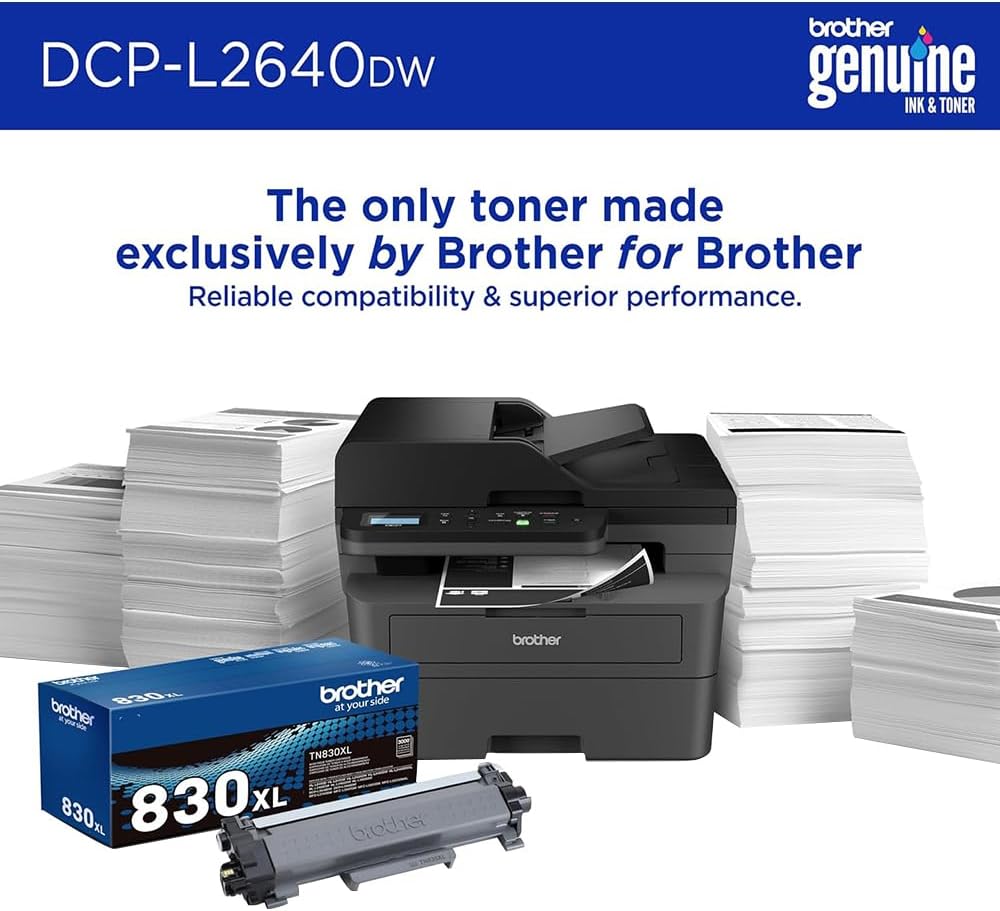
Image 6.1: Brother Genuine Ink & Toner packaging, emphasizing reliable compatibility and superior performance.
6.2. Drum Unit Replacement
The drum unit is a separate consumable that needs to be replaced periodically, typically after approximately 15,000 pages. The printer will notify you when it's time to replace the drum unit.
6.3. Καθάρισμα
- Εξωτερικός: Σκουπίστε το εξωτερικό του εκτυπωτή με ένα μαλακό πανί που δεν αφήνει χνούδι.
- Γυαλί σαρωτή: Καθαρίστε το γυαλί του σαρωτή με ένα μαλακό πανί που δεν αφήνει χνούδι, βρεγμένο με καθαριστικό γυαλιού.
- Κορώνα Wire: Regularly clean the corona wire inside the drum unit by sliding the green tab.
7. Αντιμετώπιση Προβλημάτων
- Εμπλοκές χαρτιού: Follow the on-screen instructions or refer to the printer's documentation to clear paper jams from various access points.
- Ζητήματα συνδεσιμότητας: Ensure the printer is connected to the correct network (Wi-Fi or Ethernet) or directly to the computer via USB. Restarting the printer and router can often resolve temporary connection problems.
- Κακή ποιότητα εκτύπωσης: Check toner levels, clean the corona wire, and ensure you are using appropriate paper for your print job.
- Μηνύματα σφάλματος: Refer to the printer's LCD display for specific error codes and consult the online manual or Brother support for solutions.
8. Προδιαγραφές
| Χαρακτηριστικό | Λεπτομέρεια |
|---|---|
| Αριθμός μοντέλου | DCP-L2640DW |
| Τεχνολογία Εκτύπωσης | Λέιζερ |
| Έξοδος εκτυπωτή | Μονόχρωμος |
| Μέγιστη ταχύτητα εκτύπωσης Μονόχρωμη | 36 ppm |
| Μέγιστη ανάλυση ασπρόμαυρης εκτύπωσης | 1200 x 1200 κουκκίδες ανά ίντσα |
| Αυτόματη εκτύπωση διπλής όψης | Ναί |
| Τύπος σαρωτή | Επίπεδο κρεβάτι |
| Μέγιστη χωρητικότητα φύλλου εισόδου | 250 φύλλα |
| Χωρητικότητα Αυτόματου Τροφοδότη Εγγράφων (ADF) | 50 φύλλα |
| Τεχνολογία Συνδεσιμότητας | USB, Ethernet, Dual-band Wi-Fi |
| Συμβατό φυσίγγιο | TN830, TN830XL |
| Διαστάσεις προϊόντος | 15.7" Β x 16.1" Π x 12.5" Υ |
| Βάρος | Not specified in provided data, typically around 20-30 lbs for similar models. |
9. Εγγύηση και υποστήριξη
The Brother DCP-L2640DW Monochrome Laser Printer comes with a Limited Warranty. For specific warranty terms and conditions, please refer to the documentation included with your product or visit the official Brother support webτοποθεσία.
Για τεχνική υποστήριξη, λήψεις προγραμμάτων οδήγησης και πρόσθετους πόρους, επισκεφθείτε τη διεύθυνση Brother Support Webτοποθεσία.


