Εισαγωγή
The LDNIO SW03 Smart Watch is designed to provide comprehensive health monitoring, communication features, and fitness tracking. This manual provides instructions for setting up, operating, maintaining, and troubleshooting your device to ensure optimal performance and user experience.
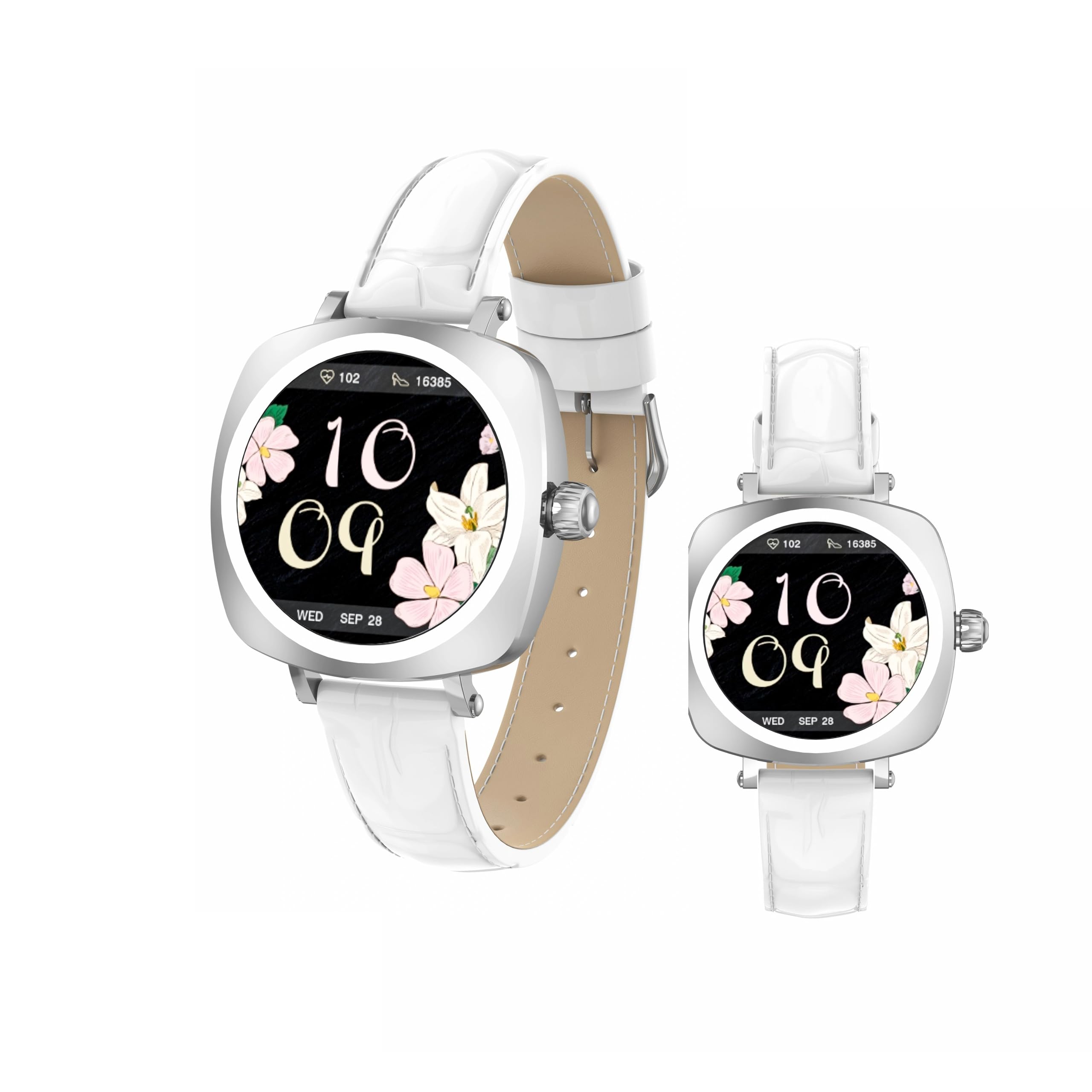
Image: LDNIO SW03 Smart Watch displaying a floral watch face.
Ξεκινώντας
1. Φόρτιση της Συσκευής
Before initial use, fully charge your LDNIO SW03 Smart Watch. The device uses a magnetic charging method for convenience.
- Connect the magnetic charging cable to a standard USB power adapter (DC5V ≥ 500mA).
- Align the magnetic end of the cable with the charging contacts on the back of your smartwatch. The magnets will secure the connection.
- The watch display will indicate charging status. A full charge typically takes 2-3 hours.
2. Ενεργοποίηση/Απενεργοποίηση
- Ενεργοποίηση: Long press the side button until the screen illuminates.
- Απενεργοποιώ: Navigate to the power off option in the watch settings or long press the side button and select 'Power Off' when prompted.
3. Εγκατάσταση και σύζευξη εφαρμογής
To unlock the full functionality of your smartwatch, install the DaFit app on your smartphone and pair the devices.
- Κατεβάστε το DaFit εφαρμογή από το κατάστημα εφαρμογών του smartphone σας (συμβατή με Android 5.0+ και iOS 9.0+).
- Βεβαιωθείτε ότι το Bluetooth είναι ενεργοποιημένο στο smartphone σας.
- Open the DaFit app and follow the on-screen instructions to add your device. The app will search for available smartwatches.
- Select 'SW03' from the list of found devices to initiate pairing. Confirm the pairing request on both your watch and smartphone.
Λειτουργία του έξυπνου ρολογιού σας
1. Οθόνη και Πλοήγηση
The LDNIO SW03 features a 1.19-inch AMOLED display with 390x390 resolution for clear visuals. Navigate the watch using touch gestures and the side button.
- Σύρετε αριστερά/δεξιά: Enter the main menu or return to the previous interface.
- Quickly Press Twice (Side Button): Switch freely between multiple menus or watch faces.
- Long Press (Side Button): Ενεργοποιήστε/απενεργοποιήστε τη συσκευή.

Image: Visual guide to the button functions: long press for power, quick double press for menu switching, and swipe for navigation.
2. Δυνατότητες επικοινωνίας
Stay connected by making and receiving calls and texts directly from your wrist via Bluetooth V5.4 connection to your smartphone.
- Πραγματοποίηση κλήσεων: Access the dialer or contact list on your watch to initiate calls.
- Λήψη κλήσεων: Answer or reject incoming calls directly from the watch display.
- Ειδοποιήσεις: Receive notifications for messages, social media alerts, and other app updates.
3. Παρακολούθηση υγείας και φυσικής κατάστασης
The SW03 Smart Watch offers comprehensive monitoring capabilities to support your health and fitness goals.
- Παρακολούθηση καρδιακών παλμών: Continuously tracks your heart rate with off-hand detection.
- Ανάλυση ύπνου: Provides 24-hour sleep monitoring, analyzing sleep quality and patterns.
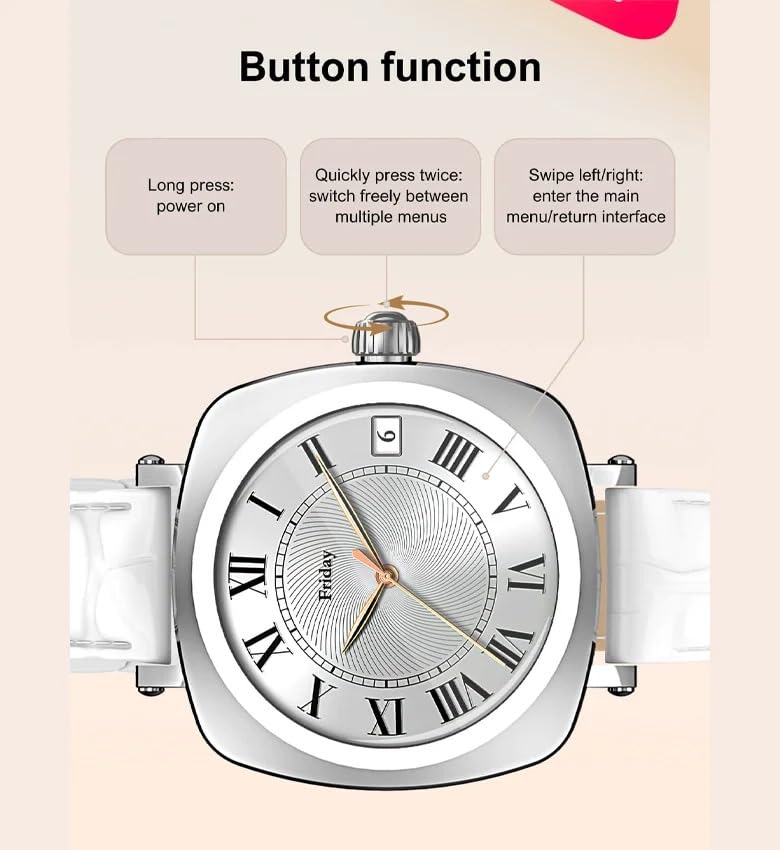
Image: The smartwatch screen showing sleep duration and analysis, worn by a user.
- Παρακολούθηση δραστηριότητας: Counts daily steps, calories burned, and distance covered.
- Τρόποι άσκησης: Supports multiple sports modes including running, cycling, and yoga.
- Διαχείριση της Γυναικείας Υγείας: Features for scientifically recording and predicting menstrual periods and supporting pregnancy preparation.
4. Ανθεκτικότητα στο νερό
The LDNIO SW03 Smart Watch has an IP68 waterproof and dustproof rating, making it suitable for daily wear and various activities.
- It can withstand immersion in water up to 1.5 meters for up to 30 minutes.
- Suitable for swimming, showering, and exposure to rain.
- Avoid hot water, steam, or prolonged exposure to high-velocity water.
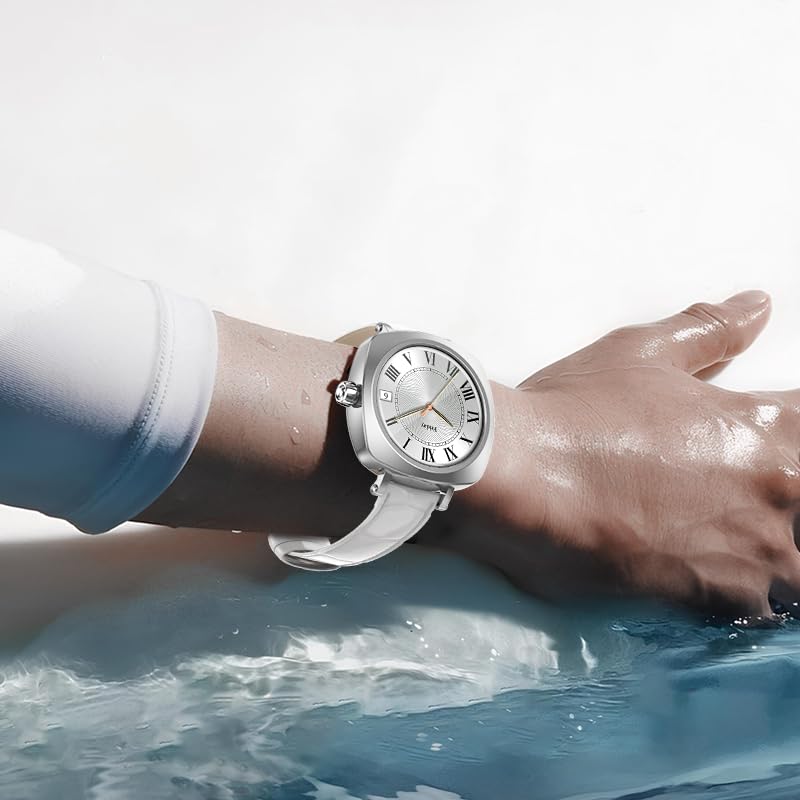
Image: The smartwatch on a user's wrist, partially submerged in water, demonstrating its water resistance.
5. Προσαρμογή
Personalize your smartwatch experience with various watch faces and settings.
- Παρακολουθήστε πρόσωπα: Choose from a selection of pre-installed watch faces or download more via the DaFit app.
- Ρυθμίσεις: Adjust brightness, vibration, notification preferences, and other settings through the watch interface or the DaFit app.
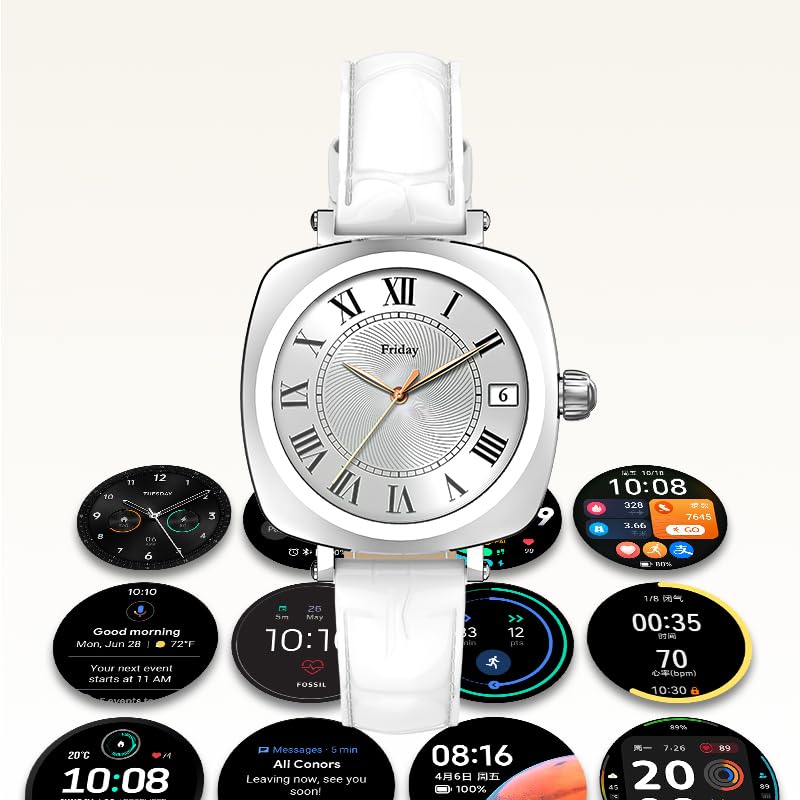
Image: A collection of different watch faces and functional widgets available on the LDNIO SW03 Smart Watch.
Συντήρηση
1. Καθάρισμα
- Σκουπίζετε τακτικά την οθόνη και το λουράκι του ρολογιού με ένα μαλακό, στεγνό πανί που δεν αφήνει χνούδι.
- Για επίμονη βρωμιά, ελαφρώςampΞεπλύνετε το πανί με νερό. Αποφύγετε τη χρήση σκληρών χημικών ουσιών ή λειαντικών υλικών.
- Βεβαιωθείτε ότι οι επαφές φόρτισης είναι καθαρές και στεγνές πριν από τη φόρτιση.
2. Πληροφορίες μπαταρίας
- The watch is powered by a 180mAh Polymer rechargeable lithium battery.
- Typical usage provides 5 to 10 days of battery life on a single charge, depending on usage patterns and enabled features.
- To prolong battery life, reduce screen brightness, limit notifications, and disable unnecessary features.
Αντιμετώπιση προβλημάτων
- Το ρολόι δεν ενεργοποιείται: Βεβαιωθείτε ότι το ρολόι είναι πλήρως φορτισμένο. Συνδέστε το στον φορτιστή για τουλάχιστον 30 λεπτά.
- Δεν είναι δυνατή η σύζευξη με smartphone: Make sure Bluetooth is enabled on both devices. Restart both the watch and the smartphone. Ensure the DaFit app is updated to the latest version.
- Ανακριβή δεδομένα υγείας: Βεβαιωθείτε ότι το ρολόι φοράτε σφιχτά στον καρπό σας, ούτε πολύ σφιχτά ούτε πολύ χαλαρά. Διατηρείτε τον αισθητήρα καθαρό.
- Δεν ελήφθησαν ειδοποιήσεις: Check app permissions in your smartphone settings to ensure the DaFit app has access to notifications. Verify notification settings within the DaFit app.
Προδιαγραφές
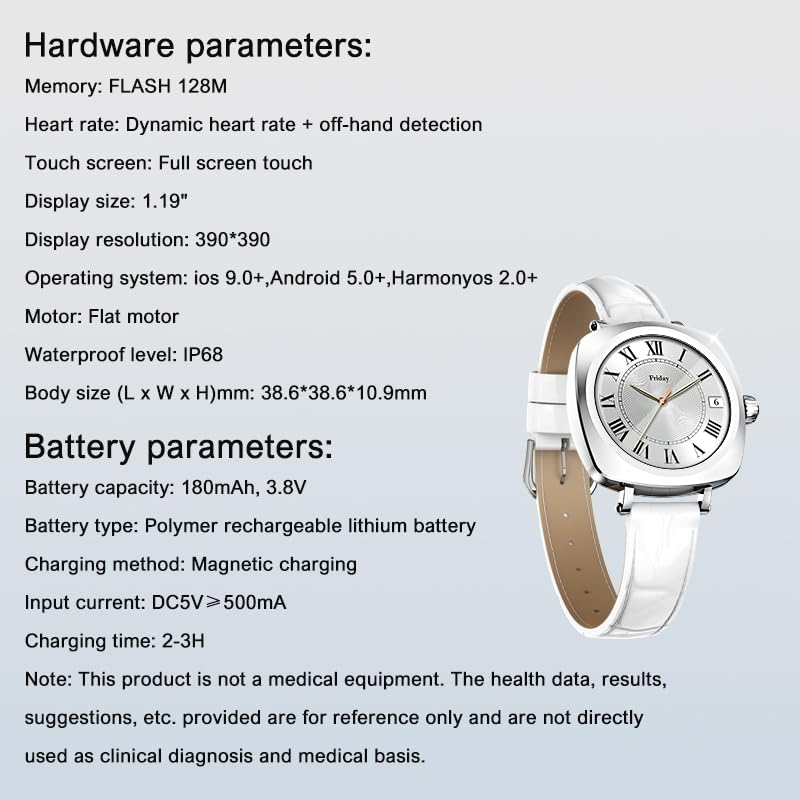
Image: Detailed specifications for the LDNIO SW03 Smart Watch, including hardware and battery parameters.
| Χαρακτηριστικό | Λεπτομέρεια |
|---|---|
| Μοντέλο | SW03 |
| Επίδειξη | 1.19-inch AMOLED, 390×390 resolution |
| Memory (FLASH) | 128 MB |
| Ανίχνευση καρδιακής συχνότητας | Dynamic heart rate + off-hand detection |
| Οθόνη αφής | Πλήρης οθόνη αφής |
| Συμβατότητα λειτουργικού συστήματος | iOS 9.0+, Android 5.0+, HarmonyOS 2.0+ |
| Μοτέρ | Επίπεδος κινητήρας |
| Αδιάβροχο Επίπεδο | IP68 |
| Μέγεθος σώματος (Μ x Π x Υ) | 38.6 x 38.6 x 10.9 mm |
| Χωρητικότητα μπαταρίας | 180mAh, 3.8V |
| Τύπος μπαταρίας | Πολυμερής επαναφορτιζόμενη μπαταρία λιθίου |
| Μέθοδος Φόρτισης | Μαγνητική φόρτιση |
| Ρεύμα εισόδου | DC5V ≥ 500mA |
| Χρόνος Φόρτισης | 2-3 ώρες |
| Τεχνολογία Συνδεσιμότητας | Bluetooth V5.4 |
| Ειδικά Χαρακτηριστικά | Fitness Monitoring, Call/Text Functionality |
Σημείωμα: This product is not a medical equipment. The health data, results, and suggestions provided are for reference only and are not directly used as clinical diagnosis or medical basis.
Εγγύηση και υποστήριξη
For warranty information and technical support, please refer to the documentation provided with your purchase or contact LDNIO customer service. Keep your proof of purchase for warranty claims.


