1. Εισαγωγή
This manual provides essential information for the proper use and maintenance of your Picun F5 Active Noise Cancelling Headphones. Please read it thoroughly before operating the device.
2. Περιεχόμενα συσκευασίας
Βεβαιωθείτε ότι όλα τα αντικείμενα υπάρχουν στη συσκευασία σας:
- 1 x ακουστικά Picun F5
- 1 x 3.5 mm καλώδιο ήχου
- 1 x Καλώδιο φόρτισης USB
- 1 x Εγχειρίδιο χρήστη

3. Χαρακτηριστικά προϊόντος
- Ενεργή ακύρωση θορύβου (ANC): Advanced technology to reduce ambient noise for an immersive audio experience.
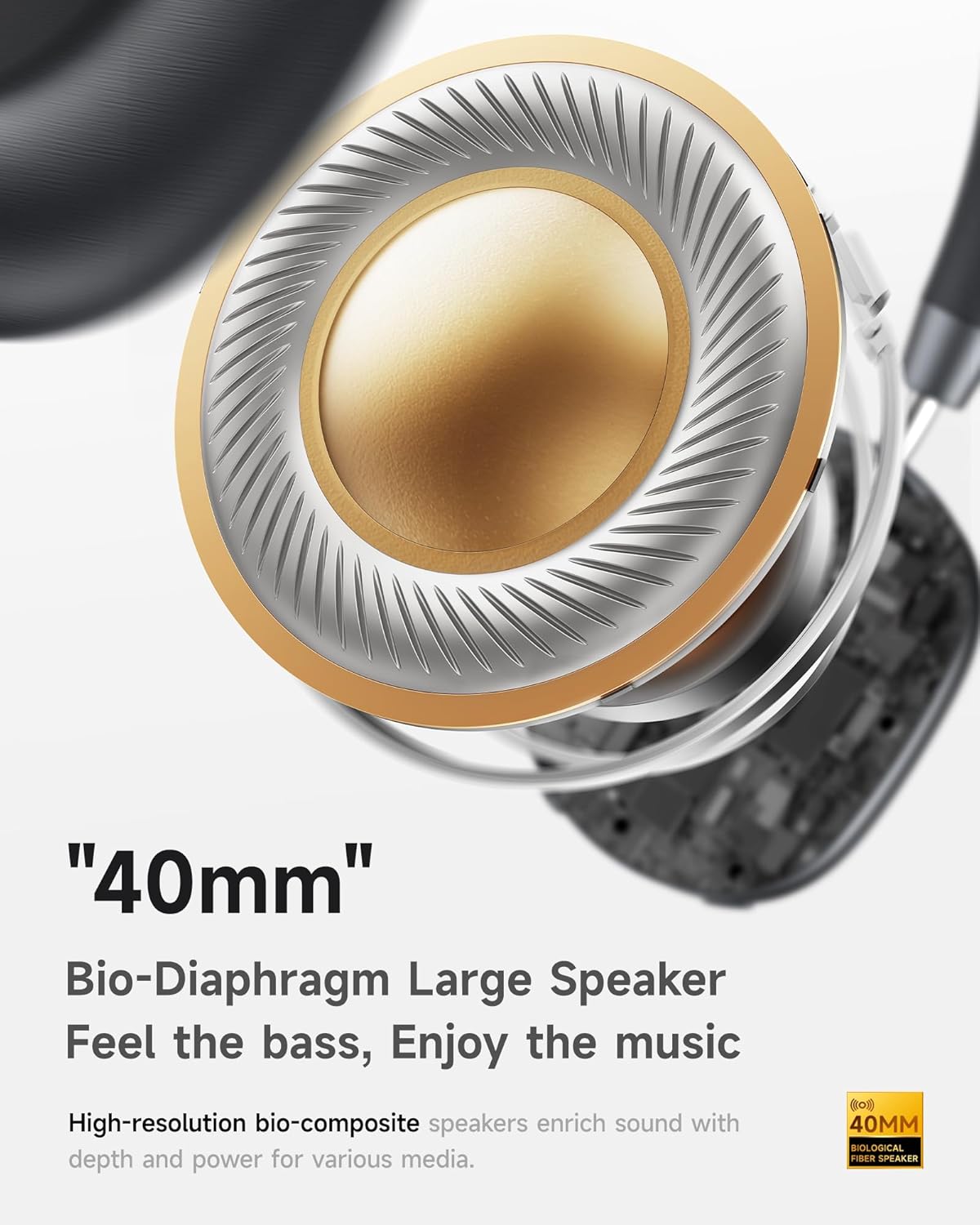
- Hi-Fi Audio with Deep Bass: Delivers clear sound with enhanced bass.
- App-Controlled EQ: Customize audio settings via a dedicated companion application.
- Ενσωματωμένο μικρόφωνο: Ensures clear voice calls.
- Σύνδεση πολλών σημείων: Allows seamless switching between two connected Bluetooth devices.
- Εργονομικός σχεδιασμός: Lightweight build with soft memory-foam earcups for extended comfort.
- Long Playtime & Fast Charging: Up to 30 hours of playback on a single charge, with quick recharge capabilities.



4. Ρύθμιση
4.1 Φόρτιση των ακουστικών
Before first use, fully charge your Picun F5 headphones. Connect the provided USB charging cable to the headphone's charging port and a compatible USB power source. The charging indicator light will show the charging status.
4.2 Σύζευξη Bluetooth
- Βεβαιωθείτε ότι τα ακουστικά είναι απενεργοποιημένα.
- Πατήστε παρατεταμένα το κουμπί λειτουργίας μέχρι να αναβοσβήσει η ενδεικτική λυχνία, υποδεικνύοντας τη λειτουργία σύζευξης.
- Στη συσκευή σας (smartphone, tablet, υπολογιστή), ενεργοποιήστε το Bluetooth και αναζητήστε διαθέσιμες συσκευές.
- Select "Picun F5" from the list of devices to connect.
- Μόλις συνδεθεί, η ενδεικτική λυχνία θα αλλάξει σε σταθερό μπλε ή θα σβήσει, ανάλογα με το μοντέλο.
4.3 Σύνδεση πολλών σημείων
The Picun F5 supports connecting to two Bluetooth devices simultaneously. After pairing with the first device, disable Bluetooth on that device. Pair the headphones with the second device. Then, re-enable Bluetooth on the first device. The headphones should now be connected to both devices, allowing seamless audio switching.

5. Λειτουργία
5.1 Βασικοί έλεγχοι
The headphones feature intuitive controls for managing audio and calls:
- Ενεργοποίηση/Απενεργοποίηση: Πατήστε και κρατήστε πατημένο το κουμπί λειτουργίας.
- Προσαρμογή έντασης ήχου: Use the dedicated volume knob/buttons on the earcup.
- Αναπαραγωγή/Παύση: Πατήστε μόνο το κουμπί πολλαπλών λειτουργιών.
- Επόμενο κομμάτι: Πατήστε δύο φορές το κουμπί πολλαπλών λειτουργιών.
- Προηγούμενο κομμάτι: Πατήστε τρεις φορές το κουμπί πολλαπλών λειτουργιών.
- Απάντηση/Τερματισμός κλήσης: Single press the Multi-function button during an incoming call.
- Απόρριψη κλήσης: Πατήστε παρατεταμένα το κουμπί πολλαπλών λειτουργιών κατά τη διάρκεια μιας εισερχόμενης κλήσης.
5.2 Λειτουργίες Ενεργητικής Ακύρωσης Θορύβου (ANC)
The ANC feature can be toggled or adjusted using a dedicated button on the headphones. Refer to the specific button layout on your device for exact functionality. Some models may offer different ANC levels or transparency modes.
5.3 App Control and Custom EQ
Download the companion app for your Picun F5 headphones to unlock personalized features. The app allows you to:
- Customize Equalizer (EQ) settings to match your audio preferences.
- Adjust ANC levels or switch between different noise control modes.
- Access additional smart features and settings.


6. Συντήρηση
To ensure the longevity and optimal performance of your Picun F5 headphones, follow these maintenance guidelines:
- Καθάρισμα: Χρησιμοποιήστε ένα μαλακό, στεγνό πανί για να καθαρίσετε τα ακουστικά και το στήριγμα κεφαλής. Αποφύγετε τη χρήση σκληρών χημικών ουσιών ή λειαντικών υλικών.
- Αποθήκευση: Store the headphones in a cool, dry place, away from direct sunlight and extreme temperatures. When not in use, consider storing them in a protective case.
- Αποφύγετε την υγρασία: Μην εκθέτετε τα ακουστικά σε νερό ή υπερβολική υγρασία.
- Χειριστείτε με προσοχή: Αποφύγετε την πτώση ή την έκθεση των ακουστικών σε ισχυρές κρούσεις.

7. Αντιμετώπιση Προβλημάτων
If you encounter issues with your Picun F5 headphones, refer to the following common solutions:
- Χωρίς ισχύ: Βεβαιωθείτε ότι τα ακουστικά είναι πλήρως φορτισμένα. Συνδέστε τα σε μια πηγή τροφοδοσίας και ελέγξτε την ένδειξη φόρτισης.
- Δεν είναι δυνατή η σύζευξη: Make sure the headphones are in pairing mode (indicator flashing). Disable and re-enable Bluetooth on your device, then try pairing again. Ensure the headphones are not already connected to another device.
- Χωρίς ήχο: Check the volume levels on both the headphones and your connected device. Ensure the headphones are properly paired. If using a wired connection, ensure the 3.5mm audio cable is securely plugged in.
- Κακή ποιότητα ήχου: Move closer to your connected device to avoid interference. Check for any obstructions between the headphones and the device. Ensure the audio source is of good quality.
- Το ANC δεν λειτουργεί: Ensure the ANC feature is activated. Check for any physical obstructions around the microphones.
If the issue persists, try resetting the headphones (refer to the full user manual for specific reset instructions) or contact customer support.
8. Προδιαγραφές
| Μάρκα | Πικούν |
| Όνομα μοντέλου | F5 |
| Τεχνολογία Συνδεσιμότητας | Ασύρματη σύνδεση (Bluetooth 4.0) |
| Έλεγχος θορύβου | Ηχομόνωση (Ενεργή ακύρωση θορύβου) |
| Απόκριση συχνότητας | 20 KHz |
| Ευαισθησία | 42 dB |
| Jack ακουστικών | 3.5 mm Jack |
| Διάρκεια ζωής μπαταρίας | 30 Ώρες |
| Τύπος προγράμματος οδήγησης ήχου | Δυναμικός οδηγός |
| Σχήμα ακουστικού | Γύρω |
| Αντίσταση | 32 Ωμ |
| Βάρος αντικειμένου | 14 ουγγιές (0.4 κιλά) |
| Υλικό | Ακρυλονιτρίλιο βουταδιένιο στυρένιο (ABS) |
9. Εγγύηση και υποστήριξη
Picun products are designed for reliability and performance. For warranty information, product support, or technical assistance, please refer to the warranty card included in your package or visit the official Picun webτοποθεσία. Κρατήστε την απόδειξη αγοράς για αξιώσεις εγγύησης.


