Εισαγωγή
Thank you for choosing the CRUA 27-inch 4K UHD 144Hz IPS Gaming Monitor. This monitor is designed to deliver an immersive visual experience with its high resolution, fast refresh rate, and vibrant color reproduction. This manual provides essential information for the proper installation, operation, and maintenance of your new monitor. Please read it thoroughly before use and retain it for future reference.
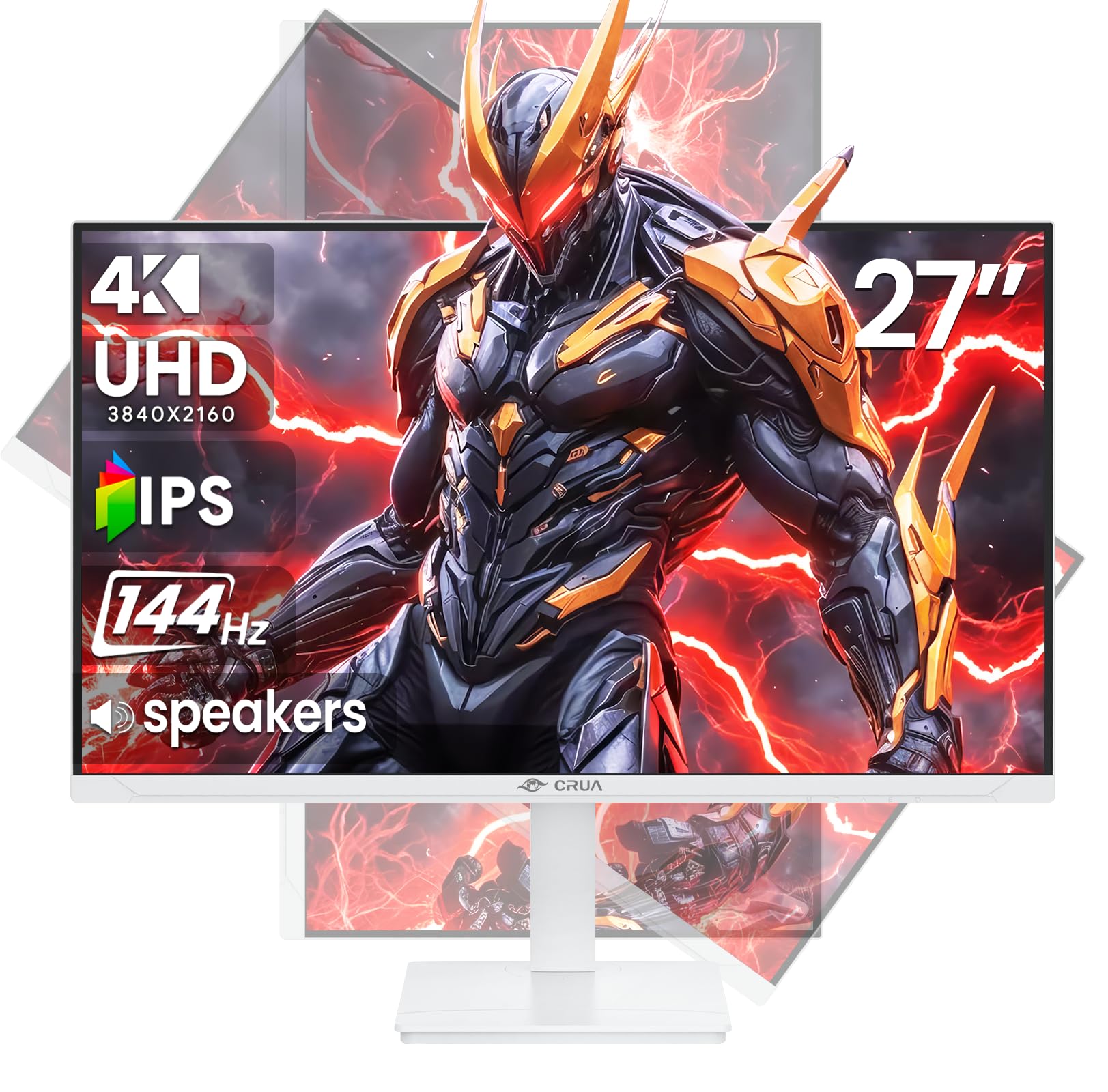
Εικόνα: Μπροστά view of the CRUA 27-inch 4K UHD 144Hz IPS Gaming Monitor.
Τι υπάρχει στο κουτί
Ελέγξτε τα περιεχόμενα της συσκευασίας σας. Εάν λείπουν ή έχουν υποστεί ζημιά κάποια αντικείμενα, επικοινωνήστε με τον πωλητή σας.
- Οθόνη 27 ιντσών
- Καλώδιο DP
- Base and Support
- Εγχειρίδιο χρήστη
- Τροφοδοτικό
Χαρακτηριστικά προϊόντος
- 27" 4K Display with IPS Panel: Experience ultra-clear visuals with a 3840x2160P resolution.
- Ρυθμός ανανέωσης 144 Hz: Enjoy fluid and sharp motion, ideal for competitive gaming and fast-paced content.
- 120% sRGB Color Accuracy: Delivers rich and accurate tones with 350cd/m² brightness and 1000:1 high-contrast.
- Ενσωματωμένα ηχεία: Provides clear audio for daily use.
- Full Ergonomic Adjustment: Features height, pivot, tilt, and rotation adjustments for optimal viewγωνίες.
- Πολλαπλές επιλογές συνδεσιμότητας: Equipped with 2x HDMI 2.1 and 2x DP 1.4 ports.
- Υποστήριξη AMD FreeSync: Synchronizes the monitor's refresh rate with your GPU for tear-free gaming.
- Επιτοίχια τοποθέτηση: Supports VESA 75mm x 75mm wall mounts for flexible installation.
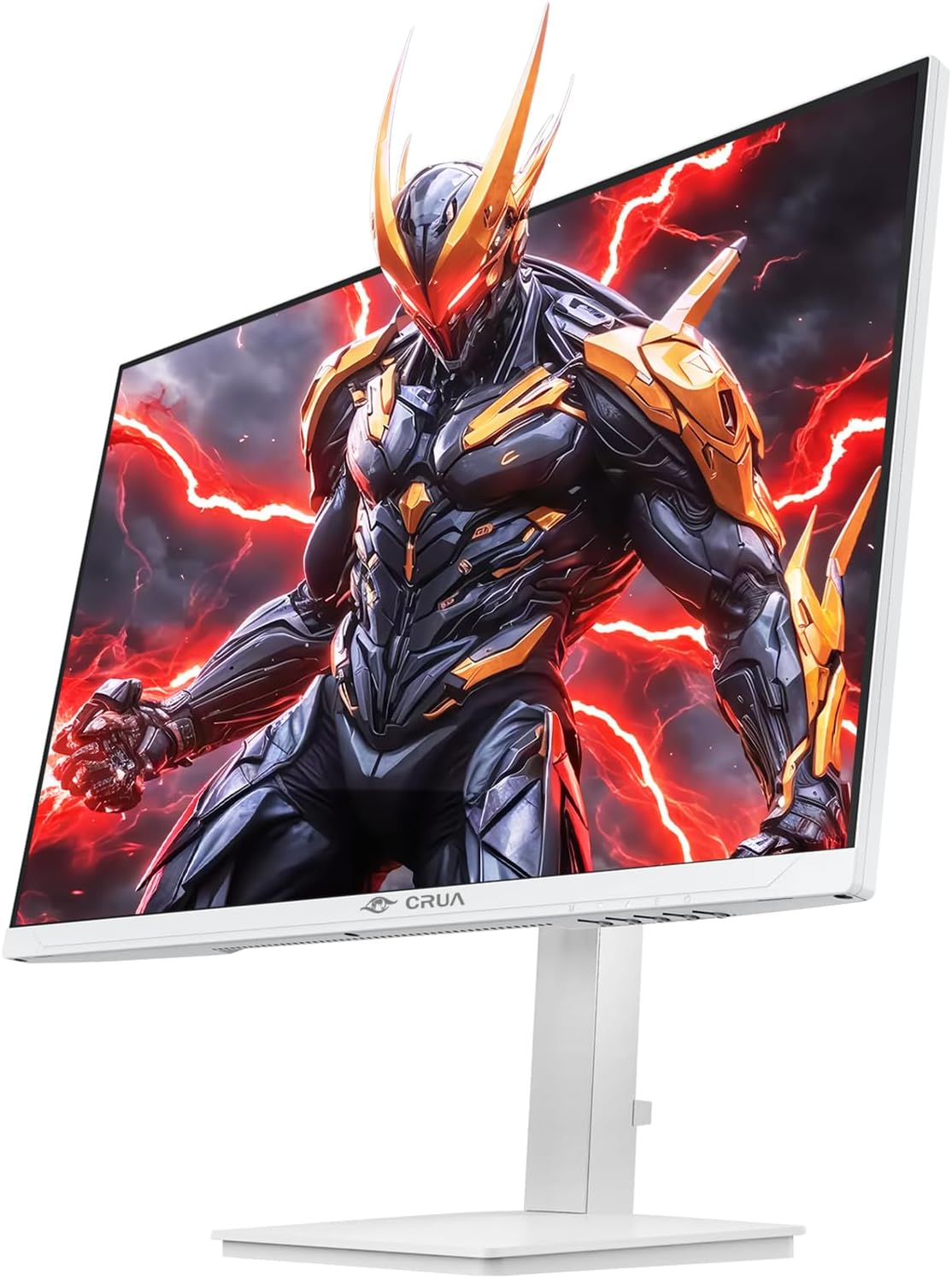
Εικόνα: Μπροστά view of the CRUA 27-inch 4K UHD 144Hz IPS Gaming Monitor displaying a game scene.

Εικόνα: Πίσω view of the CRUA 27-inch 4K UHD 144Hz IPS Gaming Monitor showing the stand and RGB lighting.

Εικόνα: Πίσω view of the CRUA 27-inch 4K UHD 144Hz IPS Gaming Monitor highlighting the input ports (2x DP 1.4, 2x HDMI 2.1, and 3.5mm Audio Port).

Image: Diagram illustrating the adjustable height (110mm), tilt (-5° to +15°), swivel (±30°), and pivot (90°) features of the CRUA 27-inch 4K UHD 144Hz IPS Gaming Monitor.
Οδηγίες εγκατάστασης
1. Συναρμολόγηση του περιπτέρου
- Αφαιρέστε προσεκτικά την οθόνη και τα εξαρτήματα της βάσης από τη συσκευασία.
- Συνδέστε τον λαιμό της βάσης στην οθόνη. Βεβαιωθείτε ότι έχει ασφαλίσει στη θέση του ή ότι είναι στερεωμένος με βίδες, εάν υπάρχουν.
- Attach the base to the stand neck, securing it with the thumb screw or other fasteners.
- Τοποθετήστε την συναρμολογημένη οθόνη σε μια σταθερή, επίπεδη επιφάνεια.
2. Τοποθέτηση σε τοίχο (Προαιρετικό)
The monitor supports VESA 75mm x 75mm wall mounts. Remove the stand before attaching a compatible wall mount bracket (not included). Follow the instructions provided with your wall mount.
3. Καλώδια σύνδεσης
- Εξουσία: Connect the power supply to the monitor's power input and then to a power outlet.
- Είσοδος βίντεο: Connect one end of the provided DP cable (or an HDMI cable) to the corresponding port on your computer's graphics card and the other end to a DP 1.4 or HDMI 2.1 port on the monitor.
- Έξοδος ήχου (Προαιρετικά): If using external speakers or headphones, connect them to the 3.5mm audio jack on the monitor.
4. Αρχική ενεργοποίηση
Press the power button on the monitor. The monitor should automatically detect the input signal. If not, you may need to manually select the input source using the OSD menu.
Οδηγίες Λειτουργίας
1. Ενεργοποίηση/Απενεργοποίηση
Πατήστε το κουμπί λειτουργίας που βρίσκεται στην οθόνη για να την ενεργοποιήσετε ή να την απενεργοποιήσετε.
2. Πλοήγηση στο μενού OSD
The On-Screen Display (OSD) menu allows you to adjust various monitor settings. Navigate the menu using the joystick or buttons typically located on the back or bottom of the monitor.
- Πατήστε το joystick/κουμπί για να ανοίξετε το μενού OSD.
- Move the joystick up/down or use corresponding buttons to navigate through menu options.
- Move the joystick left/right or use corresponding buttons to adjust values or enter sub-menus.
- Press the joystick/button again to confirm selections or exit sub-menus.
3. Επιλογή πηγής εισόδου
If the monitor does not automatically detect the correct input, open the OSD menu, navigate to "Input Source," and select the active input (e.g., HDMI1, HDMI2, DP1, DP2).
4. Προσαρμογή ρυθμίσεων οθόνης
Μέσα στο μενού OSD, μπορείτε να προσαρμόσετε ρυθμίσεις όπως:
- Αντίθεση φωτεινότητας: Προσαρμόστε τα συνολικά επίπεδα φωτεινότητας και αντίθεσης.
- Ρυθμίσεις χρώματος: Βελτιστοποιήστε τη θερμοκρασία χρώματος, το γάμμα και τις μεμονωμένες τιμές RGB.
- Ποιότητα εικόνας: Select preset modes (e.g., Standard, Game, Movie) or customize sharpness and dynamic contrast.
- Ανάλυση και ρυθμός ανανέωσης: Ensure your computer's display settings match the monitor's native 4K UHD (3840x2160P) resolution and 144Hz refresh rate for optimal performance.
- AMD FreeSync: Enable FreeSync in the OSD menu and your graphics card control panel for adaptive synchronization.
5. Ρυθμίσεις ήχου
Adjust the volume of the built-in speakers or connected external audio devices through the OSD menu's audio section. You can also mute the audio if desired.
6. Εργονομικές Ρυθμίσεις
Προσαρμόστε την οθόνη σύμφωνα με τις προτιμήσεις σας viewθέση:
- Υψος: Σπρώξτε ή τραβήξτε απαλά την οθόνη προς τα πάνω ή προς τα κάτω κατά μήκος της βάσης.
- Κλίση: Tilt the screen forward or backward.
- Στροφέας: Περιστρέψτε την οθόνη αριστερά ή δεξιά στη βάση της.
- Αξονας περιστροφής: Rotate the screen 90 degrees for vertical orientation.
Συντήρηση
Καθαρισμός της οθόνης
- Πάντα να απενεργοποιείτε την οθόνη και να αποσυνδέετε το καλώδιο τροφοδοσίας πριν από τον καθαρισμό.
- Χρησιμοποιήστε ένα μαλακό πανί που δεν αφήνει χνούδι ελαφρά δampμε νερό ή με ένα ειδικό καθαριστικό οθόνης.
- Μην ψεκάζετε καθαριστικό απευθείας στην οθόνη.
- Αποφύγετε τη χρήση λειαντικών καθαριστικών, οινοπνεύματος ή διαλυμάτων με βάση την αμμωνία, καθώς μπορεί να προκαλέσουν ζημιά στην επιφάνεια της οθόνης.
Γενική Φροντίδα
- Κρατήστε την οθόνη μακριά από άμεσο ηλιακό φως, πηγές θερμότητας και υπερβολική σκόνη.
- Βεβαιωθείτε ότι υπάρχει επαρκής αερισμός γύρω από την οθόνη για να αποτρέψετε την υπερθέρμανση.
- Μην τοποθετείτε βαριά αντικείμενα πάνω στην οθόνη ή στα καλώδιά της.
- Αποφύγετε να αγγίζετε την οθόνη με αιχμηρά αντικείμενα.
Αντιμετώπιση προβλημάτων
| Πρόβλημα | Πιθανή Λύση |
|---|---|
| Δεν υπάρχει εικόνα στην οθόνη |
|
| Δεν υπάρχει ήχος από τα ηχεία |
|
| Τρεμόπαιγμα ή παραμόρφωση της εικόνας |
|
| Τα κουμπιά δεν ανταποκρίνονται |
|
For further assistance, please refer to the CRUA support webιστότοπο ή επικοινωνήστε με την εξυπηρέτηση πελατών.
Προδιαγραφές
| Χαρακτηριστικό | Λεπτομέρεια |
|---|---|
| Αριθμός μοντέλου | CR270Ε |
| Μέγεθος οθόνης | 27 ίντσες |
| Ψήφισμα | 4K UHD (3840 x 2160 pixel) |
| Ρυθμός ανανέωσης | 144Hz |
| Τύπος πίνακα | IPS |
| Αναλογία διαστάσεων | 16:9 |
| Χρωματική γκάμα | 120% sRGB |
| Λάμψη | 350 Candela (cd/m²) |
| Αναλογία αντίθεσης | 1000:1 |
| Συνδεσιμότητα | 2x DP 1.4, 2x HDMI 2.1, 1x 3.5mm Audio Jack |
| Adaptive Sync | AMD FreeSync |
| Εργονομία | Height, Pivot, Tilt, Rotate Adjustable |
| Βάση τοίχου | VESA 75mm x 75mm |
| Ενσωματωμένα ηχεία | Ναί |
| Διαστάσεις προϊόντος | 2.5 x 24 x 14 ίντσες |
| Βάρος αντικειμένου | 11.38 λίρες |
Εγγύηση και υποστήριξη
CRUA provides high-quality computer monitors and premium services. For warranty information, technical support, or any questions regarding your monitor, please visit the official CRUA website or contact their customer service team. Details can typically be found on the product packaging or the CRUA brand store on Amazon.
Στοιχεία επικοινωνίας: Refer to your purchase documentation or the CRUA official webιστότοπος για τα πιο ενημερωμένα στοιχεία επικοινωνίας υποστήριξης.


