1. Εισαγωγή
The NEDIS SmartLife Outdoor Pan-Tilt Spotlight Camera (WIFICO22CWT) is designed to enhance your home security with advanced features and seamless integration. This manual provides essential information for the proper installation, operation, and maintenance of your camera.
Key features include a 3MP (1296p) sensor for clear images, remote pan and tilt control, automatic tracking, color and infrared night vision, two-way audio, motion and sound detection with instant notifications, and an IP65 weatherproof rating for outdoor reliability.
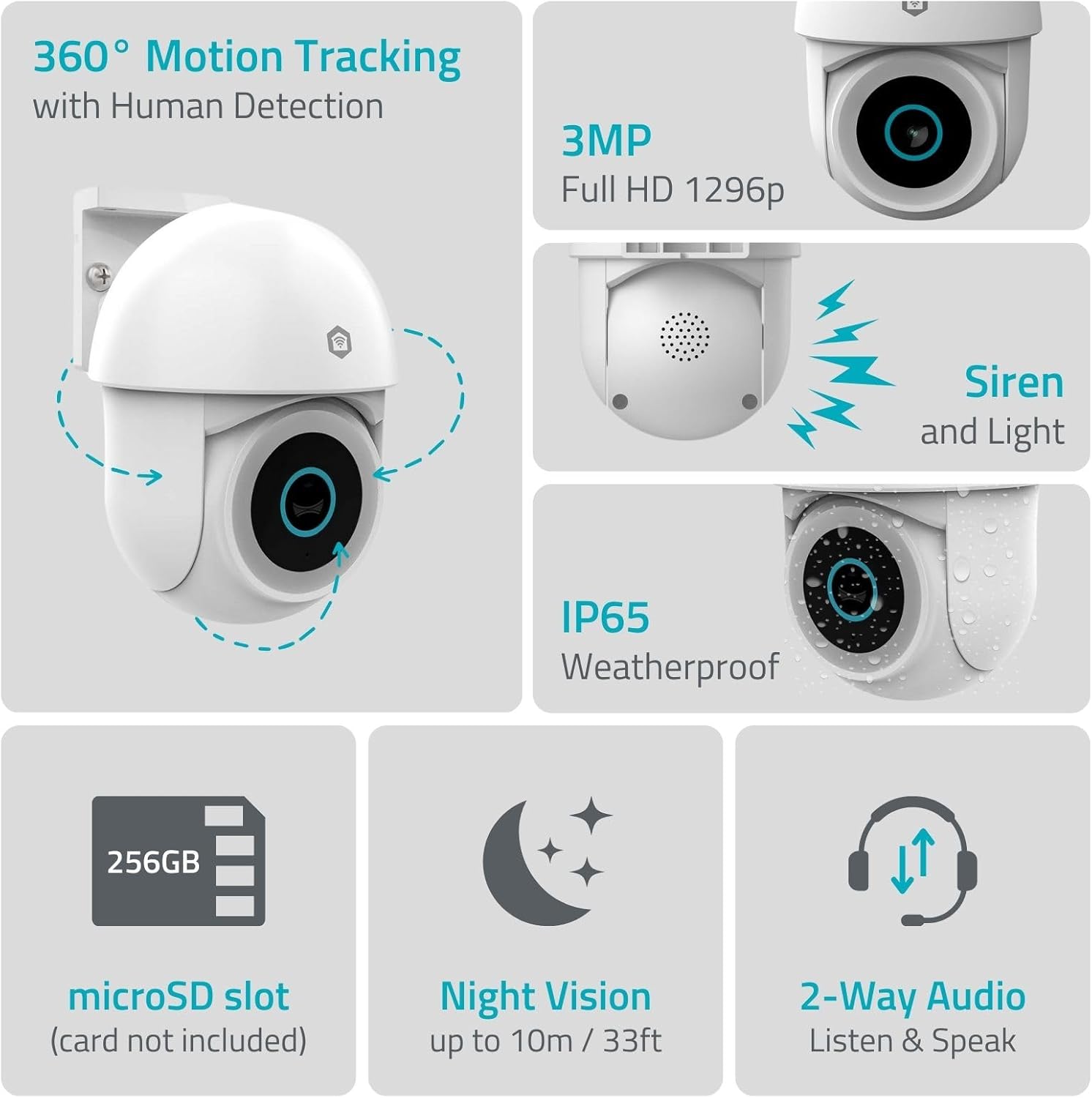
Εικόνα 1.1: Πάνωview of NEDIS SmartLife Outdoor Camera features, including 360-degree motion tracking, 3MP resolution, siren and light, IP65 weatherproofing, microSD slot, night vision, and two-way audio.
2. Περιεχόμενα συσκευασίας
Παρακαλούμε ελέγξτε τη συσκευασία για τα ακόλουθα στοιχεία:
- NEDIS SmartLife Outdoor Pan-Tilt Spotlight Camera (WIFICO22CWT)
- Μετασχηματιστής ρεύματος (5V DC)
- Βάση στήριξης και βίδες
- Οδηγός γρήγορης εκκίνησης (αυτό το εγχειρίδιο)
3. Ρύθμιση
3.1. Εγκατάσταση εφαρμογής
- Κατεβάστε το Nedis SmartLife εφαρμογή από το App Store (iOS) ή το Google Play Store (Android).
- Εγγραφείτε για έναν νέο λογαριασμό ή συνδεθείτε αν έχετε ήδη έναν.
3.2. Ενεργοποίηση και Αρχική Σύνδεση
- Συνδέστε την κάμερα στο τροφοδοτικό και συνδέστε την σε μια πρίζα.
- Wait for the camera's indicator light to flash, indicating it is ready for pairing.
- Open the Nedis SmartLife app, tap '+' to add a new device, and follow the on-screen instructions to connect the camera to your 2.4 GHz Wi-Fi network.
3.3. Εγκατάσταση κάρτας MicroSD (Προαιρετικά)
For local storage of recordings, install a microSD card (up to 256GB, not included).
- Locate the microSD card slot on the camera (refer to the camera diagram in the quick start guide).
- Carefully insert the microSD card into the slot until it clicks into place.
- Format the microSD card via the camera settings in the Nedis SmartLife app.
3.4. Τοποθέτηση της κάμερας
The camera comes with a wall/ceiling mount. Choose a suitable location with a clear view και εντός εμβέλειας Wi-Fi.

Image 3.1: Camera dimensions for mounting reference.
- Σημειώστε τις θέσεις διάτρησης χρησιμοποιώντας τη βάση στήριξης ως πρότυπο.
- Ανοίξτε τρύπες και τοποθετήστε ούπα τοίχου, εάν είναι απαραίτητο.
- Secure the mounting bracket to the wall or ceiling with screws.
- Attach the camera to the mounting bracket and adjust its initial angle.
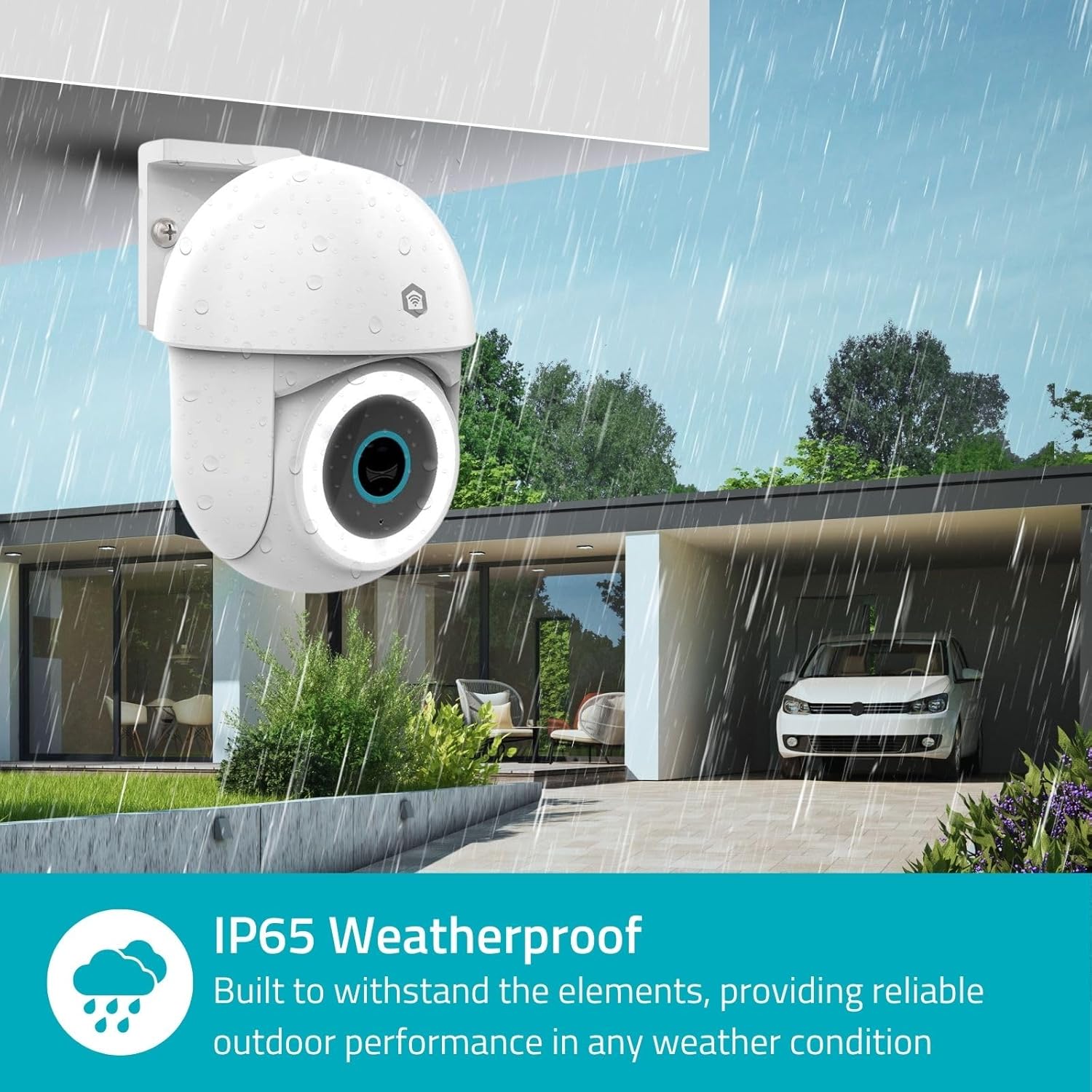
Image 3.2: The IP65 weatherproof design ensures reliable outdoor performance in various weather conditions.
4. Οδηγίες λειτουργίας
4.1. Ζωντανά View και έλεγχος πανοραμικής λήψης/κλίσης
Access the live feed from your camera through the Nedis SmartLife app. Use the on-screen controls to remotely pan (horizontal) and tilt (vertical) the camera to monitor a wide area.
4.2. Ανίχνευση και παρακολούθηση κίνησης
The camera features advanced motion detection, including human detection, to minimize false alarms. You can customize detection zones within the app.
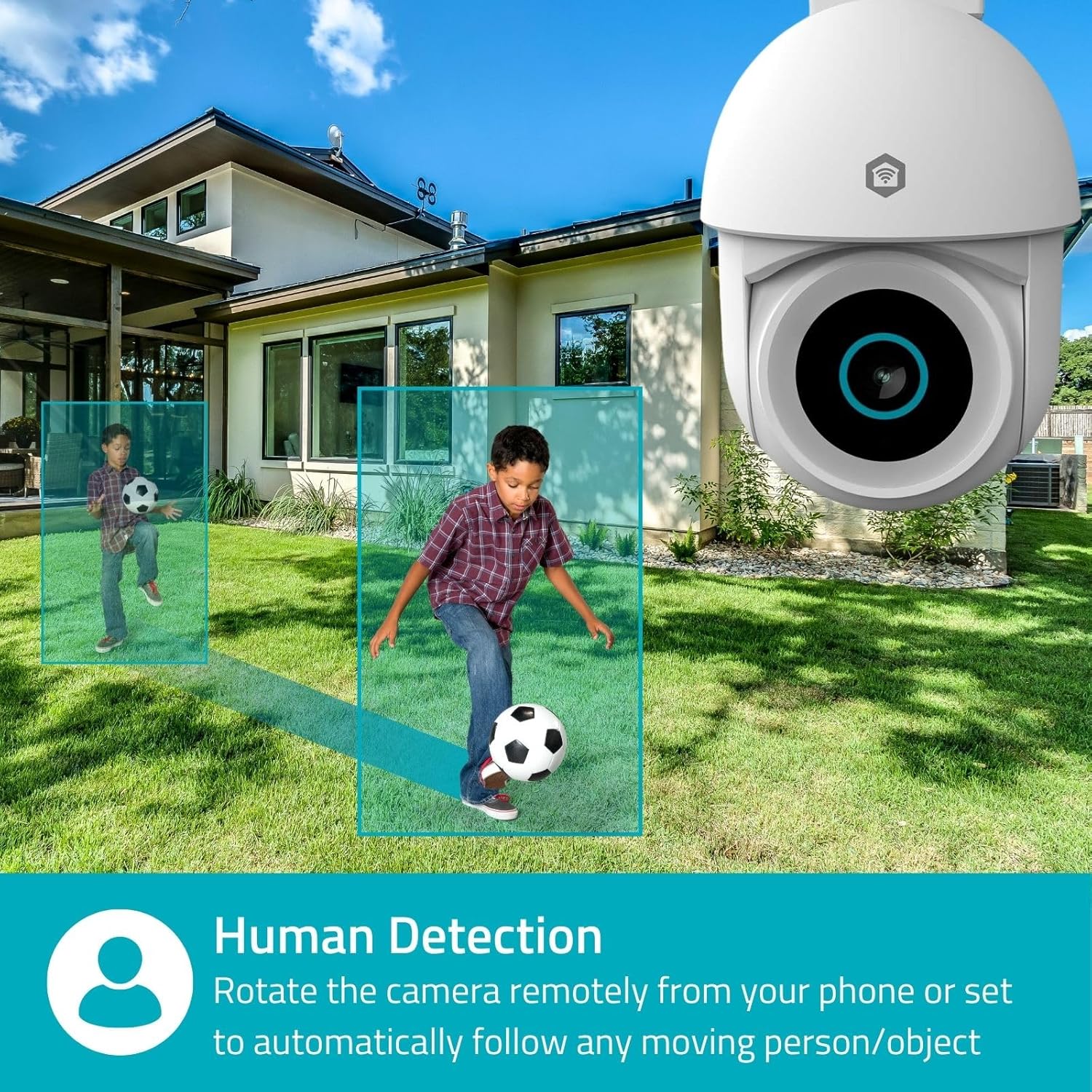
Image 4.1: Human Detection allows the camera to automatically follow moving persons or objects.
Καθιστώ ικανό Αυτόματη παρακολούθηση in the app settings to have the camera automatically follow detected movement.
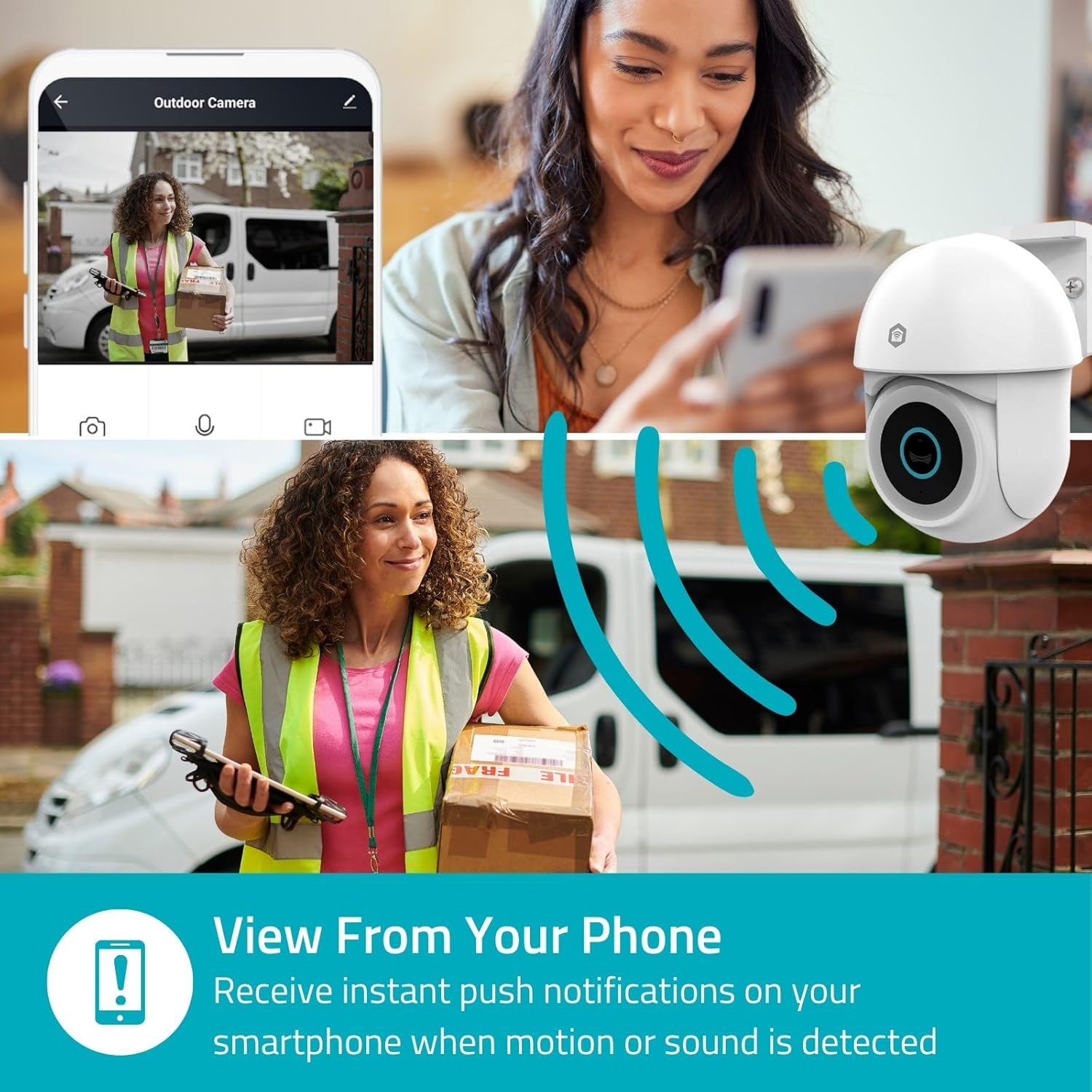
Image 4.2: Receive instant push notifications on your smartphone when motion or sound is detected.
4.3. Αμφίδρομος ήχος
Utilize the built-in microphone and speaker for two-way communication. You can listen to the environment and speak through the camera via the app.
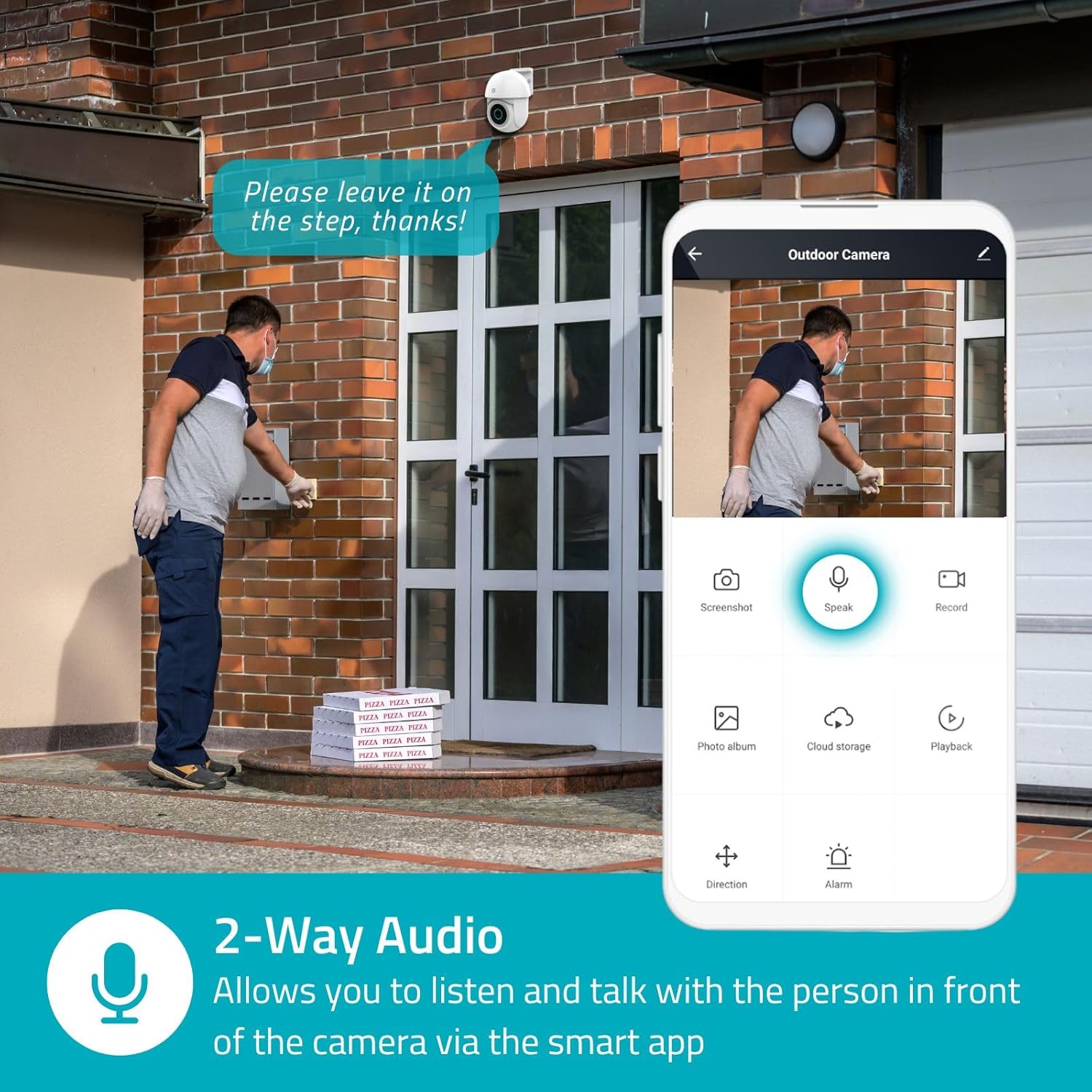
Image 4.3: Two-Way Audio allows you to listen and talk with individuals in front of the camera.
4.4. Νυχτερινή όραση
Η κάμερα υποστηρίζει δύο λειτουργίες νυχτερινής όρασης:
- Έγχρωμη νυχτερινή όραση: Achieved using dimmable white LEDs, providing full-color images in low light.
- Υπέρυθρη Όραση: Standard black and white night vision using infrared LEDs, effective up to 10 meters (33 feet).

Image 4.4: Comparison of Day Mode and Night Mode, illustrating the camera's 3MP resolution and 10m night vision capability.
4.5. Spotlight and Siren
When motion is detected, you can configure the camera to activate its white LEDs (spotlight) and/or a siren. This can deter intruders or provide illumination.

Image 4.5: The camera's light and siren can be activated upon motion detection to deter unwanted visitors.
4.6. Εγγραφή και αναπαραγωγή
Recordings can be stored on a microSD card (up to 256GB) or via optional cloud storage. Access and playback recorded footage through the Nedis SmartLife app.
4.7. Λειτουργία απορρήτου
Activate Privacy Mode in the app to temporarily disable recording and live view when you are home, ensuring your privacy.
4.8. Ενσωμάτωση με Έξυπνο Σπίτι
The camera is compatible with Google Home and Amazon Alexa, allowing for voice control and integration into your smart home ecosystem.
5. Συντήρηση
- Καθάρισμα: Σκουπίστε απαλά τον φακό και το σώμα της κάμερας με ένα μαλακό,amp πανί. Μην χρησιμοποιείτε σκληρά χημικά ή λειαντικά καθαριστικά.
- Ενημερώσεις υλικολογισμικού: Regularly check the Nedis SmartLife app for available firmware updates to ensure optimal performance and security.
- Τροφοδοτικό: Βεβαιωθείτε ότι ο προσαρμογέας ρεύματος και το καλώδιο δεν έχουν υποστεί ζημιά.
6. Αντιμετώπιση Προβλημάτων
6.1. Η κάμερα δεν συνδέεται στο Wi-Fi
- Βεβαιωθείτε ότι το δίκτυο Wi-Fi σας είναι 2.4 GHz. Η κάμερα δεν υποστηρίζει Wi-Fi 5 GHz.
- Ελέγξτε ότι ο κωδικός πρόσβασης Wi-Fi έχει εισαχθεί σωστά.
- Τοποθετήστε την κάμερα πιο κοντά στον δρομολογητή Wi-Fi κατά τη διάρκεια της ρύθμισης.
- Επανεκκινήστε τον δρομολογητή και την κάμερα.
6.2. Κακή ποιότητα βίντεο
- Ελέγξτε την ισχύ του σήματος Wi-Fi. Ένα ασθενές σήμα μπορεί να επηρεάσει την ποιότητα του βίντεο.
- Βεβαιωθείτε ότι ο φακός της κάμερας είναι καθαρός και απαλλαγμένος από εμπόδια.
- Adjust the video resolution settings in the app if your network bandwidth is limited.
6.3. Η ανίχνευση κίνησης δεν λειτουργεί
- Βεβαιωθείτε ότι η ανίχνευση κίνησης είναι ενεργοποιημένη στις ρυθμίσεις της εφαρμογής.
- Check the sensitivity settings and detection zones.
- Βεβαιωθείτε ότι δεν υπάρχουν φυσικά εμπόδια που να εμποδίζουν την κάμερα view.
6.4. No Audio or Two-Way Audio Issues
- Check the microphone and speaker volume settings in the app.
- Ensure your smartphone's microphone is not muted when speaking through the app.
- Verify network connectivity for real-time audio transmission.
7. Προδιαγραφές
| Χαρακτηριστικό | Προσδιορισμός |
|---|---|
| Αριθμός μοντέλου | WIFICO22CWT |
| Ψήφισμα | 3 MP (1296p) |
| Συνδεσιμότητα | Wi-Fi (2.4 GHz) |
| Pan/Tilt Function | Ναί |
| Αδιάβροχη βαθμολογία | IP65 |
| Νυχτερινή όραση | Color (white LEDs) & IR (up to 10m) |
| Αμφίδρομος Ήχος | Ναί |
| Επιλογές αποθήκευσης | MicroSD (up to 256GB, not included), Cloud Storage (optional) |
| Είσοδος ισχύος | 5V DC |
| Διαστάσεις (Μ x Π x Υ) | 10 x 8.3 x 11 εκ |
| Βάρος | 292 γρ |
| Ειδικά Χαρακτηριστικά | Human Detection, Auto-Tracking, Spotlight, Siren, Privacy Mode, Onvif support |
| Αρμονία | Google Home, Amazon Alexa |
8. Εγγύηση και υποστήριξη
This product comes with a standard manufacturer's warranty. For detailed warranty information, please refer to the warranty card included in your package or visit the official NEDIS webτοποθεσία.
For technical support, troubleshooting assistance, or further inquiries, please contact NEDIS customer service through their official webιστότοπο ή τα στοιχεία επικοινωνίας που παρέχονται στη συσκευασία του προϊόντος.
Διαδικτυακοί πόροι:
- Επισκεφθείτε το ΝΕΔΙΣ webτοποθεσία for product updates and support.
- Check the Nedis SmartLife app for FAQs and in-app support options.


