Εγχειρίδιο χρήστη για το λογισμικό επεξεργασίας βίντεο EDIUS 11 Pro
Grass Valley
Welcome to EDIUS 11 Pro
This manual provides comprehensive instructions for installing, operating, and maintaining your EDIUS 11 Pro video editing software. EDIUS 11 is a powerful and versatile tool designed for professional video production, offering advanced features for efficient and high-quality editing workflows.
1. Ρύθμιση και εγκατάσταση
1.1 Απαιτήσεις συστήματος
Ensure your system meets the minimum specifications for optimal performance:
Λειτουργικό σύστημα: Windows 10 (64-bit) ή Windows 11 (64-bit)
CPU: Intel Core i7 or equivalent AMD processor (Intel Core i9 or AMD Ryzen 9 recommended for 4K/8K)
ΕΜΒΟΛΟ: 16 GB or more (32 GB recommended for 4K/8K)
Κάρτα γραφικών: DirectX 11 or later compatible GPU with 4 GB VRAM or more (8 GB VRAM recommended for 4K/8K)
Αποθήκευση: SSD for system drive and media storage recommended. At least 6 GB of free space for installation.
Κάρτα ήχου: WDM-compatible audio device
Σύνδεση στο Διαδίκτυο: Required for software activation and updates.
1.2 Διαδικασία εγκατάστασης
Follow these steps to install EDIUS 11 Pro:
Λήψη: Obtain the EDIUS 11 Pro installer from the official Grass Valley website or your provided installation media.
Εκτέλεση προγράμματος εγκατάστασης: Κάντε διπλό κλικ στο πρόγραμμα εγκατάστασης που έχετε λάβει file (π.χ. EDIUS_11_Installer.exe) to begin the installation.
User Account Control: If prompted by User Account Control, click "Yes" to allow the application to make changes to your device.
Άδεια χρήσης: Read and accept the End User License Agreement (EULA) to proceed.
Τοποθεσία εγκατάστασης: Choose the desired installation directory. The default location is usually recommended.
Επιλογή εξαρτημάτων: Select the components you wish to install. Ensure "EDIUS 11 Pro" is selected.
Εγκατάσταση: Click "Install" to begin the file copying process. This may take several minutes.
Δραστηριοποίηση: After installation, launch EDIUS 11 Pro. You will be prompted to activate the software using your license key. Follow the on-screen instructions to complete activation. An active internet connection is required for this step.
Επανεκκίνηση: It is recommended to restart your computer after installation and activation to ensure all changes take effect.
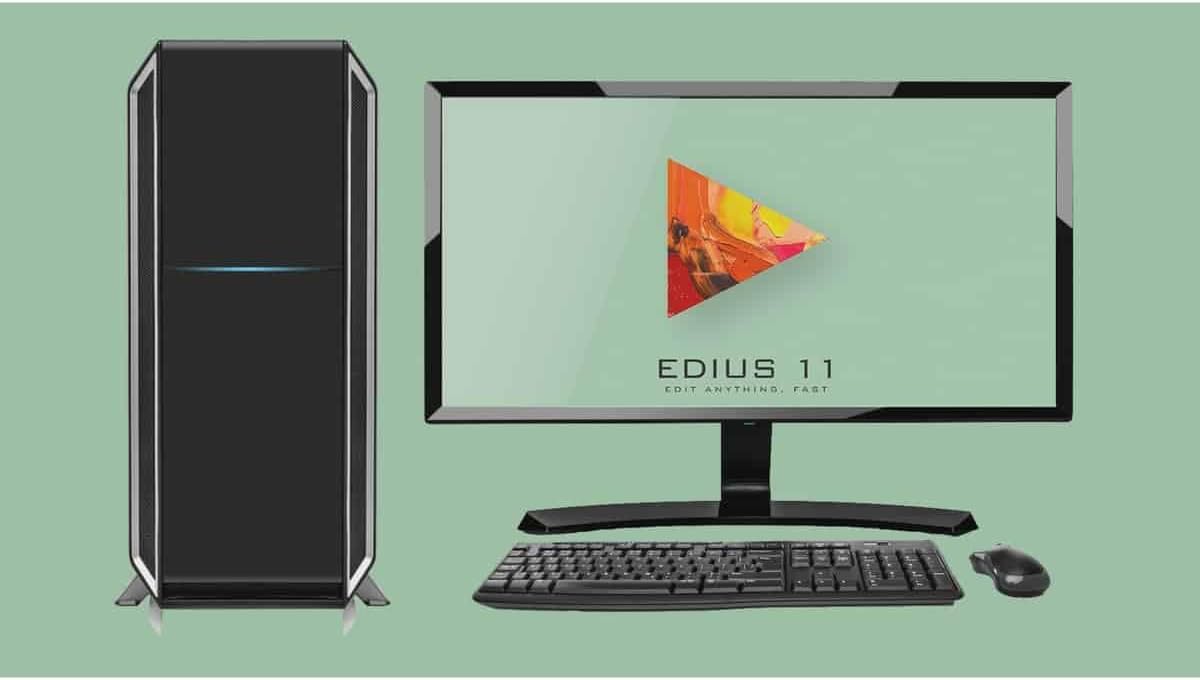
Figure 1: EDIUS 11 Pro software displayed on a monitor, part of a complete desktop computer setup.
2. Operating EDIUS 11 Pro
2.1 Βασικά χαρακτηριστικάview
EDIUS 11 Pro introduces several enhancements and new features to streamline your editing workflow:
Mync 11 Integration: Advanced media management and organization.
Chorus Hub Server: Facilitates collaborative editing and asset sharing.
AI Services Integration: Support for AI-powered tools and services.
Βελτιωμένη απόδοση: Optimized for faster rendering and real-time playback.
Broad Format Support: Native support for a wide range of video formats and codecs.
Multi-language Subtitle Support: Improved tools for creating and managing subtitles in various languages.
2.2 Project Creation and Settings
To begin a new project in EDIUS 11 Pro:
Launch EDIUS 11 Pro.
From the start-up dialog, select "New Project".
Configure your project settings, including resolution (e.g., Full HD, 4K, UHD), frame rate, and audio settings. Ensure these match your source footage για βέλτιστη απόδοση.
Name your project and choose a save location.
Click "OK" to create the project and open the EDIUS interface.
Figure 2: Project creation options, illustrating support for various resolutions and frame rates.
2.3 Importing Media and Supported Devices
EDIUS 11 Pro supports a wide array of media formats and integrates seamlessly with various professional cameras and devices. You can import media directly from connected cameras, memory cards, or local storage drives.
Figure 3: EDIUS 11 Pro's extensive compatibility with various camera brands and models.
2.4 Collaborative Workflow with Chorus Hub 11
Chorus Hub 11 is a central component for collaborative editing environments. It allows multiple users to access and share media assets and projects efficiently, enhancing team productivity.
Figure 4: The Chorus Hub 11 architecture, showing its role in connecting various EDIUS and Mync instances for collaborative work.
2.5 Exporting and Social Media Presets
EDIUS 11 Pro offers a variety of export options, including optimized presets for popular social media platforms. This ensures your content is delivered in the correct format and aspect ratio for maximum impact.
Figure 5: Social media project and export presets available in EDIUS 11 Pro.
3. Συντήρηση
3.1 Ενημερώσεις λογισμικού
Regularly check for and install software updates to ensure you have the latest features, bug fixes, and performance improvements. Updates are typically released through the Grass Valley website or via an in-application notification system.
3.2 System Optimization for Performance
To maintain optimal performance of EDIUS 11 Pro:
Διατηρήστε ενημερωμένα τα προγράμματα οδήγησης: Ensure your graphics card drivers are always up to date.
Manage Disk Space: Regularly clear temporary files and ensure sufficient free space on your media drives.
Optimize Project Settings: Use proxy workflows for high-resolution footage if your system struggles with real-time playback.
Close Unnecessary Applications: Minimize background processes while editing to free up system resources.
4. Αντιμετώπιση Προβλημάτων
4.1 Κοινά ζητήματα και λύσεις
Το λογισμικό δεν εκκινείται:
Ensure your system meets the minimum requirements. Try reinstalling the software or updating your graphics drivers.
Performance Lags/Stuttering:
Check system resources (CPU, RAM, GPU usage). Optimize project settings, use proxy files, or close other demanding applications. Ensure media is on a fast drive.
Export Failures:
Verify output settings and destination path. Check for sufficient disk space. Try exporting a smaller section of the timeline to isolate potential problematic media.
Προβλήματα ενεργοποίησης:
Ensure you have an active internet connection. Double-check your license key for typos. If issues persist, contact Grass Valley support.
4.2 Επικοινωνία με την τεχνική υποστήριξη
If you encounter issues that cannot be resolved using the troubleshooting steps above, please contact Grass Valley Technical Support. Have your product license key and system information ready for faster assistance.
Visit the official Grass Valley website for support contact details and knowledge base articles: www.grassvalley.com/support
5. Τεχνικές Προδιαγραφές
Detailed specifications for EDIUS 11 Pro:
Συστατικό
Ελάχιστη Απαίτηση
Recommended for 4K/8K
Λειτουργικό σύστημα
Windows 10 (64-bit) / Windows 11 (64-bit)
Windows 10 (64-bit) / Windows 11 (64-bit)
CPU
Intel Core i7 or equivalent AMD
Intel Core i9 or AMD Ryzen 9
ΕΜΒΟΛΟ
16 GB
32 GB ή περισσότερο
Κάρτα Γραφικών
DirectX 11 compatible, 4 GB VRAM
DirectX 11 compatible, 8 GB VRAM or more
Αποθήκευση
SSD for system, 6 GB free for installation
Multiple SSDs (system, media, cache)
Κάρτα ήχου
WDM-compatible audio device
WDM-compatible audio device
Σύνδεση στο Διαδίκτυο
Απαιτείται για ενεργοποίηση και ενημερώσεις
Απαιτείται για ενεργοποίηση και ενημερώσεις
6. Εγγύηση και υποστήριξη
6.1 Software License and Warranty
EDIUS 11 Pro is provided under a software license agreement. Please refer to the End User License Agreement (EULA) included with your software for detailed terms regarding usage, warranty limitations, and intellectual property rights. Grass Valley provides support and updates in accordance with the terms of your license.
6.2 Πρόσθετοι Πόροι και Υποστήριξη
For further assistance, tutorials, and community forums, please visit the official Grass Valley EDIUS webτοποθεσία:
Online documentation and FAQs are also available to help you maximize your EDIUS 11 Pro experience.
Σχετικά Έγγραφα - EDIUS 11 Pro
Grass Valley EDIUS 9 Release Notes Version 9.54.6706 Official release notes for Grass Valley EDIUS 9 software, version 9.54.6706, detailing new features, bug fixes, and known limitations for professional video editing.
Grass Valley STORM 3G & STORM 3G Elite Sales Manual Sales manual detailing the Grass Valley STORM 3G and STORM 3G Elite, PCIe-based nonlinear editing boards and I/O units supporting 3G-SDI and high-end video editing environments, including features, specifications, and competitive comparisons.
Οδηγός χρήστη Grass Valley EDIUS XRE v9.0 Πλήρης οδηγός για την εγκατάσταση, τη διαμόρφωση και τη λειτουργία του συστήματος Grass Valley EDIUS XRE για αποτελεσματικές ροές εργασίας απόδοσης βίντεο και μετα-παραγωγής.
Οδηγός χρήστη του Grass Valley XRE Transcoder Πλήρης οδηγός χρήστη για το Grass Valley XRE Transcoder, με λεπτομέρειες για την εγκατάσταση, τη ρύθμιση, τη διαμόρφωση, τις λειτουργίες και τις υποστηριζόμενες μορφές για επαγγελματική μετατροπή βίντεο.
Grass Valley XRE Transcoder User Guide v9.3 Comprehensive user guide for the Grass Valley XRE Transcoder (version 9.3), detailing installation, setup, configuration, file conversion operations, and output settings for professional video transcoding within the EDIUS XRE system.
Grass Valley XRE Transcoder User Guide v9.0 A comprehensive user guide for the Grass Valley XRE Transcoder (version 9.0), detailing installation, configuration, and operational procedures for professional video transcoding within the EDIUS XRE system. Covers system requirements, settings, and supported formats.