1. Εισαγωγή
The BuzzTV B5 is an advanced Android 11 TV Box designed to deliver a superior 4K UHD streaming experience. This device allows you to access a wide range of entertainment, including movies, TV shows, and applications, directly on your television. This manual provides essential information for the proper setup, operation, maintenance, and troubleshooting of your BuzzTV B5.
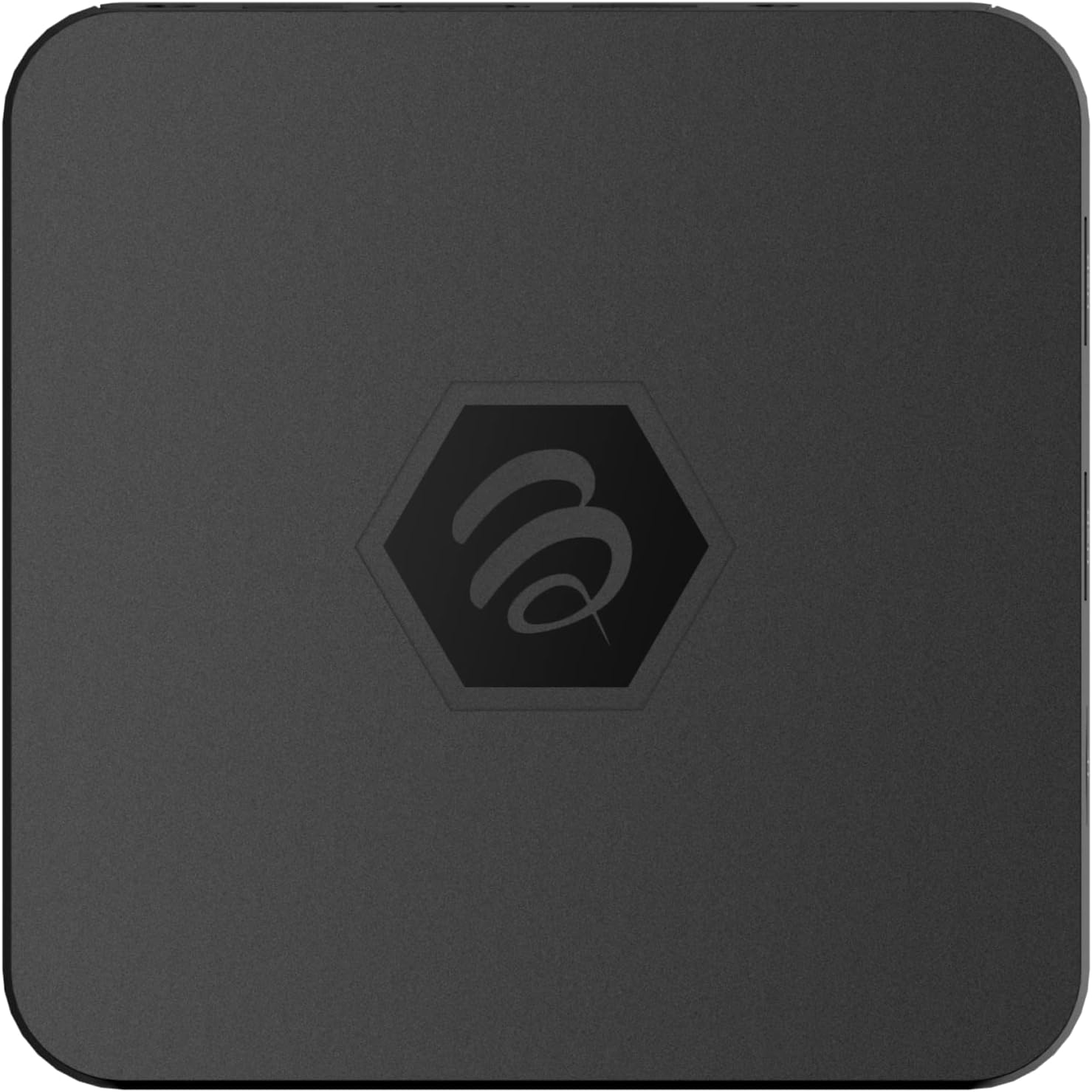
Εικόνα 1.1: Κορυφή view of the BuzzTV B5 Android 11 TV Box.
2. Περιεχόμενα συσκευασίας
Please verify that all items listed below are included in your BuzzTV B5 package:
- BuzzTV B5 Set Top Box
- IR-100 Remote Control
- Προσαρμογέας τροφοδοτικού
- 2 μπαταρίες AAA (για τηλεχειριστήριο)
- Καλώδιο HDMI
- Εγχειρίδιο χρήστη (αυτό το έγγραφο)

Image 2.1: Contents included in the BuzzTV B5 retail package.
3. Οδηγός εγκατάστασης
Follow these steps to set up your BuzzTV B5 TV Box:
- Σύνδεση με τηλεόραση: Connect one end of the provided HDMI cable to the HDMI port on the BuzzTV B5 and the other end to an available HDMI input on your television.
- Σύνδεση τροφοδοσίας: Plug the power supply adapter into the DC 5V port on the BuzzTV B5, then plug the adapter into a wall outlet. The device should power on automatically or can be powered on using the remote control.
- Τοποθετήστε τις μπαταρίες στο τηλεχειριστήριο: Open the battery compartment on the back of the IR-100 Remote Control and insert the two AAA batteries, ensuring correct polarity (+/-).
- Σύνδεση δικτύου: Once the device boots up, follow the on-screen instructions to connect to your network. You can choose between Wi-Fi (wireless) or Ethernet (wired) connection. For a wired connection, connect an Ethernet cable from your router to the Ethernet port on the BuzzTV B5.
- Αρχική εγκατάσταση: Complete the initial Android setup process, which may include language selection, Google account login, and time zone settings.

Image 3.1: Rear ports of the BuzzTV B5 for connectivity.
4. Οδηγίες λειτουργίας
The BuzzTV B5 operates on Android 11, providing a user-friendly interface for navigation and content access.
4.1 Λειτουργίες τηλεχειριστηρίου
The IR-100 Remote Control is your primary interface for the BuzzTV B5. Key functions include:
- Κουμπί λειτουργίας: Ενεργοποιεί ή απενεργοποιεί τη συσκευή.
- Πλήκτρο πλοήγησης (Πάνω/Κάτω/Αριστερά/Δεξιά/OK): Χρησιμοποιείται για πλοήγηση σε μενού και επιλογή στοιχείων.
- Κουμπί Πίσω: Επιστρέφει στην προηγούμενη οθόνη ή μενού.
- Κουμπί αφετηρίας: Επιστρέφει στην κύρια αρχική οθόνη του Android.
- Κουμπιά έντασης ήχου: Ρυθμίζει την ένταση του ήχου.
- App/Menu Buttons: Accesses specific applications or context menus.

Image 4.1: Layout of the IR-100 Remote Control.
4.2 Πρόσβαση σε εφαρμογές
From the home screen, you can access pre-installed applications like Netflix and YouTube, or download new applications from the Google Play Store. Use the navigation pad on your remote to select and launch applications.
4.3 4K UHD Streaming
The BuzzTV B5 supports 4K UHD resolution. Ensure your television is 4K compatible and that you are using a high-speed HDMI cable for optimal picture quality. Streaming quality will also depend on your internet connection speed and the content source.
5. Συντήρηση
To ensure the longevity and optimal performance of your BuzzTV B5, consider the following maintenance tips:
- Καθάρισμα: Χρησιμοποιήστε ένα μαλακό, στεγνό πανί για να καθαρίσετε το εξωτερικό της συσκευής. Αποφύγετε τη χρήση υγρών καθαριστικών ή λειαντικών υλικών.
- Αερισμός: Βεβαιωθείτε ότι η συσκευή είναι τοποθετημένη σε καλά αεριζόμενο χώρο για να αποφύγετε την υπερθέρμανση. Μην καλύπτετε τα ανοίγματα εξαερισμού.
- Ενημερώσεις λογισμικού: Periodically check for and install system updates to benefit from new features, performance improvements, and security patches. These can usually be found in the device's settings menu.
- Κύκλος ισχύος: Εάν η συσκευή δεν ανταποκρίνεται, αποσυνδέστε το τροφοδοτικό, περιμένετε 10 δευτερόλεπτα και, στη συνέχεια, επανασυνδέστε το για να εκτελέσετε έναν κύκλο απενεργοποίησης.
6. Αντιμετώπιση Προβλημάτων
If you encounter issues with your BuzzTV B5, refer to the following common problems and solutions:
| Πρόβλημα | Πιθανή αιτία | Διάλυμα |
|---|---|---|
| Χωρίς Δύναμη | Ο προσαρμογέας ρεύματος δεν είναι συνδεδεμένος. Η πρίζα δεν λειτουργεί. | Βεβαιωθείτε ότι ο προσαρμογέας ρεύματος είναι συνδεδεμένος με ασφάλεια στη συσκευή και σε μια πρίζα που λειτουργεί. Δοκιμάστε μια διαφορετική πρίζα. |
| No Signal on TV | Incorrect HDMI input selected; faulty HDMI cable. | Select the correct HDMI input on your TV. Check HDMI cable connections or try a different HDMI cable. |
| Το τηλεχειριστήριο δεν ανταποκρίνεται | Άδειες μπαταρίες· μη συζευγμένο τηλεχειριστήριο (εάν υπάρχει)· εμπόδιο. | Replace AAA batteries. Ensure no obstructions between remote and device. |
| Ζητήματα σύνδεσης δικτύου | Λανθασμένος κωδικός πρόσβασης Wi-Fi· προβλήματα με τον δρομολογητή· ασθενές σήμα. | Verify Wi-Fi password. Restart your router. Move the device closer to the router or use an Ethernet cable. |
| Applications Crashing/Freezing | Insufficient memory; outdated app; software glitch. | Close background apps. Update the app or the device's firmware. Clear app cache/data in settings. |
7. Προδιαγραφές
Detailed technical specifications for the BuzzTV B5 Android 11 TV Box:
- Λειτουργικό σύστημα: Android OS 11
- CPU: Amlogic S905W2 Quad-Core A-35
- GPU: Mali-G31 MP2
- ΕΜΒΟΛΟ: 2GB DDR
- Αποθήκευση: 16 GB eMMC
- Wi-Fi: Dual Band AC
- LAN: Ethernet 10/100 Mbps
- Bluetooth: 4.2
- Θύρες USB: 2x USB 2.0
- Υποδοχή MicroSD: 1
- Διασύνδεση ισχύος: DC 5V
- Έξοδος HDMI: 1
- Έξοδος οπτικού ήχου: 1
- Ανάλυση εξόδου: 4K (32 FPS)
- Διαστάσεις: 9.06 x 5.63 x 2.32 ίντσες
- Βάρος αντικειμένου: 1.01 λίρες

Image 7.1: BuzzTV B5 with a summary of its technical specifications.
8. Πληροφορίες εγγύησης
For detailed warranty information regarding your BuzzTV B5, please refer to the warranty card included in your product packaging or visit the official BuzzTV webιστότοπος. Οι όροι και οι προϋποθέσεις της εγγύησης ενδέχεται να διαφέρουν ανάλογα με την περιοχή και τον πωλητή.
9. Υποστήριξη
If you require further assistance or have questions not covered in this manual, please contact BuzzTV customer support or visit their official webιστότοπος για συχνές ερωτήσεις, λήψεις λογισμικού και πρόσθετους πόρους.
BuzzTV Official Webτοποθεσία: www.buzztv.com