Εισαγωγή
This user manual provides comprehensive instructions for the TERIOS Wireless Controller, designed for an enhanced gaming experience. This controller is compatible with PlayStation 4, PS4 Pro, and PS4 Slim consoles.

Εικόνα: Μπροστά view of the green TERIOS Wireless Controller, showcasinτον εργονομικό σχεδιασμό και τη διάταξη κουμπιών.
Τι υπάρχει στο κουτί
Κατά το άνοιγμα της συσκευασίας, βεβαιωθείτε ότι υπάρχουν όλα τα ακόλουθα στοιχεία:
- 1 x TERIOS Wireless Controller
- 1 x Καλώδιο φόρτισης USB
- 1 x Controller User Manual (this document)

Image: The TERIOS Wireless Controller, USB charging cable, and user manual laid out, representing the package contents.
Χαρακτηριστικά προϊόντος
The TERIOS Wireless Controller is equipped with several features designed to enhance your gaming experience:
- Ασύρματη συνδεσιμότητα: Connects wirelessly to your PS4 console via Bluetooth 4.2 for a stable connection up to 8 meters.
- Built-in Speaker & Headset Jack: Features an integrated speaker and a 3.5mm stereo headset jack for immersive audio.
- Multitouch Pad: A central multitouch pad expands gaming possibilities and interaction.
- Κουμπί κοινής χρήσης: Allows for live-streaming and sharing gameplay moments without interrupting your session.
- Διπλά αναλογικά sticks: Provides pinpoint accuracy and enhanced sensitivity for precise control.
- Double Shock Vibration: Integrated motors provide haptic feedback for an immersive gaming experience.
- Turbo Feature: Enables rapid-fire functionality for certain in-game actions.
- Επαναφορτιζόμενη μπαταρία: Equipped with a 1000mAh lithium battery, offering 10-12 hours of continuous use on a single charge.
- Εργονομικός σχεδιασμός: Conforms to the palm structure for comfortable extended gaming sessions.

Εικόνα: Κοντινό πλάνο views highlighting the built-in speaker, share button, and multitouch pad functionalities of the controller.

Image: Visuals illustrating the Bluetooth 4.2 connection, ergonomic design for comfortable grip, and the placement of advanced gaming buttons.

Image: The controller with a visual emphasis on its dual analog sticks, indicating their role in providing a better gaming experience.
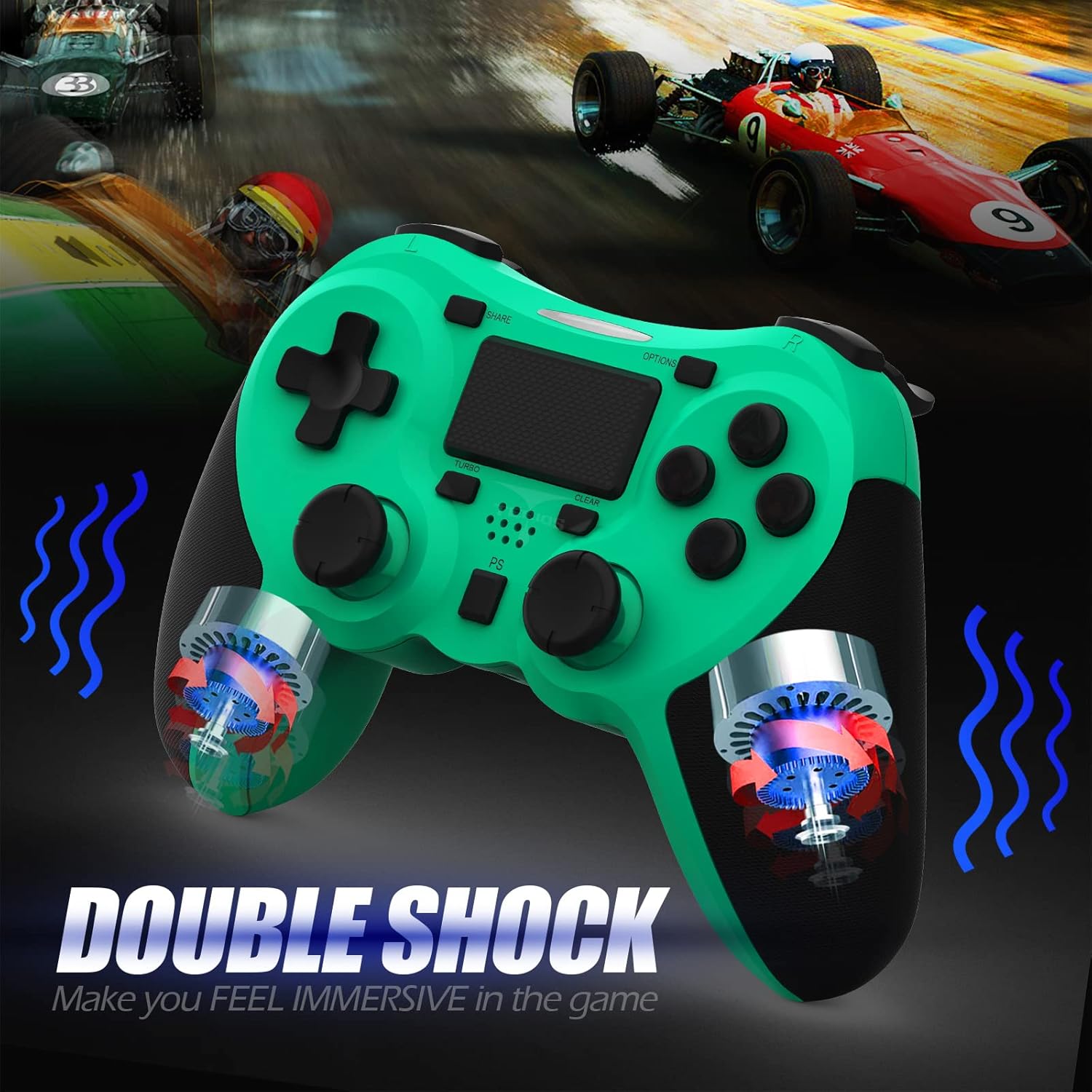
Εικόνα: Μια εσωτερική view of the controller highlighting the double shock vibration motors, designed to provide immersive haptic feedback.
Οδηγός εγκατάστασης
1. Αρχική φόρτιση
Before first use, fully charge the controller. Connect the supplied USB charging cable to the controller's micro USB port and the other end to a USB port on your PlayStation 4 console or a compatible USB wall adapter.
- Χρόνος φόρτισης: Περίπου 2-3 ώρες για πλήρη φόρτιση.
- Battery Life: Up to 10-12 hours of continuous gameplay.
- Χρόνος αναμονής: Έως 30 ημέρες.
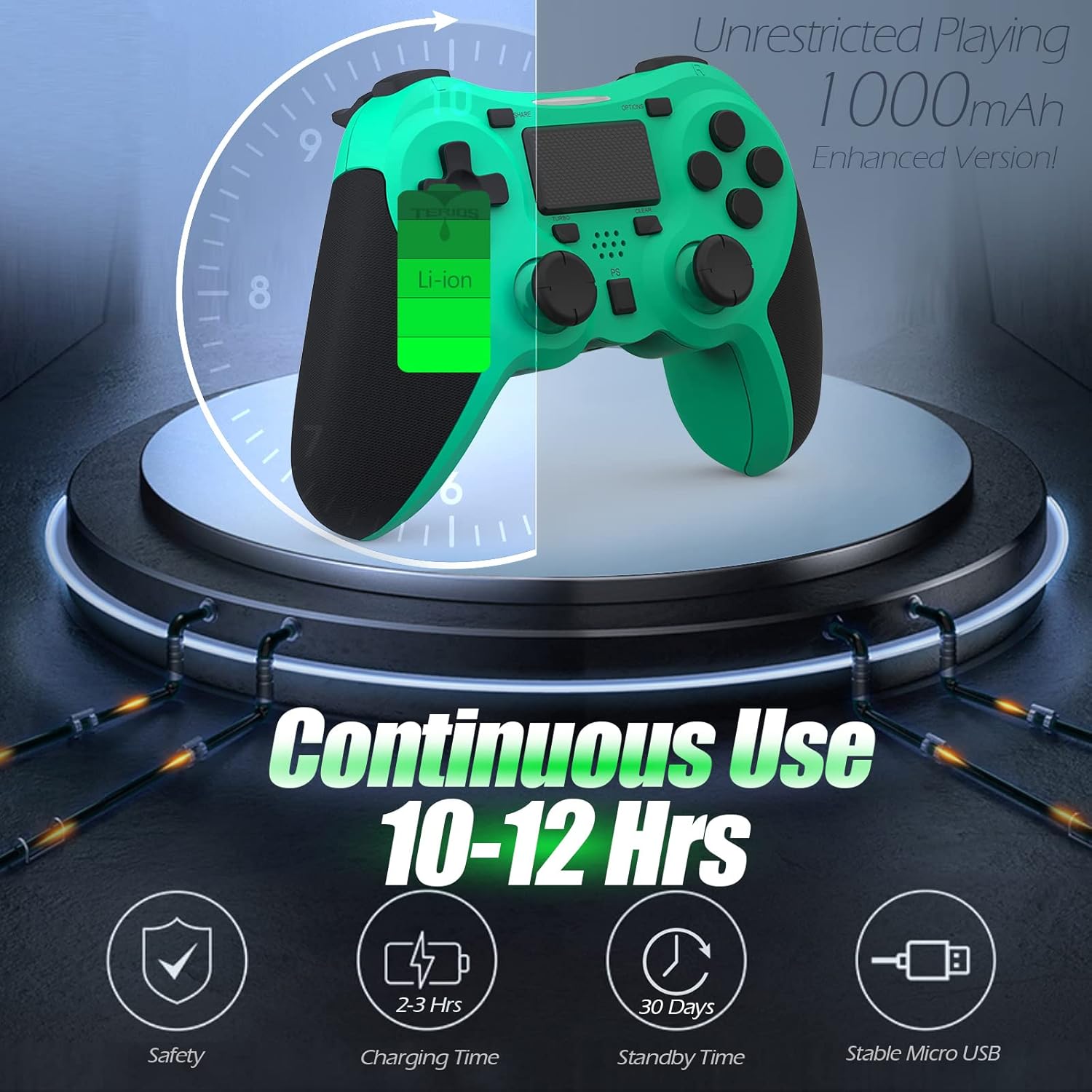
Image: A visual representation of the controller's 1000mAh battery, indicating 10-12 hours of continuous use, 2-3 hours charging time, and 30 days standby time.
2. Σύζευξη με PlayStation 4
Για να αντιστοιχίσετε το χειριστήριο με την κονσόλα PS4:
- Βεβαιωθείτε ότι η κονσόλα PS4 σας είναι ενεργοποιημένη.
- Συνδέστε το χειριστήριο στην κονσόλα PS4 χρησιμοποιώντας το καλώδιο φόρτισης USB.
- Πατήστε το Κουμπί PS (located in the center of the controller). The light bar on the controller will flash, then glow a solid color, indicating successful pairing.
- Μόλις ολοκληρωθεί η σύζευξη, μπορείτε να αποσυνδέσετε το καλώδιο USB για ασύρματη αναπαραγωγή.
Σημείωμα: If the controller does not pair, ensure it is charged and try connecting it to a different USB port on the console. For persistent issues, refer to the Troubleshooting section.
Οδηγίες Λειτουργίας
Βασικοί έλεγχοι
| Συστατικό | Λειτουργία |
|---|---|
| Κουμπί PS | Powers on the controller, accesses the PS4 home screen, switches users, or turns off the console (long press). |
| Κουμπί SHARE | Accesses the Share menu to capture screenshots, record video clips, or broadcast gameplay. |
| Κουμπί OPTIONS | Pauses games, accesses in-game menus, or confirms selections. |
| Directional Buttons (D-Pad) | Navigates menus and provides directional input in games. |
| Κουμπιά δράσης (Τρίγωνο, Κύκλος, Σταυρός, Τετράγωνο) | Performs in-game actions, confirms, or cancels selections. |
| Left/Right Sticks (L3/R3) | Controls character movement, camera, or other analog inputs. Pressing down on the sticks activates L3/R3 buttons. |
| Κουμπιά L1/R1 | Trigger various in-game actions, often for aiming or secondary functions. |
| L2/R2 Ενεργοποιητές | Analog triggers for actions like accelerating, braking, or firing weapons. |
| Multitouch Pad | Provides touch input for specific game interactions or navigation. |
| Υποδοχή ακουστικών 3.5 mm | Connects compatible headsets for game audio and voice chat. |
Ειδικές Λειτουργίες
Λειτουργία Turbo
The Turbo feature allows for rapid, continuous input of a button press, useful for actions like rapid firing in games.
- Πατήστε και κρατήστε πατημένο το Κουμπί TURBO (located below the touchpad).
- While holding TURBO, press the action button you wish to apply the rapid-fire function to (e.g., Square, Cross, Circle, Triangle, L1, R1, L2, R2).
- Release both buttons. The selected action button will now continuously register presses as long as it is held down.
- To disable Turbo for a specific button, repeat the process: hold TURBO and press the button again.
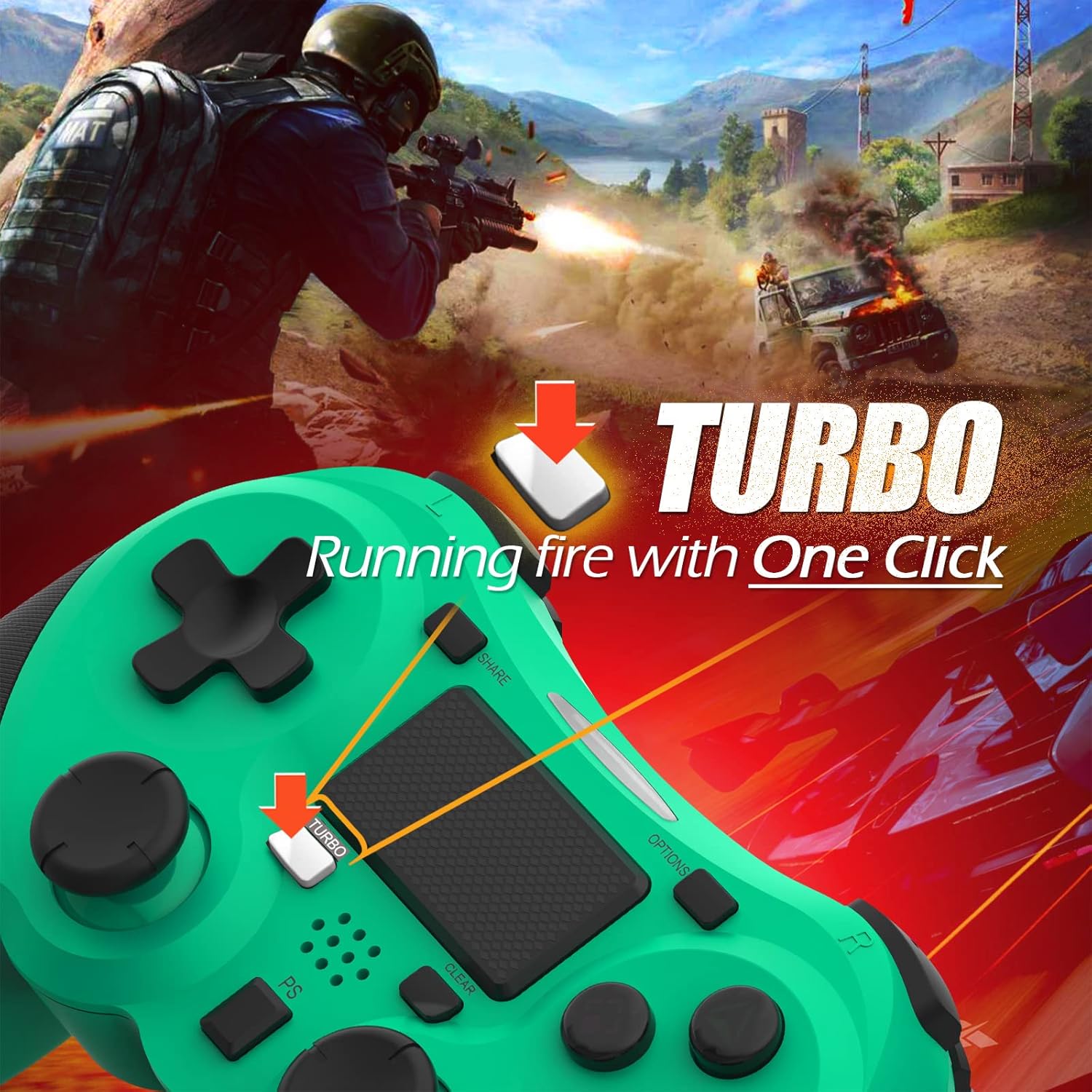
Image: A visual guide demonstrating how to activate the Turbo feature on the controller for rapid-fire actions.
Share Button Functionality
The SHARE button provides quick access to PS4's sharing features:
- Ενιαίο Τύπο: Opens the Share menu, allowing you to save a screenshot, save a video clip, or start a broadcast.
- Παρατεταμένο πάτημα: Takes a screenshot directly.
- Διπλό πάτημα: Έναρξη/διακοπή εγγραφής βίντεο.
Συντήρηση
Proper maintenance ensures the longevity and optimal performance of your TERIOS Wireless Controller.
Καθάρισμα
- Use a soft, dry cloth to wipe down the controller's surface.
- Για επίμονη βρωμιά, ελαφρώςampΞεπλύνετε το πανί με νερό ή με ένα ήπιο, μη λειαντικό καθαριστικό. Αποφύγετε την υπερβολική υγρασία.
- Do not use harsh chemicals, solvents, or abrasive materials, as these can damage the controller's finish and internal components.
Αποθήκευση
- Αποθηκεύστε το χειριστήριο σε δροσερό και ξηρό μέρος, μακριά από άμεσο ηλιακό φως, ακραίες θερμοκρασίες και υψηλή υγρασία.
- Avoid placing heavy objects on the controller to prevent damage to buttons or analog sticks.
Φροντίδα μπαταρίας
- To preserve battery life, avoid fully discharging the controller frequently.
- Εάν αποθηκεύετε για μεγάλο χρονικό διάστημα, φορτίστε την μπαταρία περίπου στο 50% πριν από την αποθήκευση.
- Recharge the controller at least once every three months if not in use to prevent deep discharge.
Αντιμετώπιση προβλημάτων
If you encounter issues with your TERIOS Wireless Controller, please refer to the following common solutions:
Ο ελεγκτής δεν συνδέεται/δεν ζευγοποιείται
- Ελέγξτε την μπαταρία: Ensure the controller is sufficiently charged. Connect it to the PS4 via USB cable to charge.
- Επισκευή: Connect the controller to the PS4 with the USB cable and press the PS button to re-establish the connection.
- Επαναφορά ελεγκτή: Locate the small reset button hole on the underside of the controller (near the L2 button). Use a straightened paperclip or a similar thin object to press and hold the button for 3-5 seconds. This will reset the controller. After resetting, attempt to re-pair it with the PS4.
- Παρέμβαση: Move closer to the PS4 console to rule out wireless interference.
Buttons or Sticks Unresponsive/Lagging
- Επαναφορά ελεγκτή: Perform a hard reset as described above.
- Καθαρός: Ensure no debris is lodged around the buttons or sticks. Clean the controller as per the Maintenance section.
- Υλικολογισμικό: Ensure your PS4 system software is up to date.
Υπερβολική δόνηση
- Επαναφορά ελεγκτή: A reset can often resolve unexpected vibration issues.
- Ρυθμίσεις παιχνιδιού: Check in-game settings for vibration intensity.
Προδιαγραφές
| Ιδιότης | Λεπτομέρεια |
|---|---|
| Μοντέλο | TERIOS 5S |
| ASIN | B09KLR5DCZ |
| Αρμονία | PlayStation 4, PS4 Pro, PS4 Slim |
| Συνδεσιμότητα | Wireless (Bluetooth 4.2), USB |
| Τύπος μπαταρίας | Πολυμερές Λιθίου (1 περιλαμβάνεται) |
| Χωρητικότητα μπαταρίας | 1000 mAh |
| Συνεχής χρόνος χρήσης | 10-12 ώρες |
| Χρόνος Φόρτισης | 2-3 ώρες |
| Χρόνος αναμονής | Έως 30 ημέρες |
| Βάρος αντικειμένου | 10.8 ουγγιές (περίπου 306 γραμμάρια) |
| Διαστάσεις συσκευασίας | 6.69 x 5.24 x 2.72 ίντσες |
| Κατασκευαστής | ΤΕΡΙΟΣ |
| Ημερομηνία πρώτης διαθεσιμότητας | 28 Οκτωβρίου 2021 |
Εγγύηση και υποστήριξη
TERIOS stands behind the quality of its products. This controller comes with a 1 χρόνια εγγύηση από την ημερομηνία αγοράς, καλύπτοντας κατασκευαστικά ελαττώματα.
For customer support, technical assistance, or warranty claims, please contact TERIOS customer service through the platform where you purchased the product or visit the official TERIOS store page for contact information.
We are committed to providing premium customer support and ensuring your satisfaction with our products.


