Εισαγωγή
This manual provides detailed instructions for the operation and maintenance of your TOZO G1 Wireless Gaming Earbuds. Please read thoroughly before use to ensure optimal performance and longevity of your device.
Τι υπάρχει στο κουτί
- Ασύρματα ακουστικά TOZO G1
- Ασύρματη θήκη φόρτισης
- Eartips (multiple sizes for comfortable fit)
- Καλώδιο φόρτισης USB A σε USB C
- Εγχειρίδιο χρήστη (αυτό το έγγραφο)
Ρύθμιση
1. Φόρτιση των ακουστικών και της θήκης
Before first use, fully charge the earbuds and charging case to ensure maximum battery life.
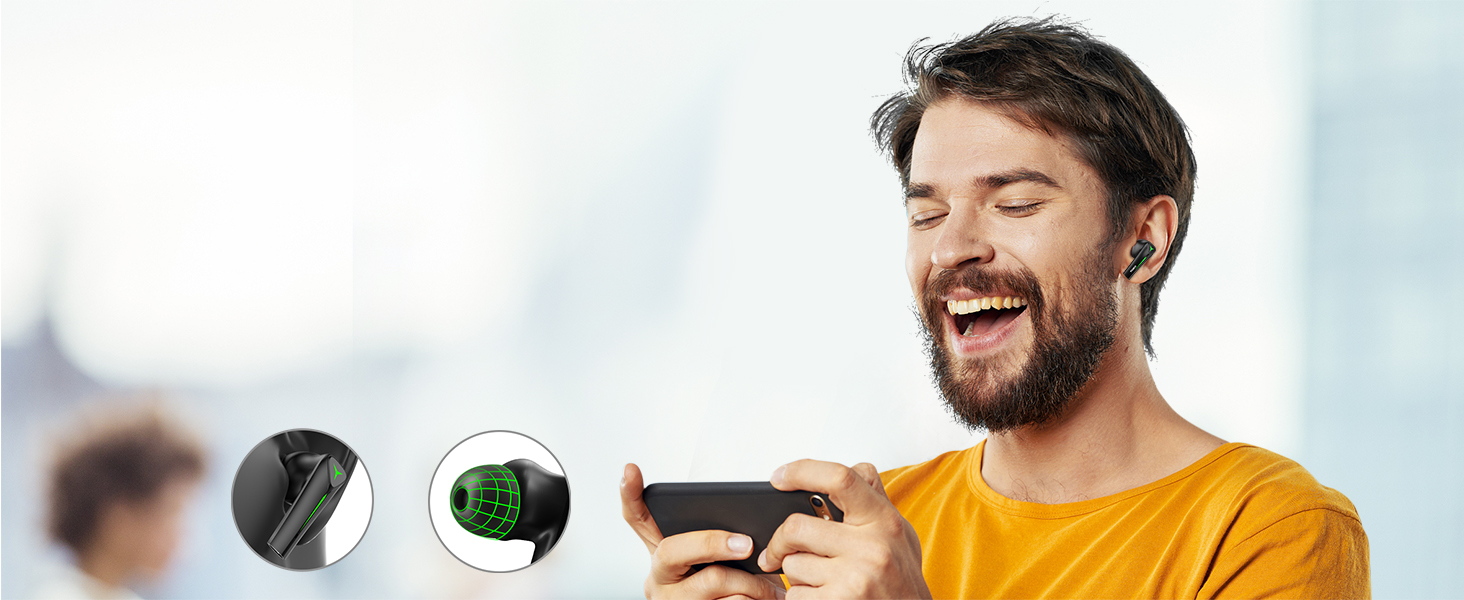
Image: The TOZO G1 charging case connected via a USB-C cable, indicating charging status with an illuminated logo.
- Connect the USB A to USB C charging cable to the charging port on the case.
- Connect the other end to a compatible USB power source.
- The LED indicator on the case will show the charging status. A full charge provides up to 6 hours of playback for the earbuds and an additional 30 hours with the charging case.
2. Σύζευξη με τη συσκευή σας
Follow these steps to pair your earbuds with a Bluetooth-enabled device.
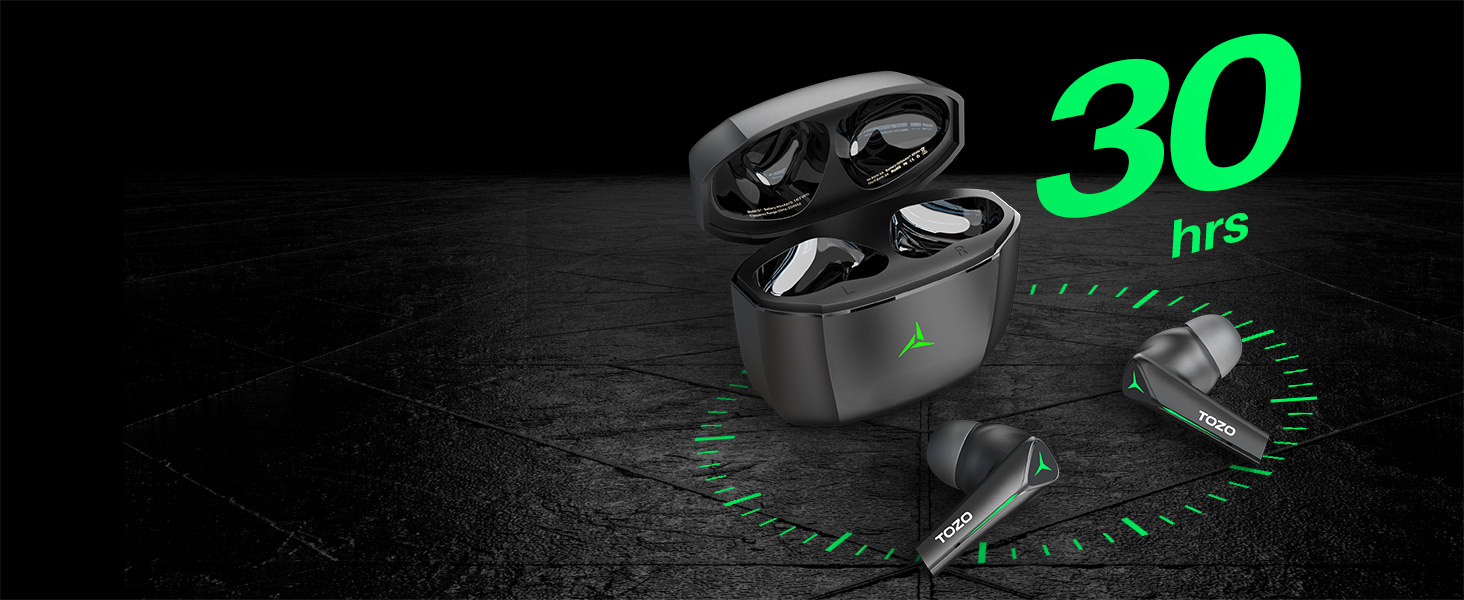
Image: TOZO G1 earbuds shown next to a smartphone displaying Bluetooth pairing options, with the earbuds emitting a green light.
- Open the charging case. The earbuds will automatically enter pairing mode (indicated by flashing LED lights).
- On your device (smartphone, tablet, laptop, gaming console), enable Bluetooth.
- Αναζήτηση για "TOZO G1" in the list of available devices and select it to connect.
- Once connected, the earbud LED lights will turn off or show a steady light.
Οδηγίες Λειτουργίας
1. Game & Music Dual Mode
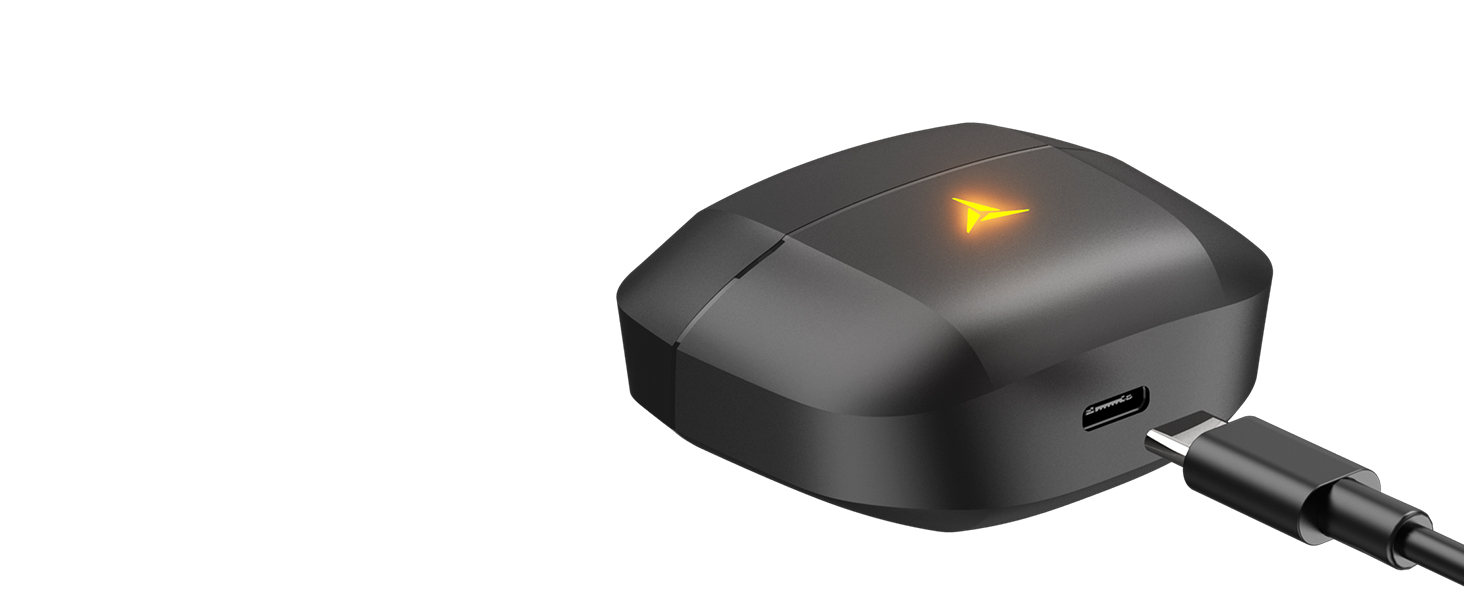
Image: A split image showing the TOZO G1 earbuds in "Game Mode" with a gaming scene and "Music Mode" with a person playing guitar, highlighting the dual functionality.
The TOZO G1 earbuds feature a dual mode for optimized audio performance:
- Λειτουργία παιχνιδιού: Provides 45ms ultra-low latency for synchronized audio and video, enhancing gaming with accurate sound detection (footsteps, gunfire).
- Λειτουργία μουσικής: Delivers high-fidelity sound with powerful bass (16Hz-20kHz), mellow midrange, and clear treble for an immersive listening experience.
2. Έξυπνος έλεγχος αφής

Image: A diagram illustrating the touch control functions for the left and right TOZO G1 earbuds, including play/pause, track skipping, volume control, call management, and voice assistant/game mode activation.
Control your earbuds with simple touch gestures:
| Δράση | Αριστερό ακουστικό | Δεξιά Earbud |
|---|---|---|
| Αναπαραγωγή/Παύση | Single Tap (X1) | Single Tap (X1) |
| Προηγούμενο/Επόμενο Τραγούδι | Double Tap (X2) - Previous | Double Tap (X2) - Next |
| Απάντηση/Κλείσιμο κλήσης | Single Tap (X1) | Single Tap (X1) |
| Απόρριψη κλήσης | Κρατήστε για 2 δευτερόλεπτα | Κρατήστε για 2 δευτερόλεπτα |
| Μείωση / Μείωση έντασης ήχου | Hold for 2 seconds - Volume Down | Hold for 2 seconds - Volume Up |
| Voice Assistant/Game Mode | Triple Tap (X3) - Voice Assistant | Triple Tap (X3) - Game Mode |
Συντήρηση
- Καθαρίζετε τακτικά τα ακουστικά και τη θήκη φόρτισης με ένα μαλακό, στεγνό πανί.
- Avoid exposing the earbuds to extreme temperatures or liquids. While waterproof, prolonged submersion is not recommended.
- Store in the charging case when not in use to protect and keep them charged.
Αντιμετώπιση προβλημάτων
- Τα ακουστικά δεν αντιστοιχίζονται:
- Ensure both earbuds are in the charging case and the case is open. Check your device's Bluetooth settings and try reconnecting. If issues persist, reset the earbuds (refer to the full user manual for specific reset instructions).
- Δεν υπάρχει ήχος ή η ένταση είναι χαμηλή:
- Check the volume levels on both your device and the earbuds. Ensure earbuds are properly seated in your ears. Verify the earbuds are connected to the correct device.
- Ζητήματα φόρτισης:
- Ensure the charging cable is securely connected to both the case and the power source. Try a different USB-C cable or power adapter. Clean the charging contacts on the earbuds and inside the case.
Προδιαγραφές
| Χαρακτηριστικό | Λεπτομέρεια |
|---|---|
| Όνομα μοντέλου | G1 |
| Τεχνολογία Συνδεσιμότητας | Ασύρματη σύνδεση (Bluetooth 5.3) |
| Καθυστέρηση ήχου | 45 χιλιοστά του δευτερολέπτου (Λειτουργία παιχνιδιού) |
| Διάρκεια ζωής μπαταρίας (ακουστικά) | Έως 6 ώρες |
| Συνολικός χρόνος αναπαραγωγής (με θήκη φόρτισης) | Έως 30 ώρες |
| Επίπεδο αντοχής στο νερό | Αδιάβροχο (IPX5) |
| Μέθοδος Ελέγχου | Επαφή |
| Συμπεριλαμβανόμενα εξαρτήματα | TOZO G1 Wireless Earbuds, Wireless Charging Case, Eartips, USB A to USB C Charging Cable, User Manual |
Επίσημο βίντεο προϊόντος
Βίντεο: Επίσημη παρουσίαση βίντεο προϊόντοςasing the TOZO G1 Wireless Gaming Earbuds and their features.
Εγγύηση & Υποστήριξη
TOZO products come with a standard manufacturer's warranty. For detailed warranty information, product support, or to contact customer service, please visit the official TOZO webιστότοπο ή ανατρέξτε στην κάρτα εγγύησης που περιλαμβάνεται στη συσκευασία του προϊόντος σας.
Επίσημος ανώτερος υπάλληλος Webτοποθεσία: www.tozostore.com