1. Το προϊόν τελείωσεview
The Netac N530S is a 2.5-inch SATA III Solid State Drive designed to enhance the performance of your laptop, desktop computer, or gaming console. It offers fast data transfer speeds, improved system responsiveness, and a durable, energy-efficient design.
- Απόδοση υψηλής ταχύτητας: Achieves sequential read speeds up to 550 MB/s and write speeds up to 510 MB/s, significantly reducing boot times and application load times.
- Enhanced System Responsiveness: Improves overall system performance compared to traditional hard disk drives (HDDs).
- Ανθεκτικό και αξιόπιστο: Features error correction code, wear leveling, and TRIM technology for stable operation and extended lifespan. It is also shock, vibration, and temperature resistant.
- Ενεργειακή απόδοση: Consumes less power than traditional HDDs, contributing to longer battery life in laptops and reduced energy costs for desktops.
- Ευρεία συμβατότητα: Standard 2.5-inch form factor with SATA interface, suitable for a broad range of devices.

Image: Netac N530S SSD highlighting read speed up to 550 MB/s and write speed up to 500 MB/s. Performance may vary based on internal testing, drive capacity, host device, and usage conditions.
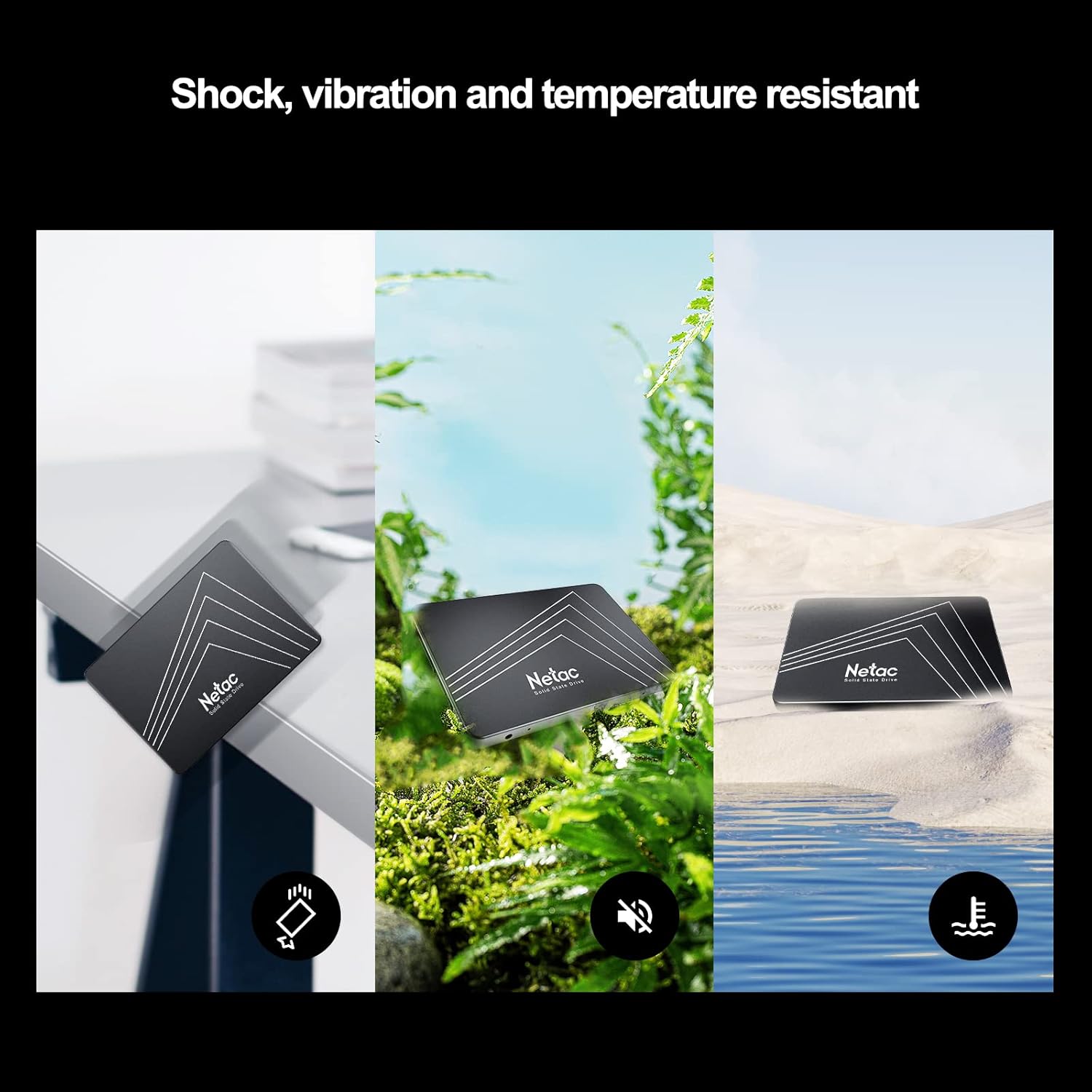
Image: The Netac N530S SSD is designed to be resistant to shock, vibration, and extreme temperatures, ensuring data integrity and reliability in various environments.
Βίντεο: Μια εισαγωγική παρουσίαση βίντεοasing the Netac N530S Solid State Drive, highlighting its features and benefits for various computing needs.
2. Ρύθμιση και εγκατάσταση
This section provides general guidelines for installing your Netac N530S SSD. Specific steps may vary depending on your computer model. It is recommended to back up your data before proceeding with any hardware changes.
2.1 Απαιτούμενα εργαλεία
- Κατσαβίδι κεφαλής Phillips
- SATA data cable (if not already present in your system)
- SATA power cable (usually from your power supply)
- Optional: 2.5-inch to 3.5-inch drive bay adapter (for desktop PCs without 2.5-inch bays)
2.2 Installation Steps (Desktop PC)
- Απενεργοποίηση και αποσύνδεση: Shut down your computer completely and disconnect the power cable from the wall outlet.
- Ανοιχτή υπόθεση: Αφαιρέστε το πλαϊνό πάνελ του περιβλήματος του υπολογιστή σας για να αποκτήσετε πρόσβαση στα εσωτερικά εξαρτήματα.
- Εντοπίστε το Drive Bay: Identify an available 2.5-inch drive bay. If only 3.5-inch bays are available, use a 2.5-inch to 3.5-inch adapter.
- Τοποθέτηση SSD: Secure the Netac N530S SSD into the drive bay or adapter using screws.
- Σύνδεση καλωδίων:
- Συνδέστε το ένα άκρο του καλωδίου δεδομένων SATA στον SSD και το άλλο άκρο σε μια διαθέσιμη θύρα SATA στη μητρική σας πλακέτα.
- Connect a SATA power cable from your power supply unit to the SSD.

Image: A hand connecting the SATA power and data cables to the Netac N530S SSD inside a computer case. This illustrates the simple operation suitable for DIY installation.
- Κλείστε τη θήκη και ενεργοποιήστε: Reattach the side panel, reconnect the power cable, and power on your computer.
- Initialize and Format (New SSD): For a new SSD, you may need to initialize it in Disk Management (Windows) or Disk Utility (macOS) and format it before use. Refer to your operating system's documentation for detailed steps.
2.3 Installation Steps (Laptop)
- Απενεργοποίηση και αποσύνδεση: Shut down your laptop, disconnect the power adapter, and remove the battery (if removable).
- Πρόσβαση στην αυλή οδήγησης: Consult your laptop's manual to locate and open the hard drive bay. This usually involves removing a panel on the bottom of the laptop.
- Αφαίρεση παλιού δίσκου: Carefully disconnect and remove the existing hard drive. Note how it is connected and mounted.
- Install New SSD: Place the Netac N530S SSD into the drive bay. Secure it with any brackets or screws that held the old drive. Connect the SSD to the laptop's SATA connector.
- Κλείσιμο και ενεργοποίηση: Reattach the panel, reinsert the battery, reconnect the power adapter, and power on your laptop.
- Εγκατάσταση λειτουργικού συστήματος: If replacing the primary drive, you will need to install your operating system onto the new SSD.
3. Λειτουργία του SSD
Once installed, your Netac N530S SSD operates like any other storage device. For optimal performance and longevity, consider the following:
- Υποστήριξη λειτουργικού συστήματος: Ensure your operating system supports TRIM functionality, which helps maintain SSD performance over time. Modern operating systems (Windows 7+, macOS, Linux) typically support TRIM automatically.
- Αποφύγετε την ανασυγκρότηση: Unlike HDDs, SSDs do not benefit from defragmentation. In fact, defragmenting an SSD can reduce its lifespan by causing unnecessary write cycles. Disable any automatic defragmentation tools for your SSD.
- Leave Some Free Space: It is generally recommended to leave at least 10-15% of the SSD's capacity free. This allows the SSD's wear-leveling algorithms to function effectively and maintain performance.
- Use as Boot Drive: For the best performance improvement, install your operating system and frequently used applications on the SSD.
Image: The Netac N530S SSD significantly speeds up boot times and application loading, enhancing the overall responsiveness of your system.
Image: The Netac N530S SSD facilitates seamless multitasking, allowing users to run multiple applications and processes smoothly without slowdowns.
4. Συντήρηση
Proper maintenance can extend the life and maintain the performance of your Netac N530S SSD.
- Ενημερώσεις υλικολογισμικού: Periodically check the Netac official website for any available firmware updates for your N530S SSD. Firmware updates can improve performance, stability, and compatibility.
- Παρακολούθηση της εύρυθμης λειτουργίας του SSD: Use S.M.A.R.T. (Self-Monitoring, Analysis, and Reporting Technology) tools to monitor the health and estimated lifespan of your SSD. Many operating systems and third-party utilities offer this feature.
- Τακτικά αντίγραφα ασφαλείας: While SSDs are reliable, no storage device is infallible. Regularly back up important data to another drive or cloud storage.
5. Αντιμετώπιση Προβλημάτων
If you encounter issues with your Netac N530S SSD, try the following troubleshooting steps:
- Δεν εντοπίστηκε SSD:
- Ελέγξτε όλες τις συνδέσεις καλωδίων δεδομένων και τροφοδοσίας SATA για να βεβαιωθείτε ότι είναι ασφαλείς.
- Επαληθεύστε ότι η θύρα SATA στη μητρική πλακέτα είναι ενεργοποιημένη στις ρυθμίσεις BIOS/UEFI.
- Try connecting the SSD to a different SATA port or using different cables.
- Ensure the SSD is properly initialized and formatted in Disk Management (Windows) or Disk Utility (macOS) if it's a new drive.
- Αργή απόδοση:
- Επιβεβαιώστε ότι το TRIM είναι ενεργοποιημένο για το λειτουργικό σας σύστημα.
- Ensure the SSD is connected to a SATA III (6Gb/s) port for optimal speed.
- Check for background processes or applications that might be heavily utilizing the drive.
- Ensure there is sufficient free space on the SSD (at least 10-15%).
- Update SSD firmware if available.
- Το λειτουργικό σύστημα δεν εκκινείται:
- Verify the boot order in your BIOS/UEFI settings to ensure the SSD is set as the primary boot device.
- If you cloned your old drive, ensure the cloning process was successful and the new SSD is bootable.
6. Προδιαγραφές
Detailed technical specifications for the Netac N530S 1TB Internal SSD.
| Χαρακτηριστικό | Προσδιορισμός |
|---|---|
| Μάρκα | Netac |
| Αριθμός μοντέλου | N530S |
| Ψηφιακή χωρητικότητα αποθήκευσης | 1 TB |
| Διεπαφή σκληρού δίσκου | Serial ATA (SATA III 6Gb/s) |
| Συντελεστής μορφής σκληρού δίσκου | 2.5 ίντσες |
| Συμβατές Συσκευές | Επιτραπέζιος υπολογιστής, κονσόλα παιχνιδιών, φορητός υπολογιστής |
| Τύπος εγκατάστασης | Εσωτερικός σκληρός δίσκος |
| Διαστάσεις στοιχείου (ΜxΠxΥ) | 3.94 x 2.76 x 0.28 ίντσες (100 x 70 x 7 mm) |
| Βάρος αντικειμένου | 2.39 ουγγιές |
| Πλατφόρμα υλικού | PC |
| Διαδοχική Ταχύτητα Ανάγνωσης | Έως 550 MB/s |
| Διαδοχική Ταχύτητα Εγγραφής | Έως 510 MB/s |

Image: Visual representation of the Netac N530S SSD's dimensions (100mm x 70mm) and various available capacities, including 120GB, 128GB, 240GB, 256GB, 480GB, 512GB, 1TB, and 2TB.
7. Εγγύηση και υποστήριξη
Netac provides a limited warranty for its products. For specific warranty terms, conditions, and duration, please refer to the warranty information included with your product packaging or visit the official Netac website. For technical support, product inquiries, or warranty claims, please contact Netac customer service through their official channels.


