Εισαγωγή
This manual provides comprehensive instructions for the beyerdynamic FOX Professional USB Studio Microphone and its accompanying Microphone Suspension Boom Scissor Arm. It covers essential information regarding product setup, operation, maintenance, and troubleshooting to ensure optimal performance and longevity of your equipment. Please read this manual thoroughly before using the product.
Πληροφορίες Ασφάλειας
Please observe the following safety instructions to prevent damage to the device, injury to yourself, or damage to other property:
- Μην εκθέτετε το μικρόφωνο σε υγρασία, βροχή ή ακραίες θερμοκρασίες.
- Αποφύγετε να ρίχνετε το μικρόφωνο ή να το υποβάλλετε σε ισχυρές κρούσεις.
- Μην επιχειρήσετε να αποσυναρμολογήσετε ή να τροποποιήσετε το μικρόφωνο. Αναθέστε όλες τις εργασίες σέρβις σε εξειδικευμένο προσωπικό.
- Keep the microphone and boom arm away from strong magnetic fields.
- Ensure the boom arm is securely clamped to a stable surface to prevent accidental falls.
- Use only the specified power source (USB connection) for the microphone.
Περιεχόμενα συσκευασίας
Βεβαιωθείτε ότι όλα τα είδη που αναφέρονται παρακάτω υπάρχουν στη συσκευασία σας:
- beyerdynamic FOX Professional USB Studio Microphone
- Microphone Suspension Boom Scissor Arm with 3/8-Inch-16 Threading (Black)
- Καλώδιο USB
- Desk Stand (for microphone)
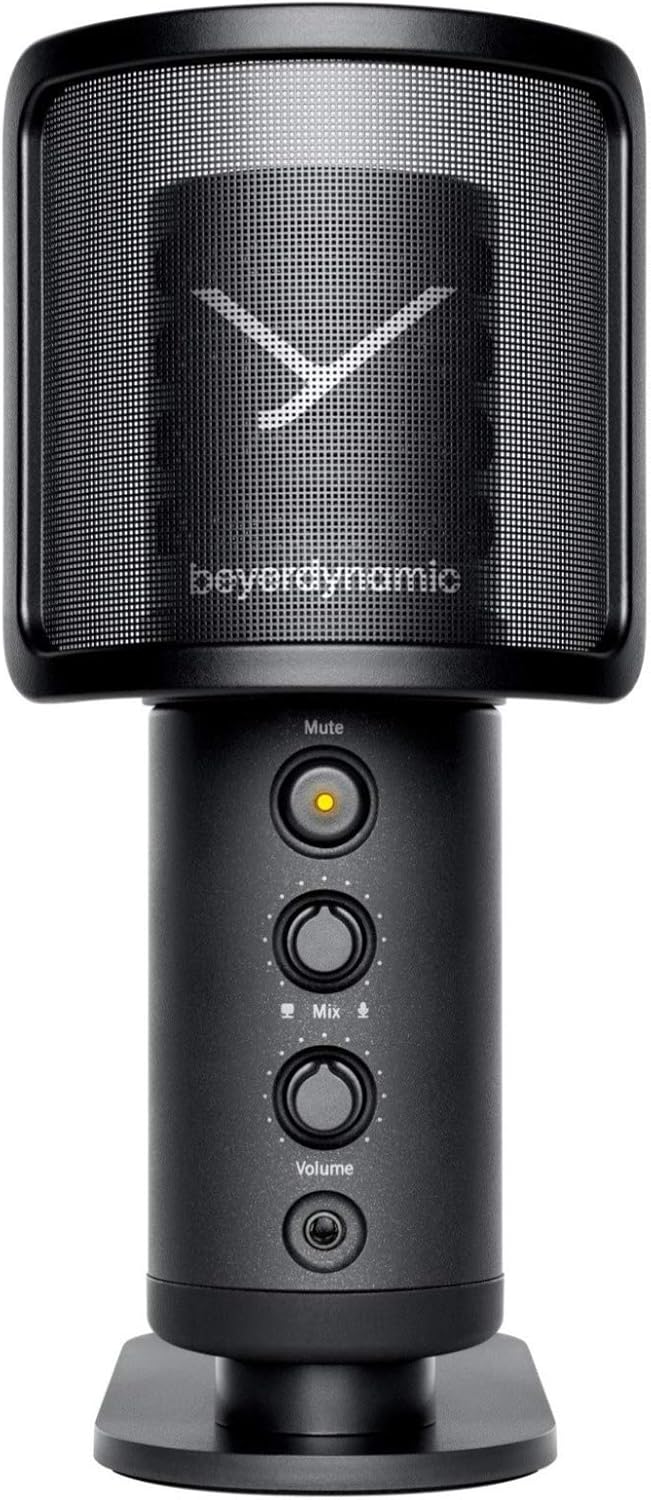
Image: The beyerdynamic FOX USB Studio Microphone and the included boom arm, showcasing το πλήρες πακέτο.
Προϊόν Πάνωview
Βασικά Χαρακτηριστικά:
- Ήχος υψηλής ανάλυσης: 24-bit / 96 kHz studio-grade quality for professional recordings.
- Large Condenser Capsule: Ensures accurate signal conversion and low inherent noise.
- Καρδιοειδές πολικό μοτίβο: Focuses on sound directly in front of the microphone, reducing unwanted background noise.
- Παρακολούθηση μηδενικής καθυστέρησης: Integrated headphone output allows real-time monitoring of your audio.
- Κουμπί σίγασης: Instantly mutes the microphone for privacy or to prevent unwanted sounds from being recorded.
- Διακόπτης κέρδους: Adjustable gain for recording various sound sources, including loud instruments.
- Συνδεσιμότητα USB: Simple plug-and-play connection to PC, Mac, or compatible smartphones/tablets.
Microphone Components:
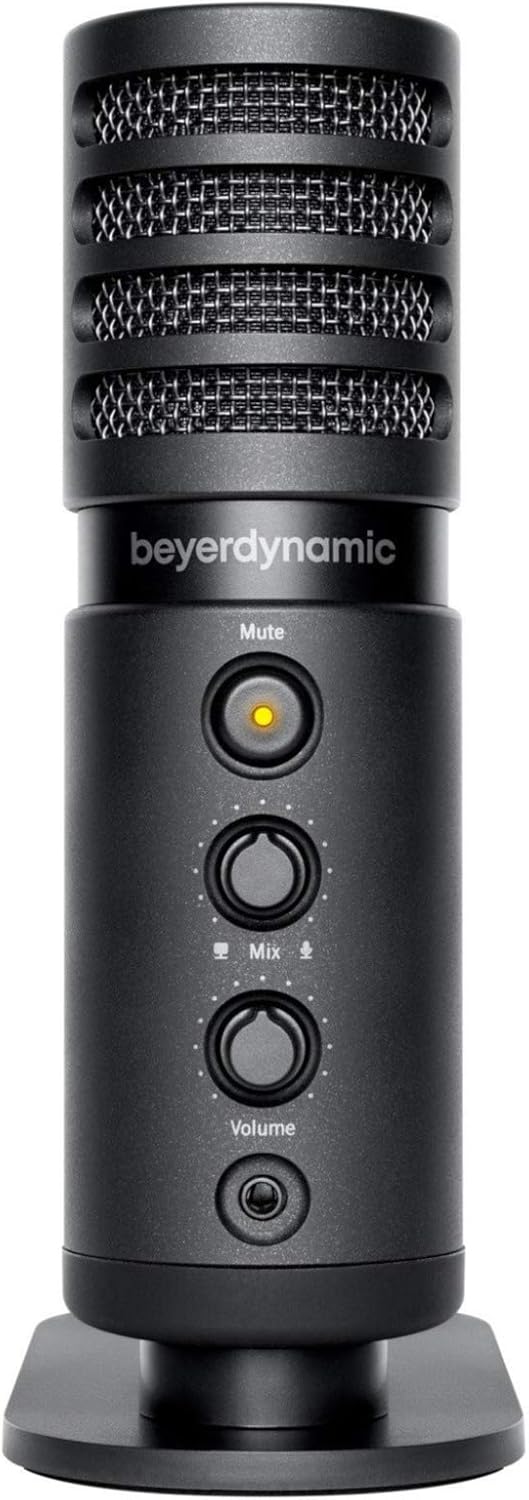
Εικόνα: Μπροστά view of the beyerdynamic FOX microphone, highlighting the mute button, mix control, and volume knob.
- Γρίλια μικροφώνου: Protects the condenser capsule.
- Κουμπί σίγασης: Press to mute/unmute the microphone. An indicator light will show status.
- Έλεγχος ανάμειξης: Adjusts the balance between microphone input and computer playback in your headphones.
- Κουμπί έντασης: Controls the headphone output volume.
- Υποδοχή ακουστικών (3.5 mm): For connecting monitoring headphones.
- Θύρα USB-C: For connecting the microphone to your computer or mobile device.
- Threaded Mount: For attaching to the desk stand or boom arm.
Ρύθμιση
1. Assembling the Boom Arm:
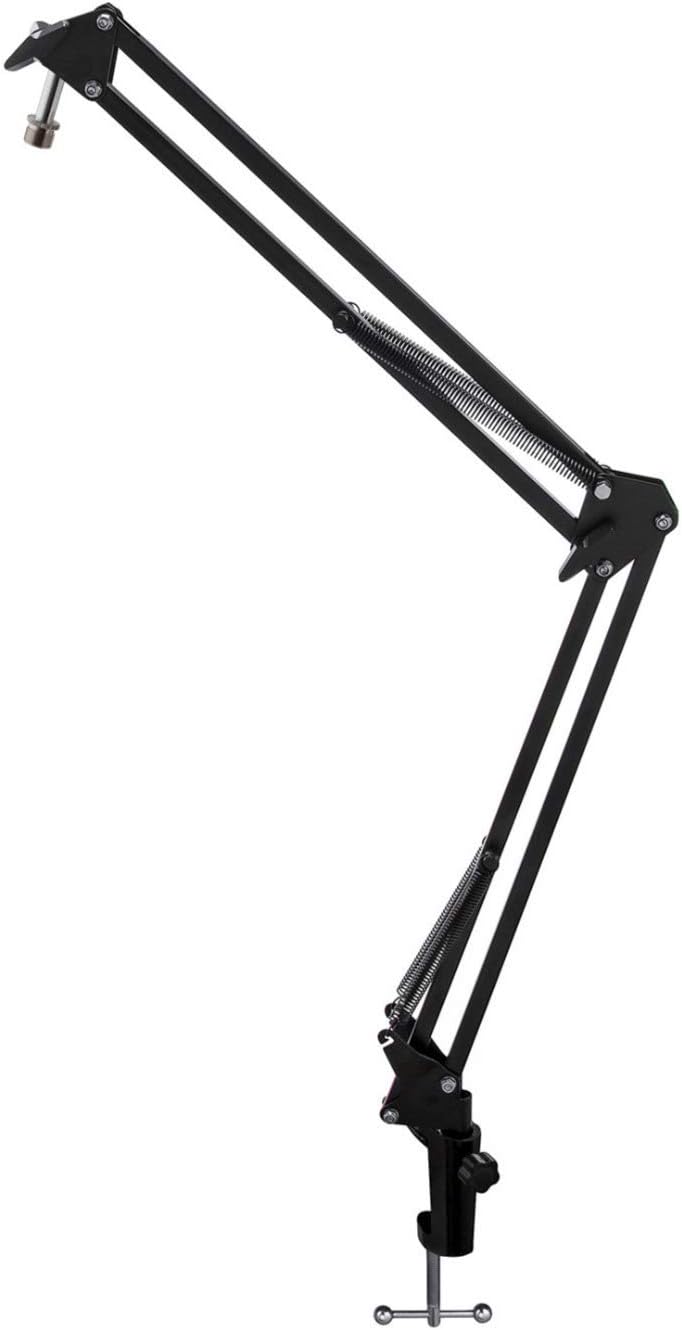
Image: The Microphone Suspension Boom Scissor Arm, showing its adjustable joints and desk clamp.
- Συνδέστε το γραφείο Clamp: Securely fasten the desk clamp to the edge of a sturdy desk or table. Ensure it is tight to prevent movement.
- Εισαγωγή βραχίονα μπούμας: Τοποθετήστε τη βάση του βραχίονα του βραχίονα στην τρύπα στο γραφείο clamp. Tighten the locking screw on the clamp to hold the arm in place.
- Προσαρμογή θέσης: Adjust the boom arm to your desired height and reach. The springs will help balance the microphone's weight.
2. Σύνδεση του μικροφώνου:
- To Boom Arm: Screw the beyerdynamic FOX microphone onto the 3/8-inch-16 threaded mount at the end of the boom arm. Ensure it is finger-tight.
- Using Desk Stand (Optional): If not using the boom arm, screw the microphone onto its included desk stand.
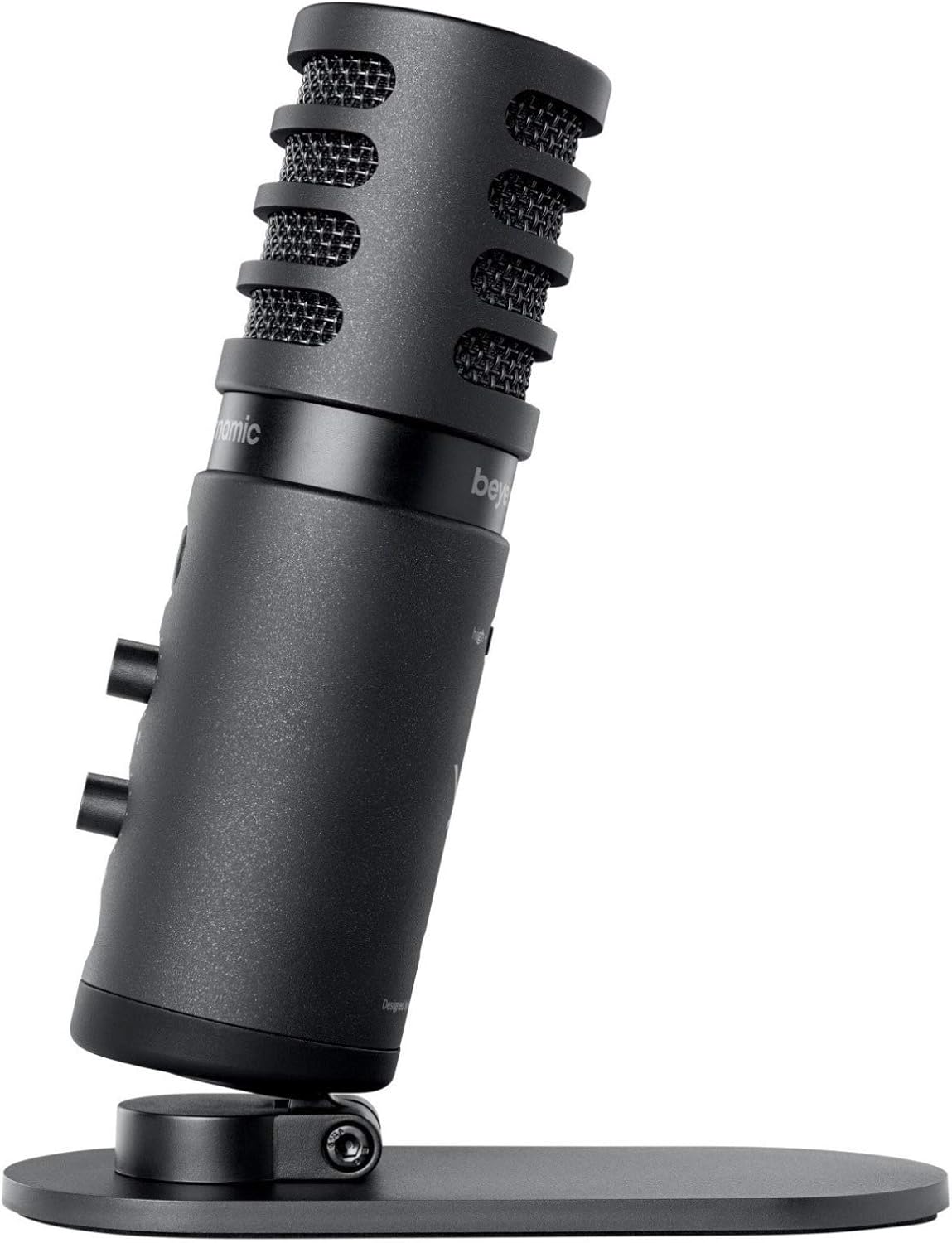
Image: The beyerdynamic FOX microphone mounted on its compact desk stand, ready for use.
3. Σύνδεση στη συσκευή σας:
- Connect the supplied USB cable to the USB-C port on the microphone.
- Connect the other end of the USB cable to an available USB port on your computer (PC/Mac) or compatible smartphone/tablet (adapter may be required for some mobile devices).
- Το μικρόφωνο είναι plug-and-play και θα πρέπει να αναγνωρίζεται αυτόματα από το λειτουργικό σας σύστημα.
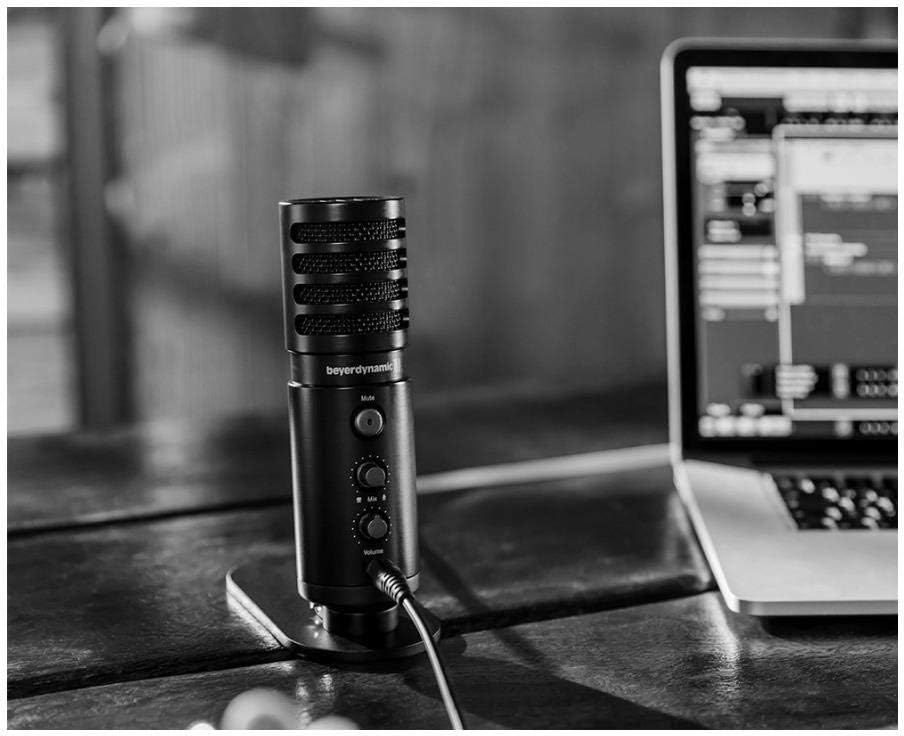
Image: The beyerdynamic FOX microphone in use, connected via USB to a laptop on a wooden desk.
Οδηγίες Λειτουργίας
1. System Recognition:
- Once connected, your operating system (Windows, macOS, Android, iOS) should automatically detect the beyerdynamic FOX as an audio input and output device.
- You may need to select "beyerdynamic FOX" as your default input/output device in your system's sound settings or within your recording software.
2. Using the Mute Button:
- Πατήστε το Βουβός button on the front of the microphone to toggle between active and muted states.
- An indicator light will typically show the microphone's status (e.g., green for active, red/orange for muted).
3. Adjusting Gain (Input Level):
- The FOX microphone features a gain switch (often labeled "Gain" or represented by a symbol like a microphone with a "+" or "-").
- Use this switch to adjust the microphone's sensitivity. For quiet sources (e.g., soft vocals), use a higher gain setting. For loud sources (e.g., instruments, loud speaking), use a lower gain setting to prevent distortion.
- Monitor your recording software's input levels to ensure they are not peaking (clipping).
4. Zero-Latency Monitoring:
- Connect headphones to the 3.5mm headphone jack on the microphone.
- Χρησιμοποιήστε το Τόμος knob to adjust the headphone listening level.
- Ο Μείγμα control allows you to blend the microphone's direct input with the audio playback from your computer. Turn towards the microphone icon to hear more of your live input, and towards the speaker icon to hear more of your computer's audio.
- This feature allows you to hear your voice or instrument in real-time without delay, which is crucial for accurate performance.
Συντήρηση
- Καθάρισμα: Use a soft, dry cloth to clean the microphone's exterior. Do not use liquid cleaners or solvents.
- Αποθήκευση: Όταν δεν το χρησιμοποιείτε, αποθηκεύστε το μικρόφωνο σε ξηρό και χωρίς σκόνη περιβάλλον.
- Βραχίονας βραχίονα: Periodically check the boom arm's clamps and joints for tightness. Lubricate moving parts if necessary with a small amount of silicone-based lubricant.
- Φροντίδα καλωδίων: Avoid sharp bends or kinks in the USB cable. Store it neatly to prevent damage.
Αντιμετώπιση προβλημάτων
| Πρόβλημα | Πιθανή αιτία | Διάλυμα |
|---|---|---|
| Δεν υπάρχει ήχος από το μικρόφωνο |
|
|
| Distorted or clipping sound |
|
|
| Δεν υπάρχει ήχος στα ακουστικά |
|
|
| Ο βραχίονας του βραχίονα είναι ασταθής |
|
|
Προδιαγραφές
| Χαρακτηριστικό | Λεπτομέρεια |
|---|---|
| Αριθμός μοντέλου | FOXUSBMIC_K5 |
| Συντελεστής φόρμας μικροφώνου | Table Array (with included desk stand) |
| Τεχνολογία Συνδεσιμότητας | USB |
| Τύπος σύνδεσης | USB |
| Πολικό μοτίβο | Μονοκατευθυντική (Cardioid) |
| Ψήφισμα | 24-bit / 96 kHz |
| Λόγος σήματος προς θόρυβο | 78 dB |
| Πλατφόρμα υλικού | Η/Υ, Smartphone |
| Συμβατές Συσκευές | Headphone, Personal Computer, Smartphone |
| Πηγή ισχύος | Ηλεκτρικό με καλώδιο (τροφοδοτείται από USB) |
| Item Weight (Microphone) | 16 ουγγιές (1 λίβρα) |
| Διαστάσεις προϊόντος | 16.2 x 8.3 x 6.8 inches (overall bundle dimensions) |
| Χρώμα | Μαύρος |
| UPC | 040962932483 |
Εγγύηση και υποστήριξη
For warranty information and technical support, please refer to the official beyerdynamic webστον ιστότοπο ή επικοινωνήστε απευθείας με την εξυπηρέτηση πελατών. Κρατήστε την απόδειξη αγοράς για τυχόν αξιώσεις εγγύησης.
Επίσημος ανώτερος υπάλληλος Webτοποθεσία: www.beyerdynamic.com


