1. Εισαγωγή
The MARATHON 100 Hour Direct Entry Digital Tabletop Timer is designed to assist with precise time management for various tasks. Featuring a large, easy-to-read LCD display and a direct entry keypad, this timer offers both countdown and count-up functionalities, a clock mode, and memory presets for repetitive events. Its robust design includes a magnetic back and an integrated kickstand for versatile placement.
2. Το προϊόν τελείωσεview
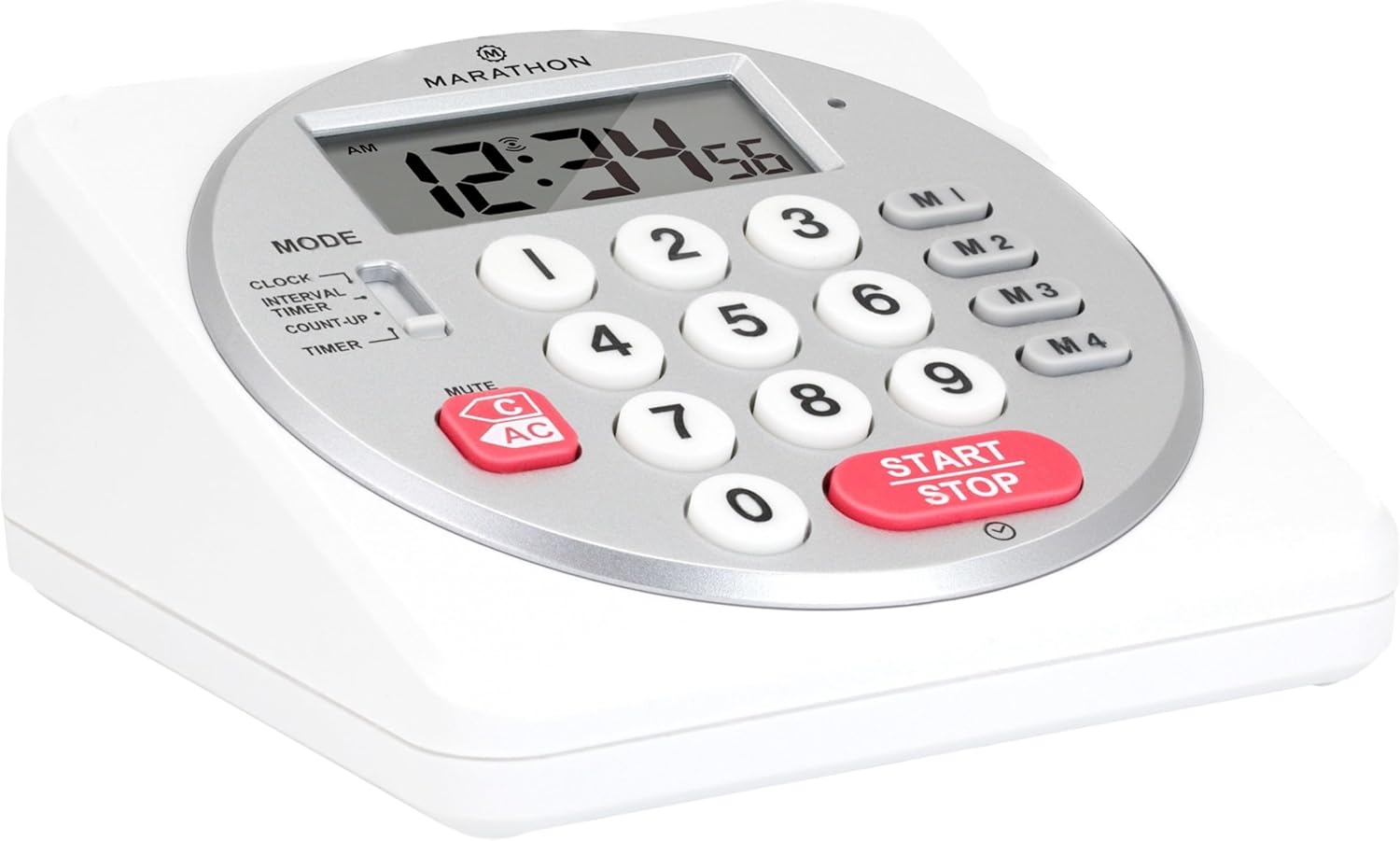
Εικόνα 1: Εμπρός view of the Marathon Digital Timer.
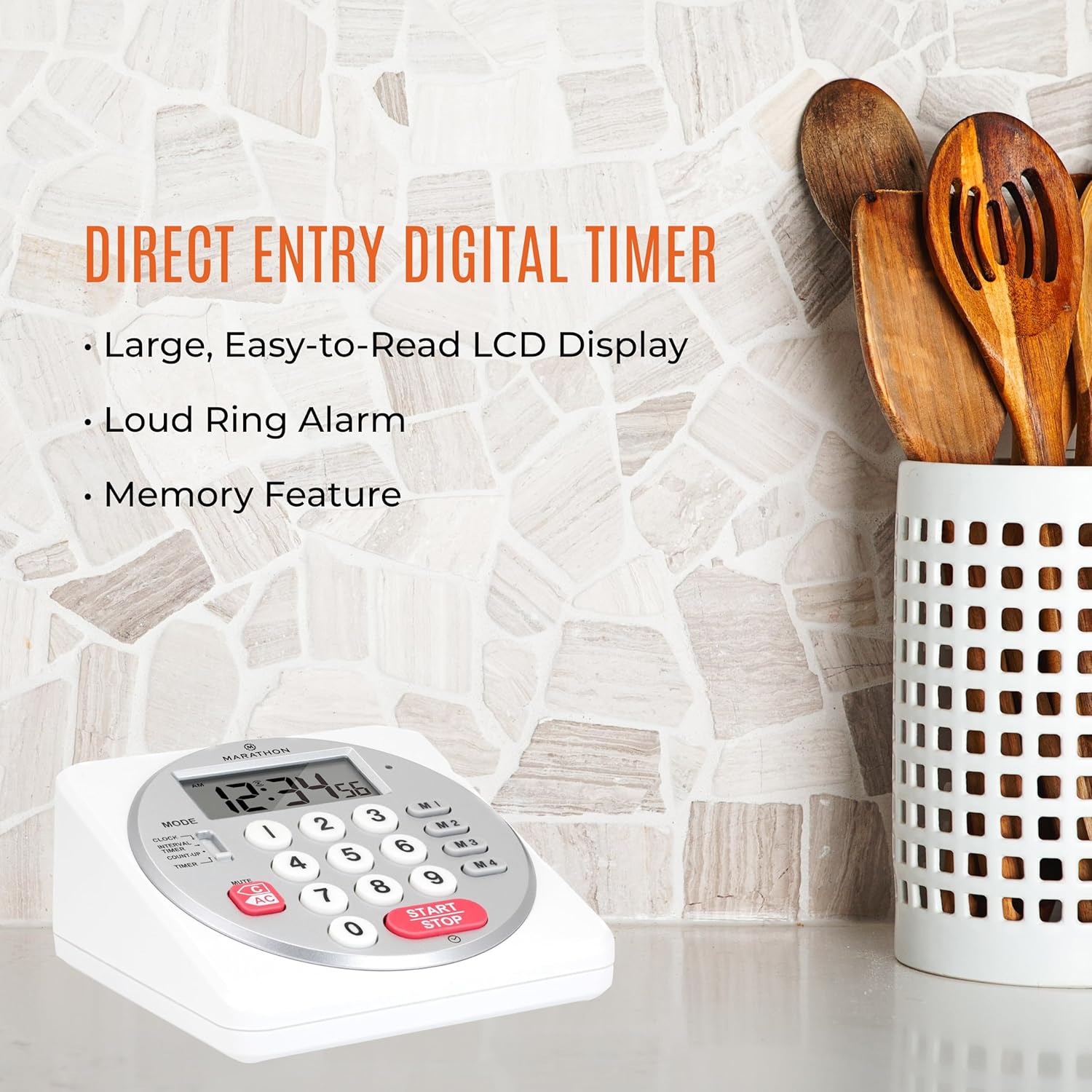
Figure 2: Timer on a kitchen counter, highlighting large display and loud alarm.

Figure 3: Timer showcasing dual function, included batteries, and versatile memory.
Βασικά Χαρακτηριστικά:
- Direct Entry Keypad: For quick and precise time setting.
- Μεγάλη οθόνη LCD: Easy-to-read numbers for clear visibility.
- Dual Function Alarm: Supports both countdown and count-up timing up to 99 hours, 59 minutes, and 59 seconds.
- Loud Ring Alarm: Audible across a room.
- Ένδειξη LED: Flashing light for silent alarm or hearing impairment assistance.
- Clock Feature: Displays time in 12-hour or 24-hour format when not in timer mode.
- Built-in Memory Function: Stores up to four consecutive times for interval timing and four memory presets for repetitive events.
- Ευέλικτη τοποθέτηση: Integrated kickstand for tabletop use and magnetic back for attachment to metal surfaces.
- Συμπεριλαμβάνονται μπαταρίες: Συνοδεύεται από 2 μπαταρίες ΑΑ.
3. Ρύθμιση
3.1. Τοποθέτηση μπαταρίας
- Εντοπίστε το κάλυμμα της θήκης μπαταριών στο πίσω μέρος του χρονοδιακόπτη.
- Ανοίξτε το κάλυμμα.
- Insert two (2) AA batteries, ensuring correct polarity (+/-) as indicated inside the compartment. The timer comes with batteries included.
- Επανατοποθετήστε το κάλυμμα της θήκης μπαταριών με ασφάλεια.

Εικόνα 4: Πίσω view with battery compartment and kickstand.
4. Οδηγίες λειτουργίας
4.1. Επιλογή τρόπου
Χρησιμοποιήστε το ΤΡΟΠΟΣ switch located on the side of the timer to select between different functions:
- ΡΟΛΟΪ: Εμφανίζει την τρέχουσα ώρα.
- INTERVAL TIMER: For setting multiple consecutive timers.
- COUNT-UP: Functions as a stopwatch.
- ΜΕΤΡΩΝ ΤΗΝ ΩΡΑΝ: For setting a single countdown timer.

Figure 5: MODE switch for function selection.
4.2. Ρύθμιση του ρολογιού
- Σύρετε το ΤΡΟΠΟΣ μετάβαση σε ΡΟΛΟΪ.
- Πατήστε και κρατήστε πατημένο το ΣΕΙΡΑ κουμπί μέχρι να αρχίσουν να αναβοσβήνουν τα ψηφία της ώρας.
- Use the number keypad (0-9) to enter the desired time (HH:MM).
- Τύπος ΣΕΙΡΑ again to confirm and exit clock setting mode.
- Για εναλλαγή μεταξύ 12ωρης και 24ωρης μορφής, πατήστε το 12/24 Ω button (if available, or refer to specific model instructions).
4.3. Setting a Countdown Timer (TIMER Mode)
- Σύρετε το ΤΡΟΠΟΣ μετάβαση σε ΜΕΤΡΩΝ ΤΗΝ ΩΡΑΝ.
- Use the number keypad (0-9) to directly enter the desired countdown time (HH:MM:SS). The timer supports up to 99 hours, 59 minutes, 59 seconds.
- Πατήστε το ΕΝΑΡΞΗ/ΔΙΑΚΟΠΗ κουμπί για να ξεκινήσει η αντίστροφη μέτρηση.
- To pause the timer, press ΕΝΑΡΞΗ/ΔΙΑΚΟΠΗ ξανά. Πατήστε το άλλη μια φορά για να συνεχίσετε.
- When the countdown reaches zero, the alarm will sound, and the LED indicator will flash. The timer will then automatically begin counting up to show elapsed time since the alarm.
- To stop the alarm and clear the display, press the ΣΑΦΗΣ κουμπί.
4.4. Using the Count-Up Timer (COUNT-UP Mode)
- Σύρετε το ΤΡΟΠΟΣ μετάβαση σε COUNT-UP.
- Ensure the display shows 00:00:00. If not, press ΣΑΦΗΣ.
- Πατήστε το ΕΝΑΡΞΗ/ΔΙΑΚΟΠΗ κουμπί για να ξεκινήσει η καταμέτρηση προς τα πάνω.
- Για να διακόψετε προσωρινά την αντίστροφη μέτρηση, πατήστε ΕΝΑΡΞΗ/ΔΙΑΚΟΠΗ ξανά. Πατήστε το άλλη μια φορά για να συνεχίσετε.
- To reset the count-up timer to zero, press ΣΑΦΗΣ.
4.5. Using Memory Functions (M1-M4 Presets)
The timer features four memory buttons (M1, M2, M3, M4) for storing and recalling frequently used times or for interval timing.
- In ΜΕΤΡΩΝ ΤΗΝ ΩΡΑΝ mode, enter the desired time using the number keypad.
- Press and hold one of the memory buttons (M1-M4) until the display confirms the time has been saved.
- To recall a saved time, simply press the corresponding memory button (M1-M4). The saved time will appear on the display, ready to start.
- For interval timing, set the first interval, save it to M1. Then set the second interval, save it to M2, and so on. You can then cycle through these presets as needed.
4.6. Ρύθμιση έντασης ήχου συναγερμού
The timer features a volume switch, typically located on the side or back, allowing you to select between different alarm levels (e.g., High, Low, Mute) or a flashing LED indicator for silent operation.
5. Συντήρηση
- Καθαρίστε το χρονόμετρο με μαλακό, δamp πανί. Μην χρησιμοποιείτε λειαντικά καθαριστικά και μην βυθίζετε τη μονάδα σε νερό.
- Αποφύγετε την έκθεση του χρονοδιακόπτη σε ακραίες θερμοκρασίες ή άμεσο ηλιακό φως για παρατεταμένες περιόδους.
- If the display becomes dim or the alarm weakens, replace the batteries promptly.
6. Αντιμετώπιση Προβλημάτων
| Πρόβλημα | Πιθανή αιτία | Διάλυμα |
|---|---|---|
| Timer not turning on. | Οι μπαταρίες είναι νεκρές ή δεν έχουν τοποθετηθεί σωστά. | Ελέγξτε την πολικότητα των μπαταριών ή αντικαταστήστε τις με νέες μπαταρίες AA. |
| Η οθόνη είναι αμυδρή. | Χαμηλή ισχύς μπαταρίας. | Αντικαταστήστε τις μπαταρίες. |
| Δεν ηχεί ο συναγερμός. | Alarm volume is set to mute or low. | Check the alarm volume switch and adjust as needed. |
| Ο χρονοδιακόπτης δεν ανταποκρίνεται στο πάτημα κουμπιών. | Unit may be in a locked state (if applicable) or requires a reset. | Remove and reinsert batteries to perform a hard reset. Check for any lock switches. |
7. Προδιαγραφές
- Μοντέλο: TI030018WH
- Μάρκα: MARATHON
- Υλικό: Πλαστική ύλη
- Διαστάσεις: 4.45 x 2.64 x 4.45 ίντσες
- Βάρος αντικειμένου: 7.1 ουγγιές
- Πηγή ενέργειας: 2 μπαταρίες AA (περιλαμβάνονται)
- Max Timer Duration: 99 ώρες, 59 λεπτά, 59 δευτερόλεπτα
- Χαρακτηριστικά: Direct Entry, Dual Function (Count-up/Count-down), Clock, Memory Presets, LED Indicator, Magnetic Back, Kickstand
- UPC: 063442000342

Σχήμα 6: Διαστάσεις προϊόντος.
8. Εγγύηση και υποστήριξη
Για πληροφορίες σχετικά με την εγγύηση ή την τεχνική υποστήριξη, απευθυνθείτε στον επίσημο αντιπρόσωπο του κατασκευαστή. webιστότοπο ή επικοινωνήστε με το τμήμα εξυπηρέτησης πελατών. Κρατήστε την απόδειξη αγοράς σας ως απόδειξη αγοράς.


