Εισαγωγή
The Logitech Multimedia Speakers Z150 provide clear stereo sound for various audio devices. Designed for simplicity and compact placement, these speakers offer convenient controls and dual audio input options, making them suitable for use with computers, smartphones, tablets, and MP3 players.

Εικόνα: Μπροστά view of the Logitech Z150 Multimedia Speakers, showcasinτον συμπαγή σχεδιασμό τους.
Περιεχόμενα συσκευασίας
Βεβαιωθείτε ότι όλα τα στοιχεία υπάρχουν στη συσκευασία:
- Two (2) Logitech Z150 Speakers
- Ένα (1) Τροφοδοτικό
- Τεκμηρίωση χρήστη

Image: Retail packaging for the Logitech Z150 Multimedia Speakers, indicating contents and features.
Ρύθμιση
- Τοποθέτηση των ηχείων: Place the two speakers on a stable, flat surface, such as a desk or shelf. Ensure they are positioned to provide optimal sound distribution for your listening area.
- Σύνδεση τροφοδοτικού:
- Connect the power adapter cable to the power input port on the back of the right speaker.
- Συνδέστε το τροφοδοτικό σε μια τυπική πρίζα.
- Σύνδεση συσκευών ήχου:
- Primary Audio Input (3.5mm): Connect your primary audio source (e.g., computer, laptop, smartphone) to the 3.5mm audio input jack located on the back of the right speaker using a 3.5mm audio cable (not included).
- Βοηθητική είσοδος (3.5 mm): For a second audio device, connect it to the auxiliary 3.5mm input jack located on the front of the right speaker. This allows for simultaneous connection of two devices.
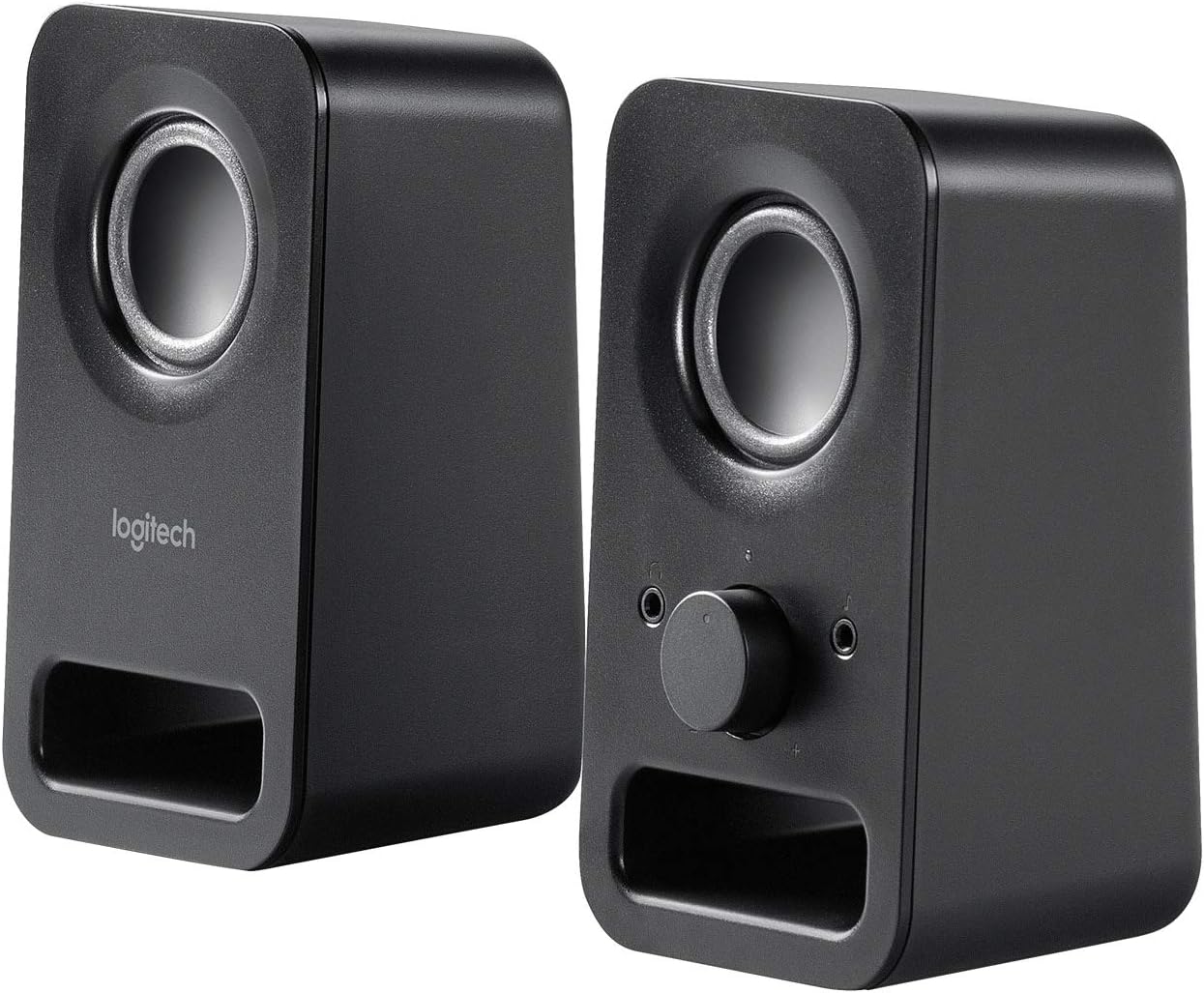
Εικόνα: Γωνιακή view of both Logitech Z150 speakers, illustrating their placement and potential connection points.
Οδηγίες Λειτουργίας
Ενεργοποίηση/Απενεργοποίηση και Έλεγχος έντασης
The right speaker features a combined power and volume control knob on its front panel.
- Για ενεργοποίηση: Rotate the knob clockwise until you hear a click and the power indicator light illuminates (typically green).
- Για να ρυθμίσετε την ένταση: Continue rotating the knob clockwise to increase volume or counter-clockwise to decrease volume.
- Για απενεργοποίηση: Rotate the knob counter-clockwise until you hear a click and the power indicator light turns off.
Χρήση της υποδοχής ακουστικών
Μια υποδοχή ακουστικών 3.5 χιλιοστών βρίσκεται σε βολική τοποθεσία στο μπροστινό μέρος του δεξιού ηχείου.
- Plug your headphones into this jack to listen to audio privately.
- When headphones are connected, audio output from the speakers will automatically mute.
- Unplug your headphones to resume audio playback through the speakers.

Εικόνα: Κοντινό πλάνο view of the right Logitech Z150 speaker, highlighting the volume/power knob and headphone jack.
Συνδεσιμότητα
The Logitech Z150 speakers support simultaneous connection of two audio devices.
- Rear 3.5mm Audio Input: Ideal for a primary device like a desktop computer or television.
- Front 3.5mm Auxiliary Input: Convenient for connecting a secondary device such as a smartphone, tablet, or MP3 player.
The speakers will play audio from both connected sources. To switch between sources, simply pause or mute one device to hear the other.
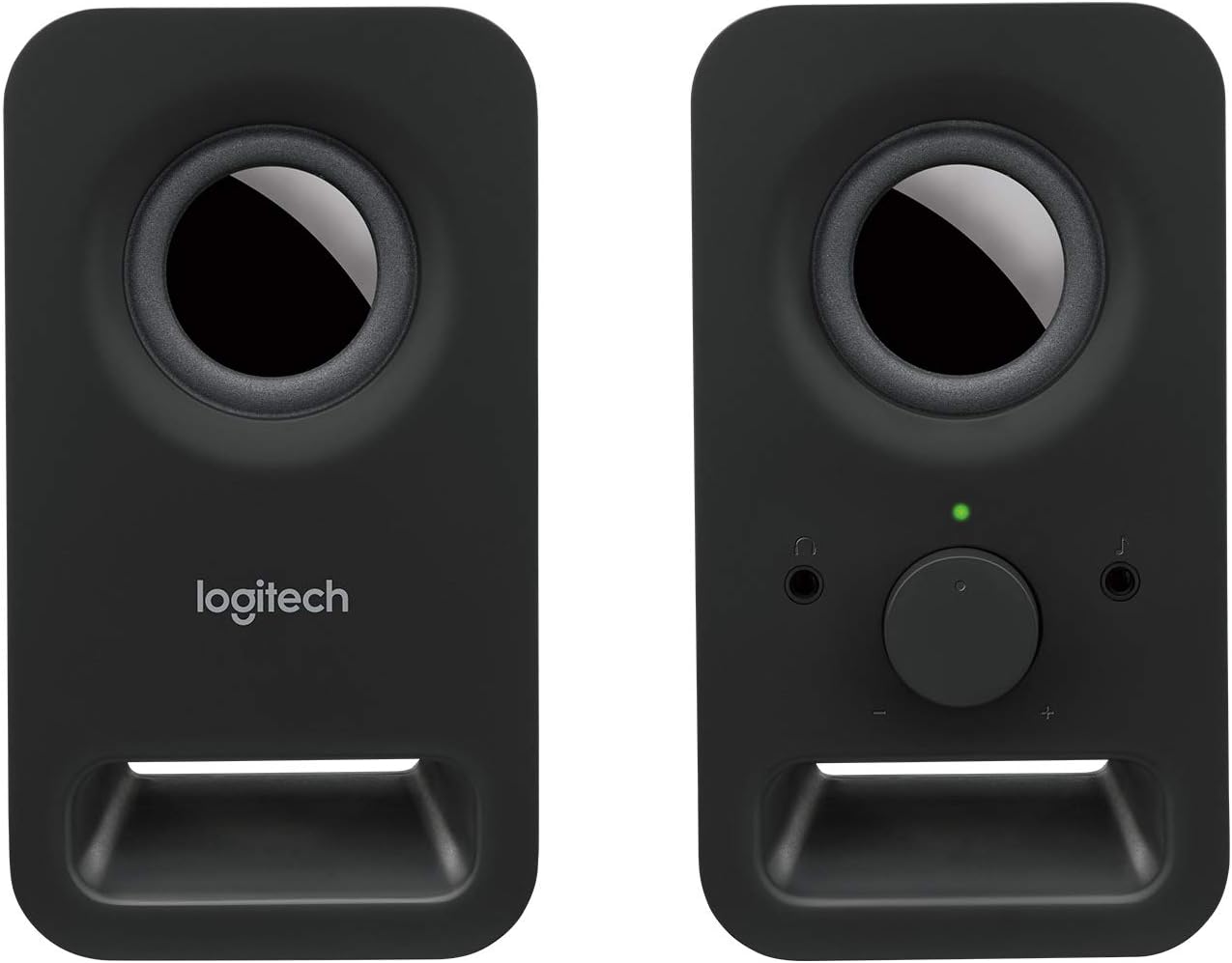
Εικόνα: Μπροστά view of both Logitech Z150 speakers, showing the illuminated power indicator on the right speaker.
Συντήρηση
- Καθάρισμα: Χρησιμοποιήστε ένα μαλακό, στεγνό πανί για να καθαρίσετε τις επιφάνειες των ηχείων. Αποφύγετε τη χρήση υγρών καθαριστικών ή λειαντικών υλικών.
- Τοποθέτηση: Κρατήστε τα ηχεία μακριά από το άμεσο ηλιακό φως, πηγές θερμότητας και υπερβολική υγρασία.
- Χειριζόμενος: Avoid dropping the speakers or subjecting them to strong impacts.
Αντιμετώπιση προβλημάτων
| Πρόβλημα | Διάλυμα |
|---|---|
| Δεν υπάρχει ήχος από τα ηχεία. |
|
| Ο ήχος είναι παραμορφωμένος ή ασαφής. |
|
| Only one speaker is producing sound. |
|
Προδιαγραφές
- Όνομα μοντέλου: LOG980000802
- Αριθμός μοντέλου αντικειμένου: 980-000802
- Μάρκα: Logitech
- Χρώμα: Μαύρος
- Τύπος ηχείου: Ηλεκτρονικός υπολογιστής
- Τεχνολογία συνδεσιμότητας: Ενσύρματο
- Λειτουργία εξόδου ήχου: Στέρεο
- Μέγιστη ισχύς εξόδου ηχείου: 6 Watt (Αιχμή)
- Απόκριση συχνότητας: 20 KHz (Note: This is likely the upper limit, not the full range)
- Μέγεθος προγράμματος οδήγησης: Two 2-inch drivers per speaker
- Διαστάσεις προϊόντος (ΜxΠxΥ): 7.87 x 3.54 x 6.34 inches (per speaker, approximate)
- Βάρος αντικειμένου: 1.28 pounds (approximate total)
- Πηγή ενέργειας: Ενσύρματο Ηλεκτρικό
- Μέθοδος ελέγχου: Rotary Knob (Volume/Power)
- Συμβατές συσκευές: Smartphones, Tablets, MP3 Players, Desktop Computers, Laptops, Televisions, Projectors
- Τύπος τοποθέτησης: Επιτραπέζια βάση
- Υλικό: Metal (likely referring to internal components or grille, main body is plastic)
- UPC: 097855099815, 803982774309, 088021505674, 059595163423, 097855100689, 978551006652, 097855100665
Εγγύηση και υποστήριξη
The Logitech Multimedia Speakers Z150 come with a Περιορισμένη Εγγύηση. For specific warranty terms, conditions, and duration, please refer to the warranty information included with your product documentation or visit the official Logitech support webτοποθεσία.
For technical assistance, troubleshooting guides, and frequently asked questions, please visit the Logitech Support webτοποθεσία:
When contacting support, please have your product model (Z150) and item model number (980-000802) available.


