
1. Εισαγωγή
This manual provides essential information for setting up, operating, maintaining, and troubleshooting your NIMO 15.6-inch Laptop N152. Please read this manual thoroughly before using your device to ensure proper functionality and longevity.

Image 1.1: NIMO 15.6-inch Laptop, top-down view.
2. Ρύθμιση
2.1 Άνοιγμα συσκευασίας και αρχική επιθεώρηση
Carefully remove all components from the packaging. Verify that all items listed in the 'What's in the Box' section (Section 6) are present and undamaged. If any items are missing or damaged, contact customer support.
2.2 Charging the Laptop
Before first use, fully charge your NIMO laptop. Connect the provided 65W USB-C PD Fast Charger to the laptop's USB-C port and then to a power outlet. The charging indicator light will illuminate. A 15-minute charge provides approximately 2 hours of use.

Image 2.1: The 65W USB-C PD Fast Charger can charge multiple devices.
2.3 Ενεργοποίηση και Αρχική Διαμόρφωση
Press the power button to turn on the laptop. Follow the on-screen instructions to complete the Windows 11 Home setup, including language selection, network connection, and user account creation. You can set up the fingerprint reader during this process for secure login.
3. Οδηγίες λειτουργίας
3.1 Πληκτρολόγιο και Touchpad
The NIMO N152 features an ergonomic backlit keyboard. To adjust the backlight brightness or toggle it on/off, use the dedicated function keys (Fn + F-key combination, refer to keyboard legends). The touchpad supports multi-touch gestures for enhanced navigation.
3.2 Αναγνώστης δακτυλικών αποτυπωμάτων
The fingerprint reader is integrated into the touchpad for secure and instant login. Once configured, simply place your registered finger on the sensor to unlock your device.
3.3 Χαρακτηριστικά εμφάνισης
The 15.6-inch Full HD (1920x1080) IPS anti-glare display offers clear visuals. The 180° hinge allows the screen to lay completely flat, useful for sharing content or collaborating.

Image 3.1: The 180° lay-flat hinge for versatile viewing.
3.4 Συνδεσιμότητα
The laptop is equipped with various ports for external devices:
- Θύρες USB 3.0: Για μεταφορά δεδομένων υψηλής ταχύτητας.
- Θύρα USB 2.0: Για τυπικές συσκευές USB.
- HDMI: Σύνδεση με εξωτερικές οθόνες ή προβολείς.
- Θύρες τύπου C: Για φόρτιση και μεταφορά δεδομένων.
- Micro SD Reader: Για επέκταση χώρου αποθήκευσης ή μεταφορά files από κάρτες μνήμης.
- Υποδοχή ήχου: Για ακουστικά ή εξωτερικά ηχεία.
- Κλείδωμα Kensington: Για τη φυσική ασφάλεια.
Εικόνα 3.2: Πλάγια όψη view of the NIMO laptop showing available ports.
For wireless connectivity, the laptop supports Wi-Fi 6 for stable, high-speed internet and Bluetooth 5.2 for connecting wireless peripherals.
4. Βασικά Χαρακτηριστικά
4.1 Απόδοση
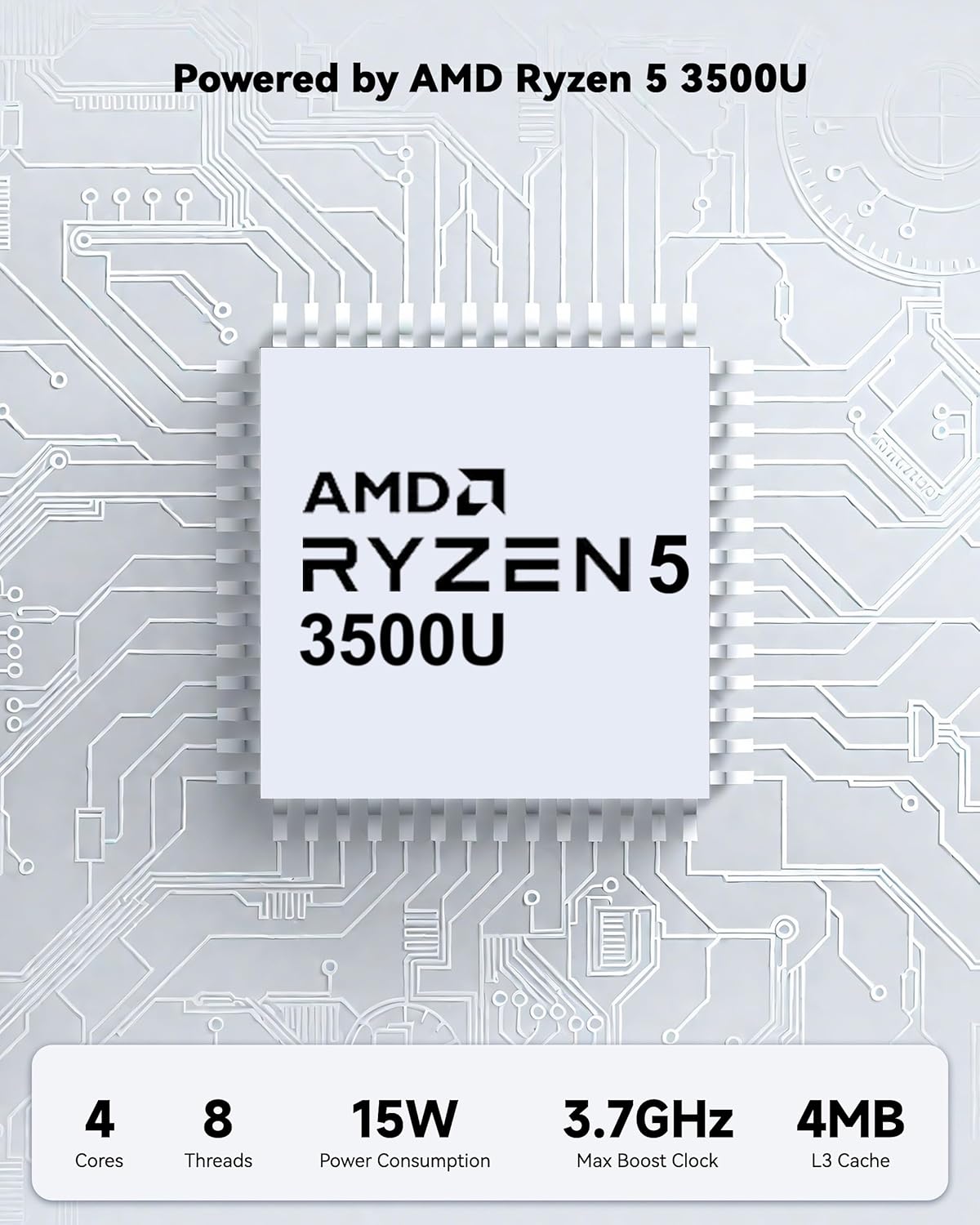
Powered by an AMD Ryzen 5 processor with 4 cores up to 3.7GHz and 16GB DDR4 RAM, the NIMO N152 is designed for efficient multitasking. The 512GB PCIe SSD ensures fast boot-ups and quick file transfers. The RAM is upgradable for future needs.

Image 4.1: AMD Ryzen 5 processor details.
4.2 Visuals and Audio
The 15.6-inch Full HD (1920x1080) IPS anti-glare display provides vibrant visuals with an 85% screen-to-body ratio. The integrated 2MP webcam allows for clear video calls.
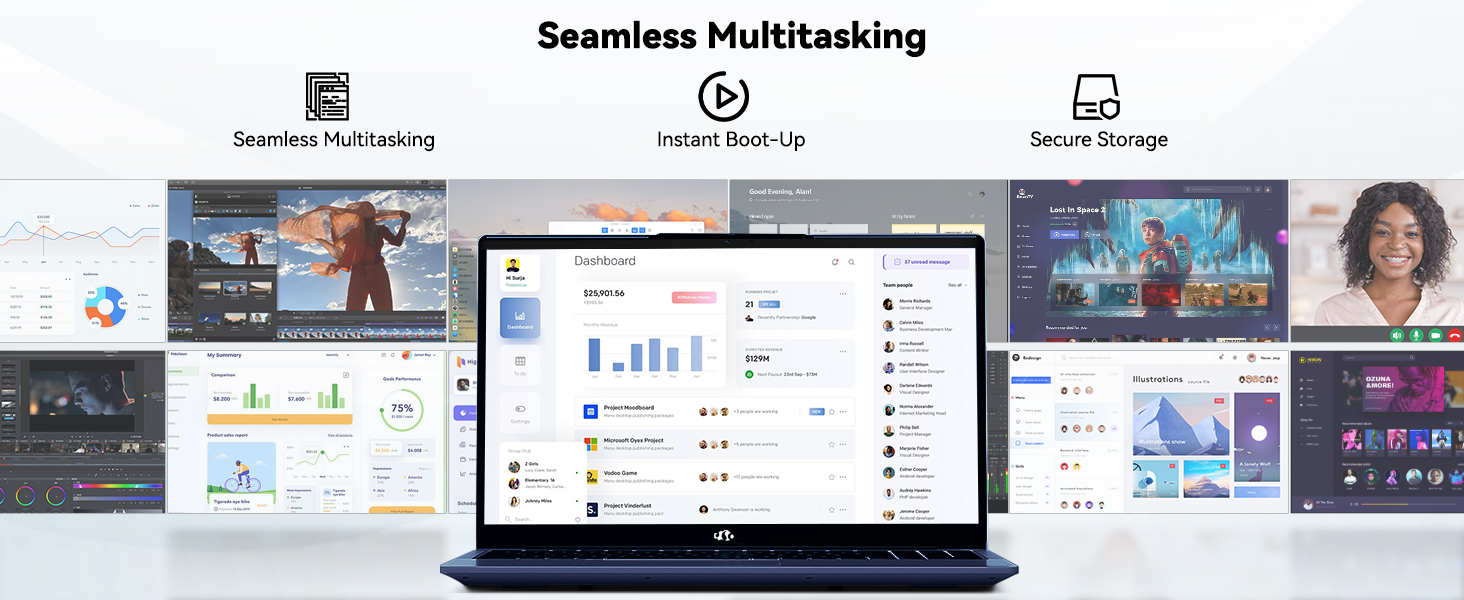
Image 4.2: The laptop's stunning Full HD display.

Image 4.3: The 1080p FHD camera for clear video conferencing.
4.3 Διάρκεια ζωής μπαταρίας
The laptop features a 54WH battery with smart battery optimization for extended lifespan and efficient power control, providing approximately 9 hours of average battery life.

Image 4.4: Smart Battery Optimization features.
4.4 Σχεδιασμός και Φορητότητα
The NIMO N152 has a durable metal A-shell and a slim, lightweight design, weighing approximately 3.75 pounds.

Image 4.5: The NIMO laptop's lightweight and slim profile.
4.5 Προϊόν Overview Βίντεο
Βίντεο 4.1: Ένας στρατηγός πάνω απόview of the NIMO 15.6-inch laptop, highlighting its features and design.
4.6 Power and Portability Video
Video 4.2: This video demonstrates the power and portability aspects of the NIMO 15.6-inch laptop.
5. Συντήρηση
5.1 Καθαρισμός
- Χρησιμοποιήστε ένα μαλακό πανί που δεν αφήνει χνούδι για να καθαρίσετε την οθόνη και το εξωτερικό της.
- Για επίμονους λεκέδες, τρίψτε ελαφράampΣκουπίστε το πανί με νερό ή με ένα καθαριστικό κατάλληλο για την οθόνη.
- Αποφύγετε σκληρές χημικές ουσίες, λειαντικά ή διαλύτες.
- Keep vents clear of dust and debris to ensure proper airflow.
5.2 Φροντίδα μπαταρίας
- Αποφύγετε την συχνή πλήρη αποφόρτιση της μπαταρίας.
- Αποθηκεύστε τον φορητό υπολογιστή σε δροσερό και ξηρό μέρος όταν δεν τον χρησιμοποιείτε για μεγάλα χρονικά διαστήματα.
- Use only the provided NIMO charger.
5.3 Ενημερώσεις λογισμικού
Regularly update your operating system and drivers to ensure optimal performance and security. Windows 11 Home will prompt you for updates.
6. Αντιμετώπιση Προβλημάτων
6.1 Ο φορητός υπολογιστής δεν ενεργοποιείται
- Βεβαιωθείτε ότι ο φορτιστής είναι συνδεδεμένος με ασφάλεια τόσο στον φορητό υπολογιστή όσο και σε μια πρίζα που λειτουργεί.
- Βεβαιωθείτε ότι η πρίζα λειτουργεί συνδέοντας μια άλλη συσκευή.
- Allow the laptop to charge for at least 30 minutes before attempting to power on again.
6.2 Προβλήματα οθόνης
- Εάν η οθόνη είναι κενή, δοκιμάστε να συνδέσετε μια εξωτερική οθόνη για να ελέγξετε εάν λειτουργεί η έξοδος οθόνης.
- Ρυθμίστε τη φωτεινότητα της οθόνης χρησιμοποιώντας τα πλήκτρα λειτουργιών.
- Κάντε επανεκκίνηση του φορητού υπολογιστή.
6.3 Προβλήματα Συνδεσιμότητας
- Wi-Fi: Check your router and internet connection. Ensure Wi-Fi is enabled on the laptop.
- Bluetooth: Verify Bluetooth is enabled and devices are in pairing mode.
- Συσκευές USB: Try connecting the device to a different USB port or another computer to rule out device issues.
6.4 Αργή απόδοση
- Κλείστε τις περιττές εφαρμογές που εκτελούνται στο παρασκήνιο.
- Ελέγξτε και εγκαταστήστε τυχόν εκκρεμείς ενημερώσεις των Windows.
- Βεβαιωθείτε ότι υπάρχει επαρκής ελεύθερος χώρος στον SSD.
- Εκτελέστε μια σάρωση για ιούς.
7. Προδιαγραφές
| Χαρακτηριστικό | Προσδιορισμός |
|---|---|
| Όνομα μοντέλου | NIMO N152 |
| Μέγεθος οθόνης | 15.6 ίντσες |
| Ανάλυση οθόνης | 1920 x 1080 pixel (Full HD IPS) |
| Επεξεργαστής | AMD Ryzen 5 (4 Cores, up to 3.7 GHz) |
| ΕΜΒΟΛΟ | 16 GB DDR4 (Upgradable) |
| Ταχύτητα μνήμης | 3200 MHz |
| Σκληρός Δίσκος | 512 GB SSD (PCIe) |
| Συνεπεξεργαστής γραφικών | AMD Integrated graphics |
| Λειτουργικό σύστημα | Windows 11 Home |
| Ασύρματος τύπος | Wi-Fi 6 (802.11a/b/g/n/ac), Bluetooth 5.2 |
| Θύρες USB 2.0 | 1 |
| Θύρες USB 3.0 | 3 |
| Μέση διάρκεια ζωής μπαταρίας | 9 Ώρες |
| Βάρος αντικειμένου | 3.75 λίρες |
| Διαστάσεις προϊόντος | 14.07 x 8.98 x 0.76 ίντσες |
| Χρώμα | Μπλε |
| Οπισθεν WebΑνάλυση κάμερας | 2 MP |
| Ειδικά Χαρακτηριστικά | Backlit Keyboard, Fingerprint Reader, HD Audio, Numeric Keypad |
7.1 Τι υπάρχει στο κουτί
- 1 x NIMO N152 Laptop
- 1 x Type-C 65W PD Fast Charger
- 1 x Εγχειρίδιο χρήστη
- Windows 11 Home (Pre-installed)
8. Εγγύηση και υποστήριξη
Your NIMO N152 laptop comes with a 2ετής εγγύηση κατασκευαστή. Additionally, NIMO offers a 90-day hassle-free return and exchange policy. For any product-related questions, technical assistance, or warranty claims, please contact NIMO customer service.
Στοιχεία επικοινωνίας 8.1
For support, you can reach out to the professional after-sales team via email or phone. Please refer to the official NIMO website or product page for the most current contact details.

Image 8.1: NIMO products are covered by a 2-year support.

Image 8.2: 90-Day Return policy.