1. Εισαγωγή
Ευχαριστώ για την αγοράasing the KAGO 4K HDMI Splitter 1 in 10 Out, Model 4K1010. This device is designed to distribute a single HDMI source signal to ten HDMI displays simultaneously. It supports high-resolution video up to 4K@30Hz, 3D visual effects, and various digital audio formats, ensuring a high-quality audio and video experience across multiple screens. This manual provides detailed instructions for setup, operation, and troubleshooting to help you maximize the performance of your HDMI splitter.
2. Πληροφορίες Ασφάλειας
- Βεβαιωθείτε ότι ο προσαρμογέας ρεύματος ταιριάζει με την τάσηtagτις απαιτήσεις της περιοχής σας.
- Μην εκθέτετε τη συσκευή σε νερό, υγρασία ή ακραίες θερμοκρασίες.
- Αποφύγετε να τοποθετείτε τη συσκευή κοντά σε πηγές θερμότητας ή σε άμεσο ηλιακό φως.
- Μην επιχειρήσετε να ανοίξετε ή να επισκευάσετε τη συσκευή μόνοι σας. Αναθέστε όλες τις εργασίες σέρβις σε εξειδικευμένο προσωπικό.
- Αποσυνδέστε την παροχή ρεύματος κατά τη διάρκεια καταιγίδων με κεραυνούς ή όταν δεν χρησιμοποιείται για μεγάλα χρονικά διαστήματα.
- Χρησιμοποιήστε μόνο το παρεχόμενο τροφοδοτικό.
3. Περιεχόμενα συσκευασίας
Βεβαιωθείτε ότι όλα τα είδη υπάρχουν στη συσκευασία σας:
- KAGO 4K HDMI Splitter 1 in 10 Out (Model: 4K1010)
- Μετασχηματιστής ρεύματος (DC 12V/2A)
- Εγχειρίδιο χρήστη
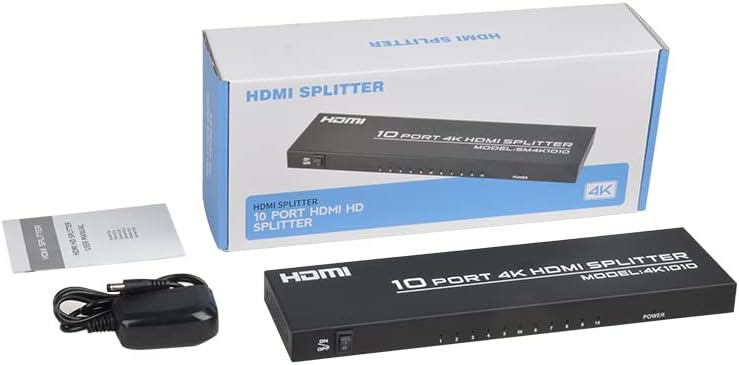
Image: The KAGO 4K HDMI Splitter, its power adapter, and the instruction manual are shown alongside the product packaging.
4. Το προϊόν τελείωσεview
The KAGO 4K HDMI Splitter 1 in 10 Out features a robust design with clear labeling for easy connection and operation.
Μπροστινός πίνακας:
- Διακόπτης έναρξης / λήξης: Έλεγχος ισχύος για τη συσκευή.
- Output Indicators (1-10): LEDs that illuminate when an HDMI output is connected and active.
- Ένδειξη ισχύος: LED that illuminates when the device is powered on.
Πίσω Πάνελ:
- ΕΙΣΟΔΟΣ HDMI: Port for connecting your single HDMI source device.
- HDMI OUT 1-10: Ten ports for connecting your HDMI display devices.
- DC 5V: Θύρα εισόδου ρεύματος για τον παρεχόμενο προσαρμογέα ρεύματος.

Εικόνα: Κορυφή view showing the power switch and ten output indicator LEDs. Bottom view showing the HDMI input, ten HDMI output ports, and the DC power input.
5. Οδηγίες εγκατάστασης
Follow these steps to set up your KAGO 4K HDMI Splitter:
- Σύνδεση πηγής HDMI: Connect an HDMI cable from your source device (e.g., PC, laptop, game console, Blu-ray player) to the HDMI IN θύρα στον διαχωριστή.
- Σύνδεση οθονών HDMI: Connect HDMI cables from your display devices (e.g., HDTVs, monitors, projectors) to the HDMI OUT 1-10 ports on the splitter. You can connect up to ten displays.
- Σύνδεση τροφοδοσίας: Plug the included DC 12V/2A power adapter into the DC 5V θύρα στον διαχωριστή και, στη συνέχεια, συνδέστε τον προσαρμογέα σε μια πρίζα.
- Ενεργοποίηση: Flip the ON/OFF switch on the front panel to the 'ON' position. The power indicator and active output indicators will light up.
- Επαλήθευση σύνδεσης: Ensure all connected displays are receiving the signal from your source device.
This device is designed for plug-and-play operation, requiring no additional drivers or software installation.

Image: A visual representation of connecting an HDMI source to the splitter's input and ten HDMI displays to its outputs.
6. Οδηγίες λειτουργίας
The KAGO 4K HDMI Splitter operates automatically once connected and powered on. It duplicates the single HDMI input signal to all connected HDMI outputs.
- Ταυτόχρονη προβολή: All ten connected displays will show the exact same audio and video content from the single HDMI source.
- Υποστήριξη επίλυσης: The splitter supports resolutions up to 4K (3840x2160) at 30Hz, as well as 1080P, 1080i, 720p, 576p, 576i, 480P, and 480i. It also supports 3D images.
- Audio Synchronization: The device ensures audio and video are synchronized, supporting various digital audio formats including DTS-HD, Dolby-trueHD, LPCM 7.1, DTS, Dolby-AC3, and DSD.
- Αρμονία: Compatible with a wide range of HDMI-integrated devices and operating systems, including Windows, MS-DOS, Linux, Android, and Mac OS.

Εικόνα: Μια οπτική απεικόνισηample of ten monitors simultaneously displaying the same content, illustrating the splitter's core function.

Image: Demonstrates support for 4K high-definition and 3D visual effects.
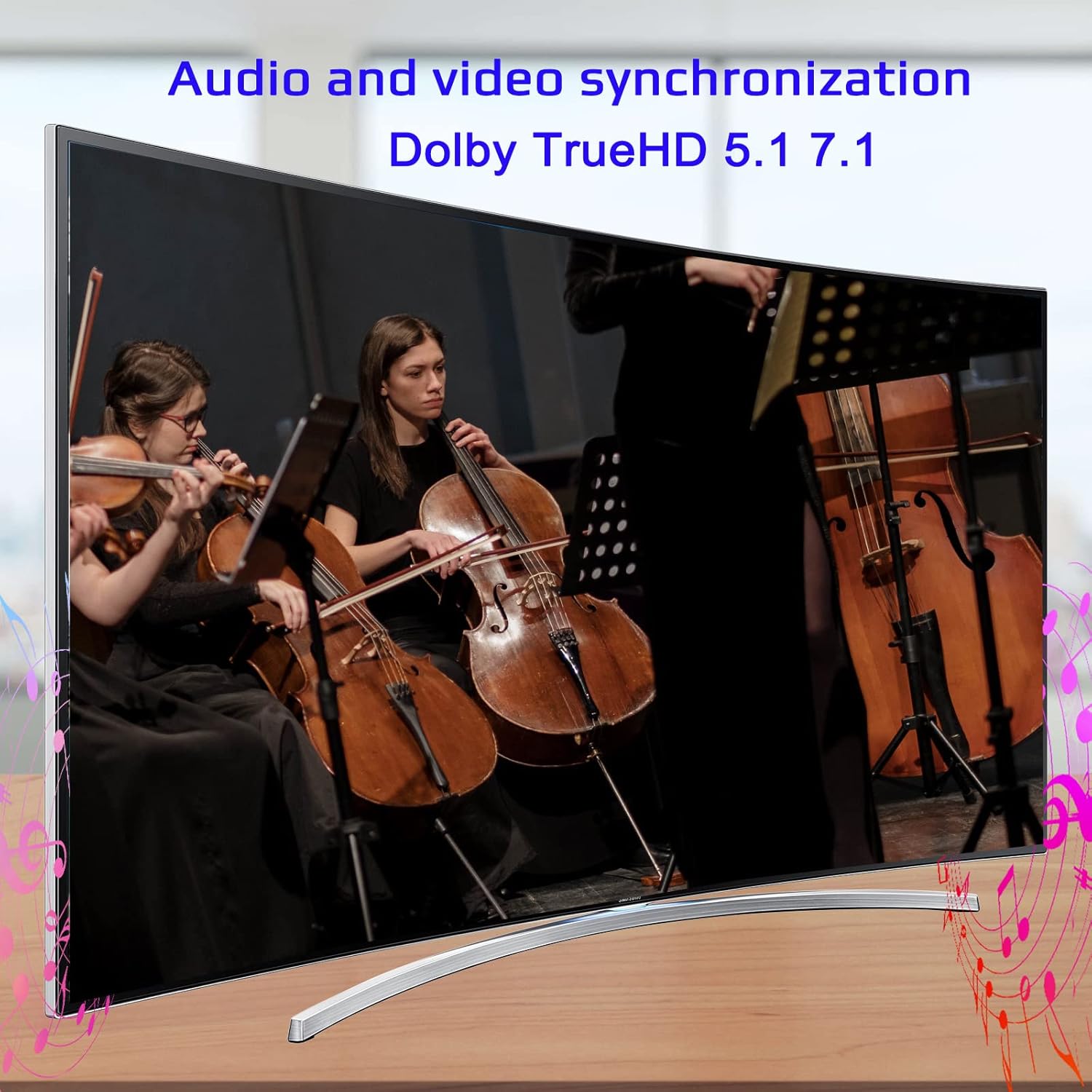
Image: Illustrates the audio and video synchronization capabilities, including Dolby TrueHD 5.1/7.1.
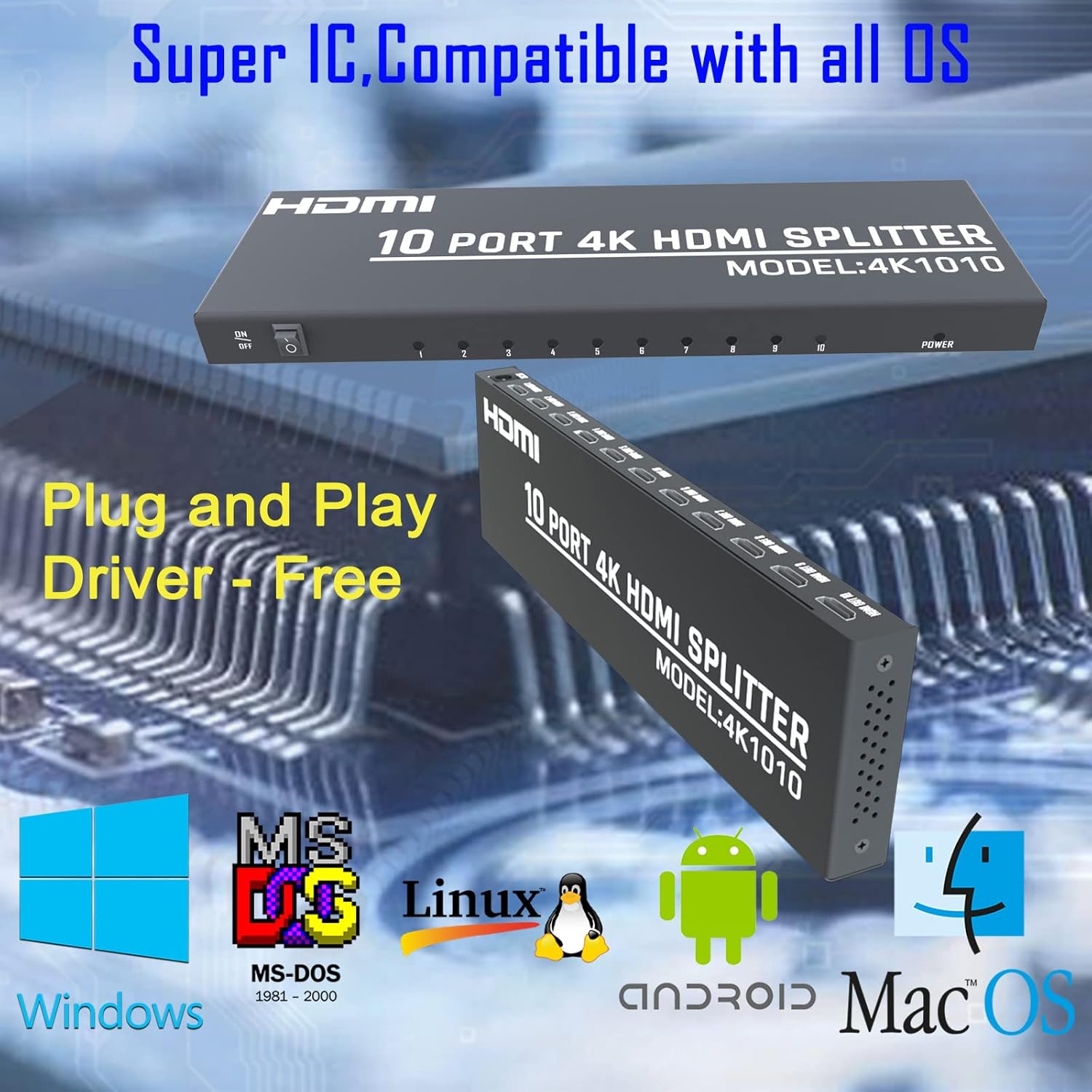
Image: Highlights the splitter's compatibility with various operating systems and its plug-and-play functionality.
7. Αντιμετώπιση Προβλημάτων
If you encounter issues with your KAGO 4K HDMI Splitter, please refer to the following common solutions:
| Πρόβλημα | Πιθανή αιτία | Διάλυμα |
|---|---|---|
| Δεν υπάρχει σήμα στην(στις) οθόνη(ες) | Loose HDMI cables, incorrect input selection on TV, power issue. | Check all HDMI cable connections. Ensure the TV input is set to the correct HDMI port. Verify the splitter is powered on and the power indicator is lit. Try a different HDMI cable. |
| Τρεμοπαίξιμο ή παραμορφωμένη εικόνα | Poor quality/lengthy HDMI cables, resolution incompatibility. | Use high-quality HDMI cables (19+1AWG26 standard recommended). Ensure cable lengths are within recommended limits (input 1-10M, output 1-15M). Try a lower resolution on the source device. |
| Χωρίς ήχο | Audio settings on source/display, faulty HDMI cable. | Check audio settings on your source device and display. Ensure the HDMI cable supports audio transmission. Try a different HDMI cable. |
| Only some outputs work | Faulty output port, issue with specific display/cable. | Test the non-working output with a known good display and cable. Ensure the output indicator LED for that port is lit. |
8. Προδιαγραφές
| Χαρακτηριστικό | Λεπτομέρεια |
|---|---|
| Αριθμός μοντέλου | 4K1010 |
| Διαστάσεις προϊόντος | 11.1 x 3.1 x 1 ίντσες |
| Βάρος αντικειμένου | 1.48 λίρες |
| Τύπος σύνδεσης | HDMI |
| Υποστηριζόμενες αναλύσεις | Up to 4K (3840x2160@30Hz), 1080P, 1080i, 720p, 576p, 576i, 480P, 480i |
| Υποστήριξη 3D | Ναί |
| Digital Audio Formats | DTS-HD/Dolby-trueHD/LPCM7.1/DTS/Dolby-AC3/DSD |
| Εύρος ζώνης | 10.2 Gbps |
| Μετασχηματιστής ρεύματος | Είσοδος: AC (50HZ, 60HZ) 100V-240V; Έξοδος: DC12V/2A |
| Recommended HDMI Cable Length | Input: 1-10M (16ft); Output: 1-15M (48ft) |
| Κατασκευαστής | Siying |
9. Συντήρηση
To ensure the longevity and optimal performance of your KAGO 4K HDMI Splitter, follow these maintenance guidelines:
- Καθάρισμα: Χρησιμοποιήστε ένα μαλακό, στεγνό πανί για να καθαρίσετε το εξωτερικό της συσκευής. Μην χρησιμοποιείτε υγρά καθαριστικά ή αεροζόλ.
- Αερισμός: Ensure the device has adequate ventilation. Do not block the ventilation holes. The design promotes efficient heat dissipation to prevent overheating during extended use.

Image: A visual representation of the splitter's heat dissipation design, indicating it remains cool during operation.
10. Εγγύηση και υποστήριξη
KAGO products are designed for reliability and performance. For warranty information or technical support, please refer to the contact details provided with your purchase or visit the official KAGO webιστότοπο. Παρακαλούμε φυλάξτε την απόδειξη αγοράς για τυχόν αξιώσεις εγγύησης.